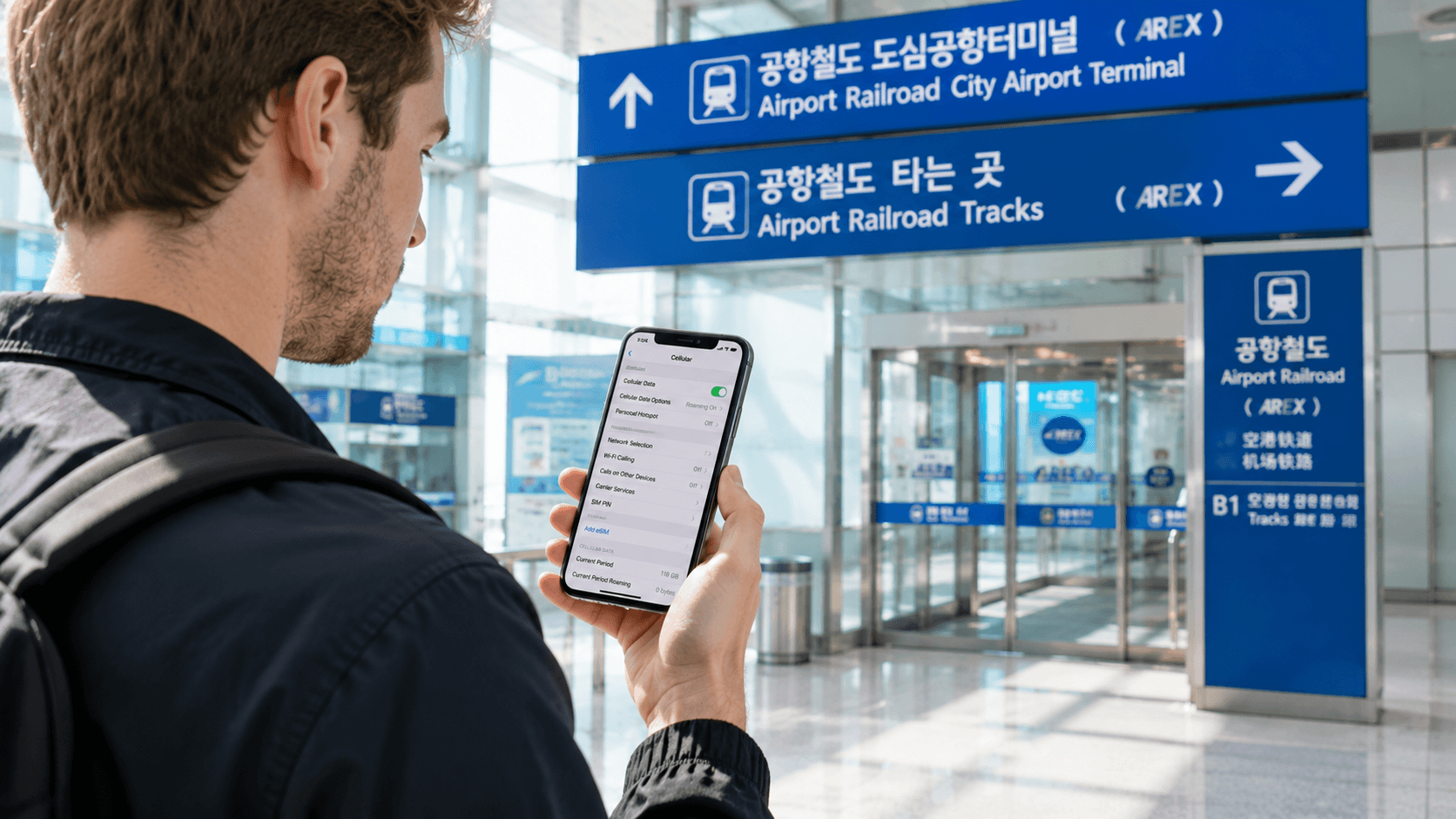
Airalo and Nomad both offer convenient travel eSIMs for South Korea, but Nomad is generally the better-value choice for fixed-data plans. Airalo remains competitive for light users and its 10-day unlimited package. Neither provider should be chosen on price alone: network assignment, throttling rules, identity verification, and whether you need a Korean phone number can matter more.
Prices and conditions below were verified on June 9, 2026. Both companies display Korea plans in USD, so the KRW figures are approximate conversions using USD 1 = KRW 1,512.1, the Seoul market rate reported that afternoon.
Quick answer
| Traveler | Better starting choice | Why |
|---|---|---|
| Light user needing 1–5 GB | Either | Entry-level prices are nearly identical |
| Traveler needing 10–50 GB | Nomad | Lower listed prices for the larger fixed-data packages |
| Heavy user on a 3–7 day visit | Nomad | More short-duration unlimited options |
| Heavy user visiting for 10 days | Airalo or Nomad | Airalo was slightly cheaper, but compare throttling and ID requirements |
| Traveler visiting several Asian countries | Compare regional plans | A Korea-only plan may stop working after departure |
| Traveler needing a Korean number | Neither by default | Most travel eSIM packages are data-only; check the exact plan |
The practical recommendation is straightforward: choose Nomad for most fixed-data trips, especially if you expect to use 10 GB or more. Compare both providers for unlimited service because the word unlimited does not necessarily mean unrestricted high-speed data.
Airalo and Nomad Korea plans compared
Fixed-data prices
The following representative prices were listed on the official Airalo South Korea page and Nomad South Korea page on June 9, 2026.
| Data and validity | Airalo | Nomad | Lower listed price |
|---|---|---|---|
| 1 GB, short stay | About KRW 6,000 for 3 days | About KRW 6,000 for 7 days | Nomad on validity |
| 3 GB, 30 days | About KRW 12,100 | About KRW 12,100 | Tie |
| 5 GB, 30 days | About KRW 16,600 | About KRW 15,100 | Nomad |
| 10 GB, 30 days | About KRW 28,700 | About KRW 27,200 | Nomad |
| 20 GB, 30 days | About KRW 45,400 | About KRW 42,300 | Nomad |
| 50 GB, 30 days | About KRW 74,100 | About KRW 59,000 | Nomad |
Airalo also listed packages with shorter validity, including 3 GB, 5 GB, 10 GB, and 20 GB combinations lasting 7 or 15 days. Check the validity carefully: a cheaper package is not useful if it expires before the end of your trip.
The final amount charged to your card can differ from these KRW estimates because the providers bill in the selected checkout currency. Your bank may apply its own exchange rate or foreign-transaction fee.
Unlimited plans
Nomad listed unlimited plans for 3, 5, 7, and 10 days, while Airalo listed 10- and 30-day unlimited options.
| Validity | Airalo | Nomad |
|---|---|---|
| 3 days | Not listed | About KRW 16,600 |
| 5 days | Not listed | About KRW 27,200 |
| 7 days | Not listed | About KRW 37,800 |
| 10 days | About KRW 48,400 | About KRW 49,900 |
| 30 days | About KRW 93,700 | Not listed as a Korea unlimited package |
Airalo therefore had the slightly lower listed price for 10 days, while Nomad provided more choices for trips shorter than a week.
Do not assume that all unlimited packages have identical performance. Nomad's Korea page explains that some day plans continue at 512 kbps after the daily high-speed allowance is used, with the high-speed allocation resetting every 24 hours. The allowance can depend on the package. Airalo similarly advises customers to read the additional information for unlimited plans because speeds may be reduced after a specified amount of daily use.
Open the individual package details immediately before payment and look for:
- The daily high-speed allowance
- The reduced speed after that allowance
- Whether hotspot use has a separate limit
- Whether 5G is guaranteed or only available where supported
- The exact time at which the daily allowance resets
Network coverage in South Korea
South Korea's three nationwide mobile network operators are SK Telecom, KT, and LG U+. Travel eSIM companies buy access through local or international partners, so the network available to you depends on the specific package rather than the Airalo or Nomad brand alone.
Airalo's fixed-data Korea listing showed KT as the primary network on June 9, 2026, while its unlimited packages showed LG U+. Nomad's page listed combinations of LG U+, SK Telecom, and KT, but the networks available can vary between packages.
This distinction matters when troubleshooting. If automatic network selection fails, the installation instructions may tell you to select a supported operator manually. Do not choose a network merely because its name appears on the provider's general Korea page; use the network list attached to your purchased package.
There is no responsible basis for declaring one provider universally faster. Actual performance depends on the local network, congestion, signal conditions, your phone's supported frequency bands, and whether the plan routes data through another country.
Phone numbers, calls, and text messages
Treat both providers' regular Korea offerings as data-only unless the individual plan explicitly says otherwise.
A data-only eSIM allows you to use KakaoTalk, WhatsApp, Telegram, FaceTime, email, maps, and other internet services. It does not automatically provide a usable Korean mobile number for conventional calls or SMS.
This can be important in Korea because some restaurant bookings, delivery services, waiting-list systems, and online verification processes request a local number. Even when an eSIM displays a number in your phone's settings, it may be an internal or non-functional number rather than one that can receive calls and authentication messages.
Nomad's phone-number guidance states that most of its eSIMs are data-only. Airalo categorizes its current Korea packages under data, but package contents can change. Check the calls and texts fields before checkout.
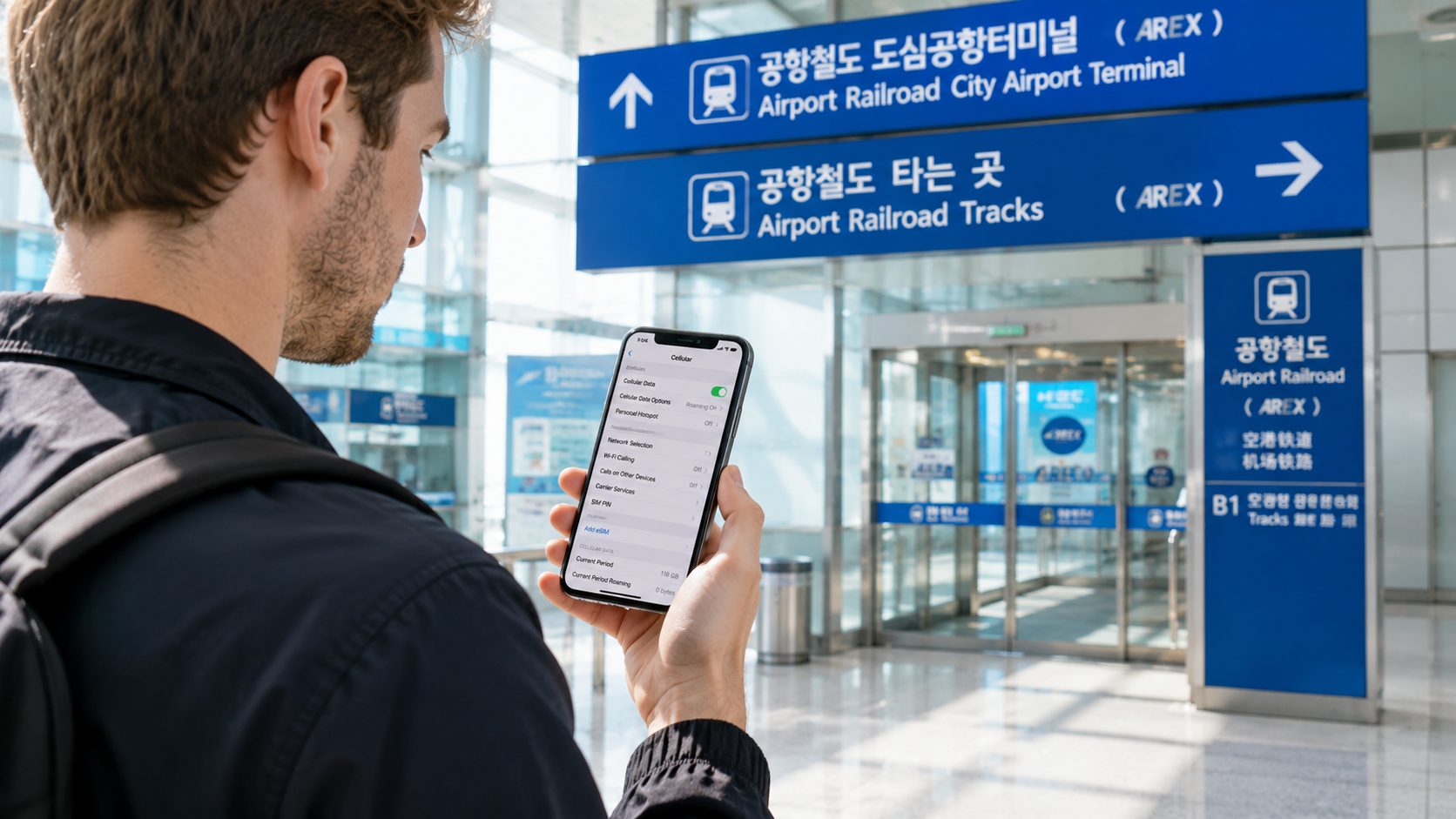
Keep your home SIM enabled if you need to receive bank or account verification messages, provided your carrier supports roaming and you understand its charges. Set the travel eSIM as the mobile-data line and disable cellular-data switching to reduce the risk of accidental roaming.
If a usable Korean number is essential, compare tourist eSIMs sold directly by Korean mobile operators. Confirm whether the number supports incoming SMS, outgoing calls, identity verification, and reservations; these are separate capabilities.
Installation and activation
Both services let you install an eSIM before departure, which is preferable to downloading it after landing with limited airport Wi-Fi.
Before flying
- Confirm that your phone supports eSIM.
- Check that it is carrier-unlocked.
- Buy the package over a stable internet connection.
- Install the eSIM using the app, QR code, or manual details.
- Label it clearly, such as Korea Airalo or Korea Nomad.
- Save screenshots of the installation instructions, APN, and supported networks.
- Leave your home SIM selected for data until you arrive.
After landing in Korea
- Open your cellular or SIM settings.
- Turn on the Korea eSIM.
- Select it for mobile data.
- Enable data roaming for the travel eSIM. This is normally required because the package operates through a roaming profile.
- Turn off cellular-data switching.
- Wait several minutes, then toggle airplane mode if it does not connect.
- Test the connection with airport Wi-Fi switched off.
For most Airalo packages, validity begins when the eSIM first connects to a supported network, although Airalo warns that some packages start upon installation. Its validity explanation tells buyers to check the policy for the individual eSIM.
Nomad states that its Korea eSIM normally starts when it connects to a destination network. However, it must generally be activated within 60 days of purchase or it may activate automatically and begin expiring. See Nomad's activation guidance and the instructions supplied with your package.
A sensible purchase window is one or two weeks before departure, rather than several months in advance.
Hotspot and tethering
Both companies say their eSIMs support hotspot or tethering, subject to the device, network, and package conditions. Airalo provides separate personal-hotspot instructions, while Nomad confirms hotspot support on its Korea product page.
Hotspot use can consume data quickly. A laptop performing cloud synchronization or operating-system updates may use several gigabytes without an obvious warning. Before tethering:
- Pause cloud photo and file backups
- Disable automatic software updates
- Set the connection as metered where possible
- Check whether an unlimited plan limits hotspot data
- Monitor usage in both the provider app and phone settings
Airalo identity verification
Airalo's 10-day LG U+ unlimited listing indicated that a valid ID was required for identity verification on June 9, 2026. This electronic Know Your Customer process may require a passport and other personal information before purchase.
Airalo explains the process in its identity-verification guide. Complete it before travel rather than at the airport, where poor lighting, document-upload problems, or verification delays could leave you without service.
The requirement appeared package-specific, so do not assume every Airalo Korea plan requires identification. Nomad's checkout requirements should also be reviewed before payment.
Which service suits your trip?
Choose Nomad when
- You need 10–50 GB and price is the main consideration.
- You want unlimited data for a 3-, 5-, or 7-day visit.
- You prefer a 1 GB plan that remains valid for seven days rather than three.
- The selected package lists a network suitable for your itinerary.
Choose Airalo when
- You want its 10-day unlimited package and accept any applicable identity check.
- You already use Airalo and value keeping packages and rewards in one account.
- An Airalo package has a validity period that fits your trip more precisely.
- You prefer the network listed for the selected Airalo package.
Consider a Korean carrier instead when
- You need a functional Korean phone number.
- You need conventional voice calls or incoming SMS.
- You will use very large amounts of data for remote work or video.
- You want direct support from the local network operator.
Common mistakes to avoid
Buying by the word unlimited alone: Read the daily high-speed allowance and reduced-speed policy.
Installing without checking activation rules: Some eSIMs begin validity upon network connection, while others may start at installation or after an activation deadline.
Deleting an eSIM during troubleshooting: A deleted profile may not be reinstallable. Restart the phone, check roaming, verify the APN, and contact support first.
Leaving data switching enabled: Your phone may use the home SIM when the eSIM signal drops, creating roaming charges.
Expecting a Korean number: Data connectivity does not equal local calling or SMS capability.
Buying insufficient validity: A 7-day package activated on arrival will not cover an eight-day visit, even if data remains.
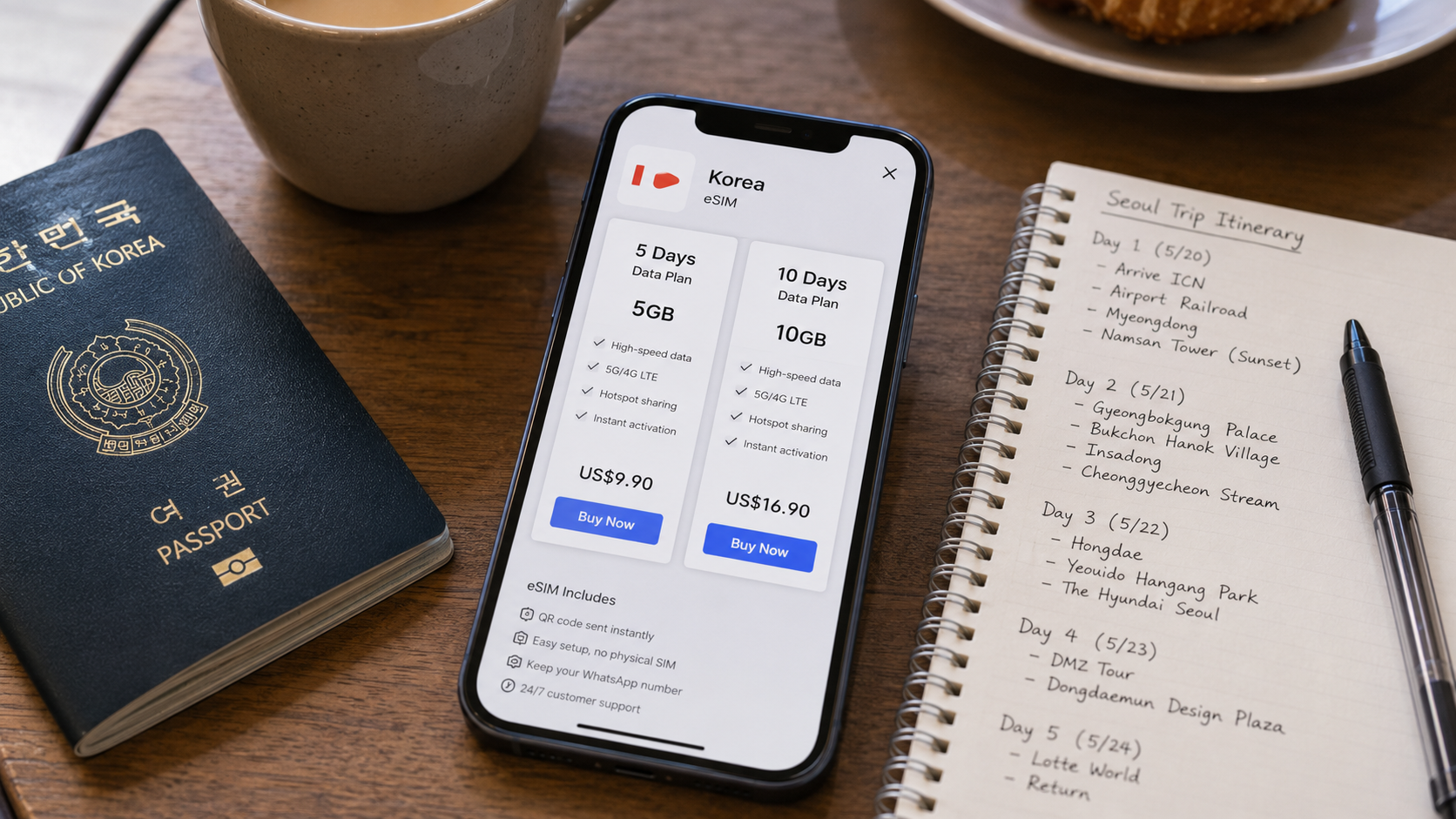
What to check before you go
- Is the phone carrier-unlocked?
- Does the exact model support eSIM and dual-SIM use?
- Does validity cover every day in Korea?
- When does the package activate?
- Which Korean networks are supported?
- Is the package data-only?
- Is passport verification required?
- What happens after the daily high-speed allowance?
- Is hotspot use included or restricted?
- Can the package be topped up without installing another eSIM?
- Have you saved the QR code, APN, and support instructions offline?
FAQ
Is Airalo or Nomad cheaper for Korea?
Nomad was cheaper for most medium and large fixed-data packages verified on June 9, 2026. Entry-level prices were similar, while Airalo's 10-day unlimited package was slightly cheaper than Nomad's equivalent.
Will either eSIM work immediately at Incheon Airport?
It should connect after you turn on the installed eSIM, select it for mobile data, and enable data roaming. Installation in advance is strongly recommended. Connection is not guaranteed instantly, so keep the airport Wi-Fi details available while troubleshooting.
Can I use KakaoTalk with a data-only eSIM?
Yes, an existing KakaoTalk account can use mobile data. Creating accounts, changing numbers, or using services that require SMS verification may be more complicated without access to your regular number.
Is 5 GB enough for one week in Korea?
It is usually a reasonable allowance for maps, translation, messaging, browsing, and moderate social-media use. Frequent video streaming, video calls, cloud backups, or laptop tethering can exhaust it quickly. This is a practical estimate, not a provider guarantee.
Can I keep my regular SIM active?
Yes, on a compatible dual-SIM phone. Use the Korea eSIM for data and review your home carrier's roaming charges before leaving its line enabled for calls or SMS.
Next step
Open the current Korea pages for both providers shortly before purchase. Match the package to your trip length and expected data use, then read the network, throttling, activation, hotspot, and phone-number fields in the checkout details. For most travelers needing 10 GB or more, Nomad is the stronger starting point; for a 10-day unlimited package, compare both immediately before paying.