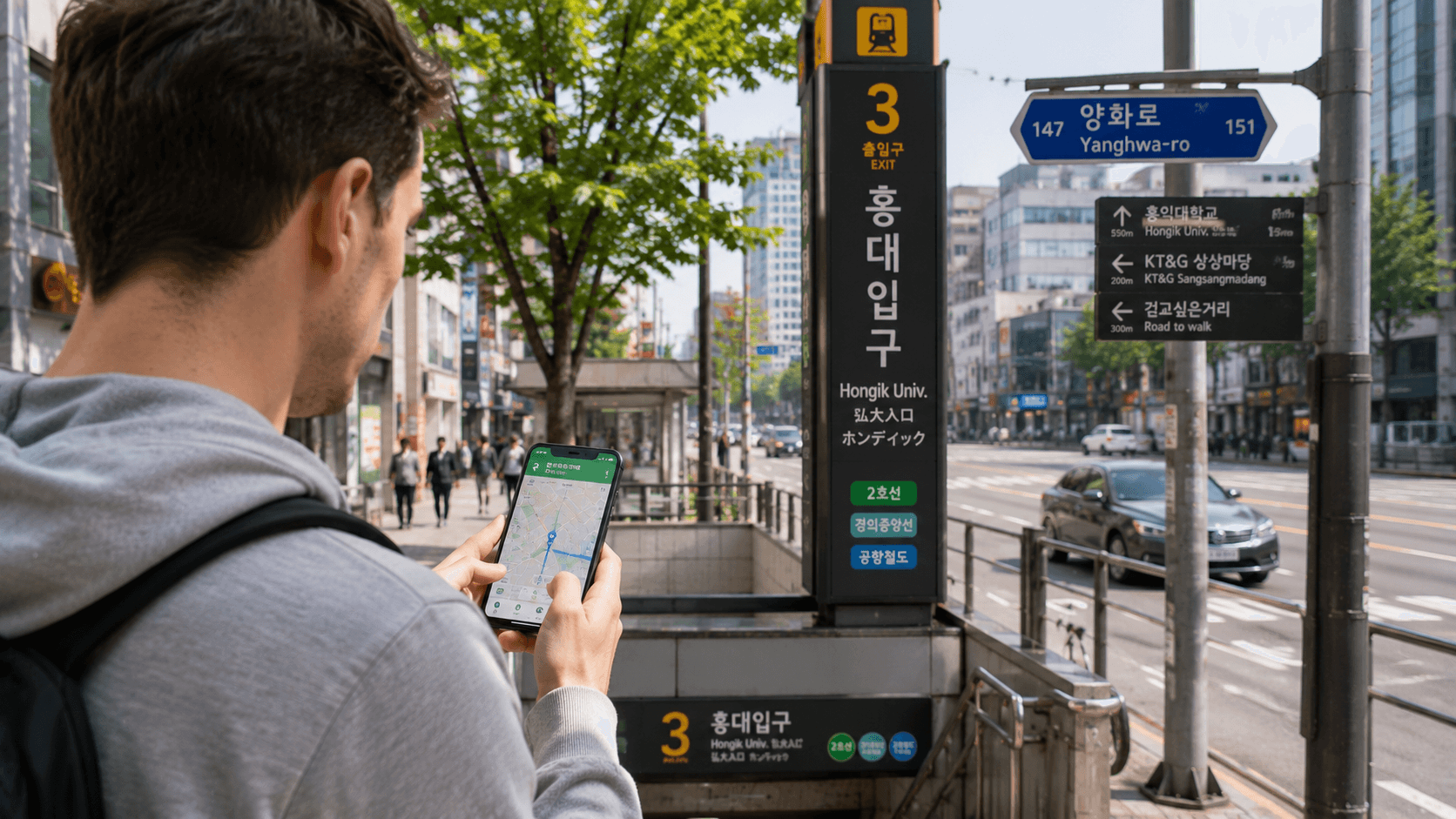
South Korea is easier to navigate when you use the same digital tools that local transport operators, businesses, and residents use. For most visitors, the essential combination is NAVER Map for directions, Kakao T for taxis, Papago for translation, KakaoTalk for communication, and KorailTalk for intercity trains.
App functions and official store listings in this guide were verified on June 10, 2026. Interfaces, payment methods, account requirements, and supported operating systems can change, so check the current listing before your trip.
At a glance
| App | Main use | Priority | Important limitation |
|---|---|---|---|
| NAVER Map | Walking, public transport, driving, and place searches | Essential | English place searches do not always find small businesses |
| Kakao T | Calling taxis | Essential for taxi users | Payment and vehicle options vary by account and location |
| Papago | Korean translation by text, image, or voice | Essential | Machine translation can misinterpret context |
| KakaoTalk | Messaging businesses, hosts, schools, and local contacts | Useful | Registration may require phone verification |
| KorailTalk | Booking KORAIL trains, including KTX | Useful for intercity trips | The English booking flow may offer fewer options than the Korean interface |
| VISITKOREA | Official tourism information and travel basics | Useful | Better for research than minute-by-minute navigation |
| Emergency Ready App | Finding shelters and emergency facilities | Recommended | A new and an old version may appear in app stores |
| Tmoney GO | Buses, taxis, shared bikes, and other mobility services | Mainly for residents | The service is more practical for users comfortable with Korean systems |
| Coupang Eats | Food and grocery delivery | Mainly for longer stays | Do not depend on it until registration and payment work on your account |
1. NAVER Map: the first app to install
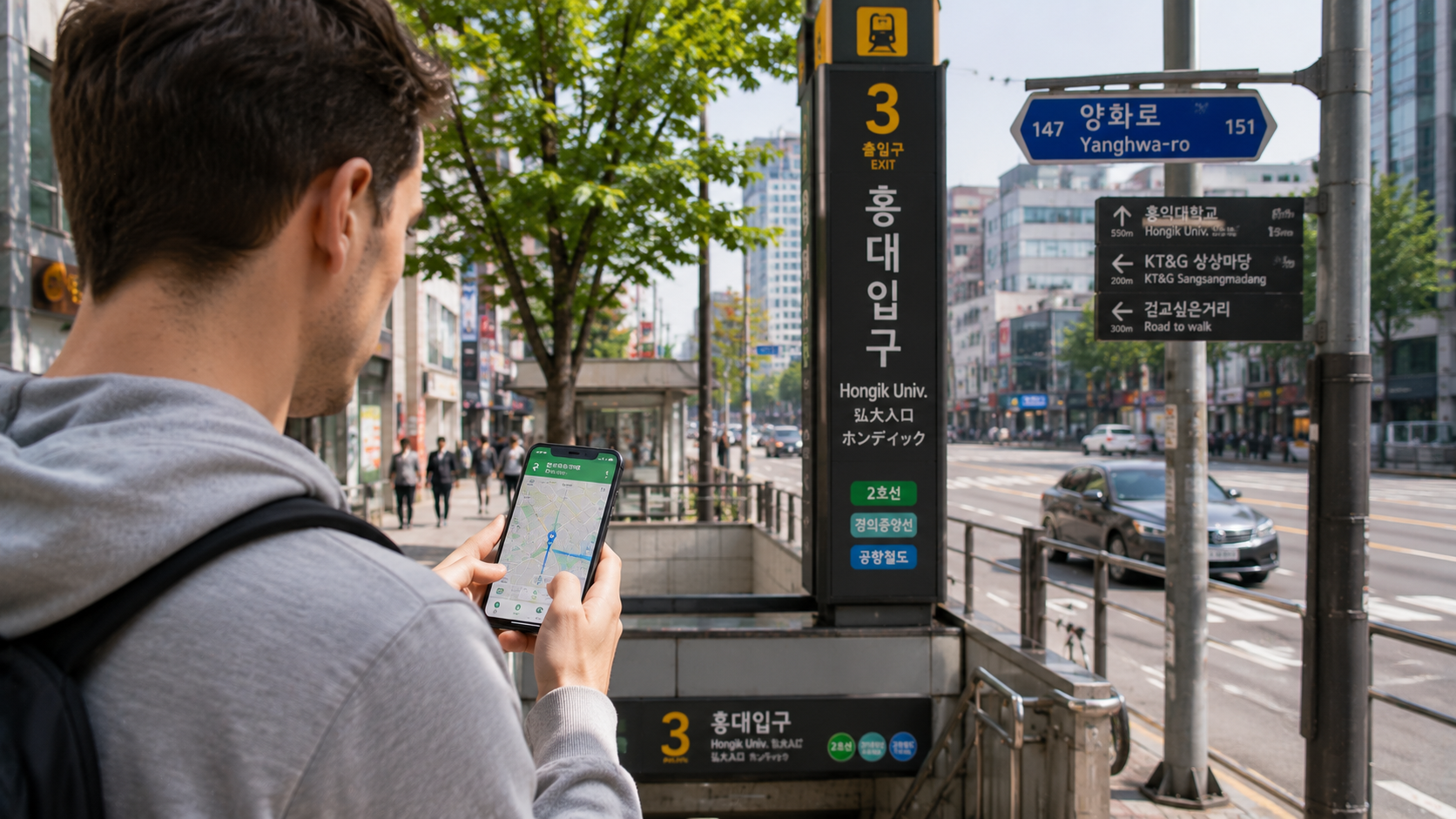
NAVER Map is the most practical starting point for finding routes and places in Korea. Its official listing confirms support for public transport directions, real-time departure and arrival information, walking routes, driving navigation, street views, bookmarks, and maps in Korean, English, Japanese, and Chinese. English driving guidance is also available.
Use it for:
- Subway and bus journeys
- Walking directions from stations
- Checking the correct station exit
- Finding restaurants, cafés, attractions, pharmacies, and accommodation
- Saving places before your trip
- Estimating travel time between neighborhoods
How to get better search results
English searches can fail when a business has several romanized names. If you cannot find a place, copy its Korean name or road address from the venue's official page and paste it into NAVER Map. Saving the Korean name is also useful when showing the destination to a taxi driver.
For accommodation, confirm that the map pin matches the full address in your reservation. Hotels with similar English names may be in different neighborhoods or even different cities.
Use Google Maps as a secondary reference for existing saved lists or international reviews if you prefer, but check the actual Korean route and destination pin in NAVER Map before leaving.
2. Kakao T: the main taxi-hailing app
Kakao T, operated by Kakao Mobility, allows users to request taxis across Korea. Its official listing also includes services such as bicycle hire, parking, rental cars, and selected train, bus, and flight functions, although visitors will usually need only the taxi feature.
Before requesting a taxi
- Set the pickup pin on the correct side of the road.
- Enter the destination and check that the Korean address matches your intended location.
- Review the vehicle category, estimated fare, payment method, and any cancellation conditions displayed in the app.
- After a driver accepts, check the vehicle number before entering.
- Keep your destination's Korean name or address available in case clarification is needed.
Large stations, airports, and shopping complexes often have designated taxi stands or pickup zones. A driver may be unable to stop at the pin if it is beside a bus lane, restricted road, or busy intersection.
Account, card, and payment options can differ according to the user's phone number, app version, and service selected. Complete registration before the day you need an early-morning or airport taxi, and carry another accepted payment method as a backup.
3. Papago: translation designed for Korean situations
Naver Papago supports text, image, voice, conversation, handwriting, website, and offline translation. As verified on June 10, 2026, its official listing includes Korean and 13 other languages.
The image function is particularly useful for:
- Restaurant menus
- Washing-machine controls
- Building notices
- Ticket machines
- Product labels
- Delivery instructions
Download the required offline language data before departure. Offline translation is useful in underground stations, buildings with weak reception, and immediately after landing before your SIM or eSIM is active.
Translation apps should not be treated as authoritative for medical instructions, contracts, visa matters, allergies, or financial documents. For important communication, show the original Korean text to a qualified person or contact the relevant official organization.
A short, literal sentence usually translates more reliably than a long paragraph. For example, translate “Does this contain peanuts?” rather than adding several explanations in the same message.
4. KakaoTalk: useful for communication in Korea
KakaoTalk is a messaging app offering individual and group chats, voice and video calls, file sharing, QR scanning, and open chat communities. Visitors may be asked to use it by guesthouse hosts, tour operators, university groups, language schools, or local contacts.
Install it before departure if you already know that a host, school, or service will contact you there. Registration and device authentication may involve SMS or phone-number verification, which is easier to resolve while your usual number is still active.
Use normal caution with public Open Chat rooms. Do not send passport images, bank details, verification codes, or accommodation access codes to unknown users.
KakaoTalk is helpful, but it is not mandatory for an ordinary short holiday. You can skip it if all your reservations and contacts use email or another agreed messaging service.
5. KorailTalk: official booking for KTX and other KORAIL trains
KorailTalk is the official application from Korea Railroad Corporation. Its listing confirms ticket reservations in English, Chinese, and Japanese.
Use it for KORAIL-operated services such as KTX high-speed trains and other eligible intercity trains. Search by station, not simply by city: Seoul has several major rail stations, and trains for the same broad region may depart from different terminals.
Booking checklist
- Confirm the departure station and city.
- Check the departure date carefully, especially around midnight.
- Enter passenger names consistently with your travel identification.
- Complete payment within the period shown.
- Save the ticket where you can retrieve it without relying on station Wi-Fi.
- Recheck the train number and platform information at the station.
KorailTalk is not the booking app for every train in Korea. SRT is a separate high-speed rail operator, so confirm which operator runs the journey before attempting to buy a ticket.
If the app's English payment process does not complete, use the official KORAIL website or ask at a staffed station counter. Do not purchase from an unofficial page that imitates the operator's branding.
6. VISITKOREA: official destination and travel information
The Korea Tourism Organization's VISITKOREA app includes information about attractions, food, accommodation, shopping, festivals, public transport, emergency contacts, entry basics, and suggested itineraries. Its official listing was last updated in March 2026 when checked for this guide.
This app is most useful for planning and checking official visitor information. Use it to identify attractions and practical resources, then verify live routing in NAVER Map and current admission or reservation conditions on the attraction's own official website.
Festival dates, opening hours, ticket prices, and seasonal closures can change. Treat an app listing as a starting point rather than confirmation that a venue will be open when you arrive.
7. Emergency Ready App: safety information on your phone
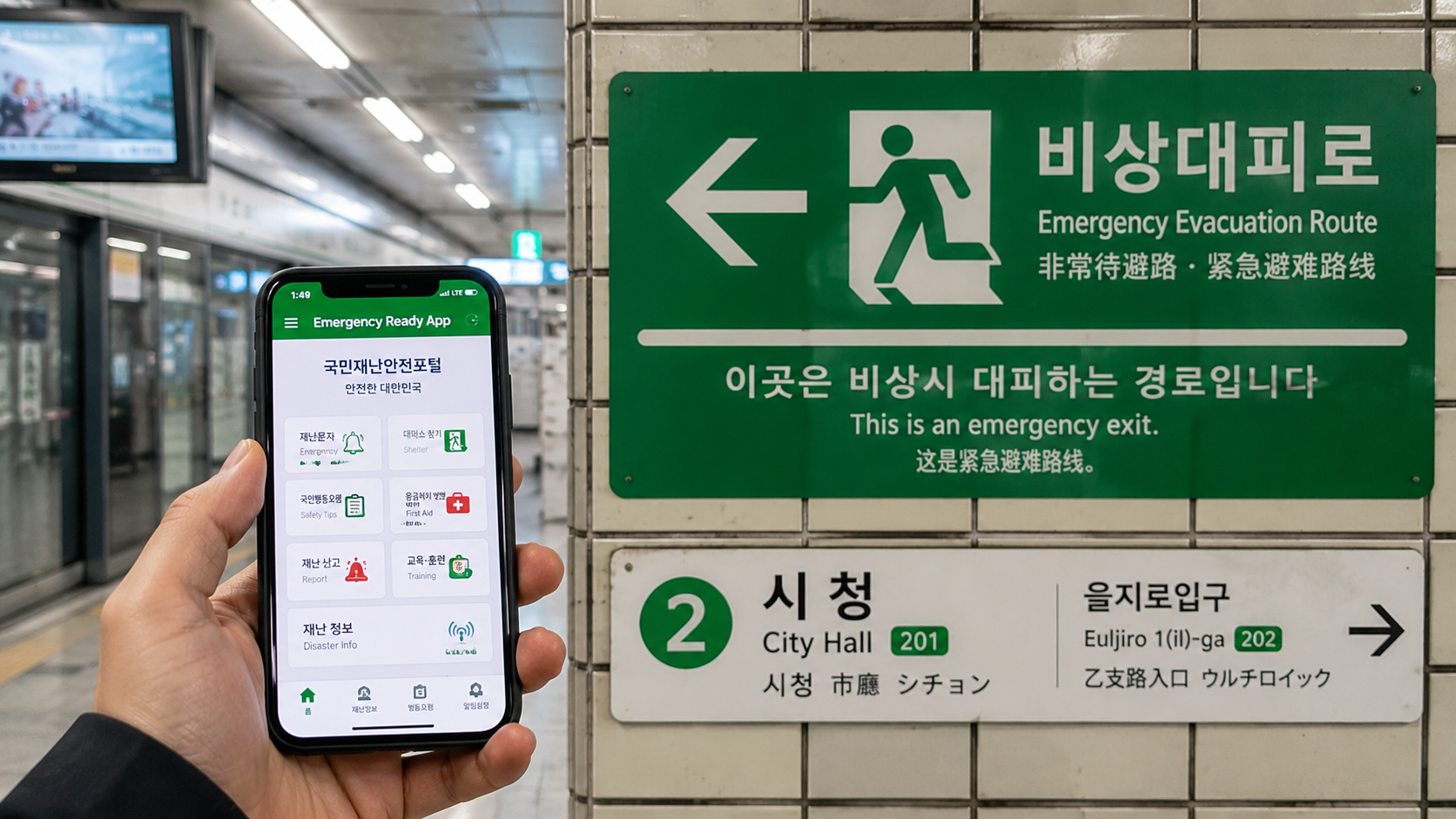
The Ministry of the Interior and Safety's new Emergency Ready App provides searches for shelters, emergency medical centers, fire stations, and police stations. It also includes basic first-aid and safety guidance and a direct 119 emergency-call function.
As of June 10, 2026, app-store searches may show both Emergency Ready App and (Old) Emergency Ready App. Choose the listing without “Old” in its title and confirm that the developer is 행정안전부, the Ministry of the Interior and Safety.
Install the app before an emergency and allow location access only to the extent needed for nearby searches. Also keep your accommodation's Korean address in a screenshot or note that remains available if mobile data fails.
Apps more useful for residents and longer stays
Tmoney GO
Tmoney GO combines multiple mobility services. Its official description includes express and intercity buses, airport buses, taxis, SRT reservations, shared bicycles, scooters, rental cars, domestic flights, and selected ferry services.
Despite the English store description, parts of the service may be difficult for short-term visitors unfamiliar with Korean registration and payment systems. It is most useful to exchange students and residents who need long-distance bus bookings, Seoul Bike access, or several local mobility services in one account.
Do not confuse Tmoney GO with a physical Tmoney transport card. Installing the app does not automatically give every visitor a usable subway or bus payment method. Confirm your fare-payment setup separately.
Coupang Eats
Coupang Eats offers restaurant, convenience-store, and grocery delivery, pickup ordering, and real-time delivery tracking. Availability, minimum orders, delivery charges, discounts, and operating hours depend on the merchant and the conditions displayed at checkout.
Delivery apps require a precise Korean address, including building and unit details where applicable. They may also require account and payment information that a short-term visitor cannot immediately provide. For that reason, do not plan your first meal after arrival around an untested delivery account.
Set up your apps before flying
Allow about 30 minutes for preparation:
- Install NAVER Map, Kakao T, and Papago.
- Add KakaoTalk and KorailTalk if your itinerary requires them.
- Confirm each developer name to avoid imitation apps.
- Create any required accounts while you can still receive SMS messages.
- Download Papago's offline translation data.
- Save your hotel, airport terminal, main stations, and first-day destinations in NAVER Map.
- Store each destination's Korean name and address.
- Test whether your payment card can be registered where required.
- Take screenshots of bookings, addresses, and arrival instructions.
- Keep important information outside the apps in case your account, battery, or data connection fails.
Common mistakes to avoid
Searching only in English: Try the Korean business name or road address when a map search fails.
Choosing the wrong station: “Seoul,” “Yongsan,” “Suseo,” and “Gwangmyeong” are different rail stations serving different routes and operators.
Placing a taxi pin across a divided road: Moving the pin a short distance can prevent a long detour or failed pickup.
Assuming every app accepts every foreign card: Confirm the payment method before relying on an app for a time-sensitive journey.
Depending entirely on mobile data: Save offline translations, screenshots, and Korean addresses.
Using machine translation for critical decisions: Ask an official authority or qualified professional when immigration, health, legal, or financial consequences are involved.
What to check before you go
- Your phone can receive verification messages or use your Korean SIM as planned.
- Location permission is enabled for navigation and taxi apps.
- Your hotel pin matches the full reservation address.
- Your airport terminal and transfer route are saved.
- Train tickets show the correct operator, station, date, and time.
- Important reservations are available offline.
- Your power bank complies with your airline's current cabin-baggage rules.
- App payment methods have been tested, with a backup available.
- You have installed the current Emergency Ready App rather than the old version.
FAQ
Can I travel in Korea using only Google Maps?
It is sensible to install a Korean map app even if you normally use Google Maps. NAVER Map's current official listing explicitly supports Korean public transport routes, real-time information, local place searches, and English-language maps and navigation.
Do I need a Korean phone number for these apps?
Basic map and translation functions can generally be used without a Korean number, but registration, authentication, booking, payment, or delivery functions may require additional verification. Requirements can differ by app and account.
Does a transport app replace a Tmoney card?
Not automatically. Route-planning and mobility apps are separate from the fare medium used to tap into buses and subways. Confirm how you will pay public transport fares before your first journey.
Which three apps should a first-time visitor install?
Start with NAVER Map, Papago, and Kakao T. Add KorailTalk for intercity rail, KakaoTalk when a local contact uses it, and the Emergency Ready App for safety information.
Sources
- Official NAVER Map app listing
- Official Kakao T app listing
- Official Naver Papago app listing
- Official KakaoTalk app listing
- Official KorailTalk app listing
- Korea Tourism Organization's VISITKOREA app listing
- Ministry of the Interior and Safety's Emergency Ready App listing
- Official Tmoney GO app listing
- Official Coupang Eats app listing
Your practical next step is to install the first three essential apps, save your accommodation in Korean, and test one route from your arrival airport before departure.