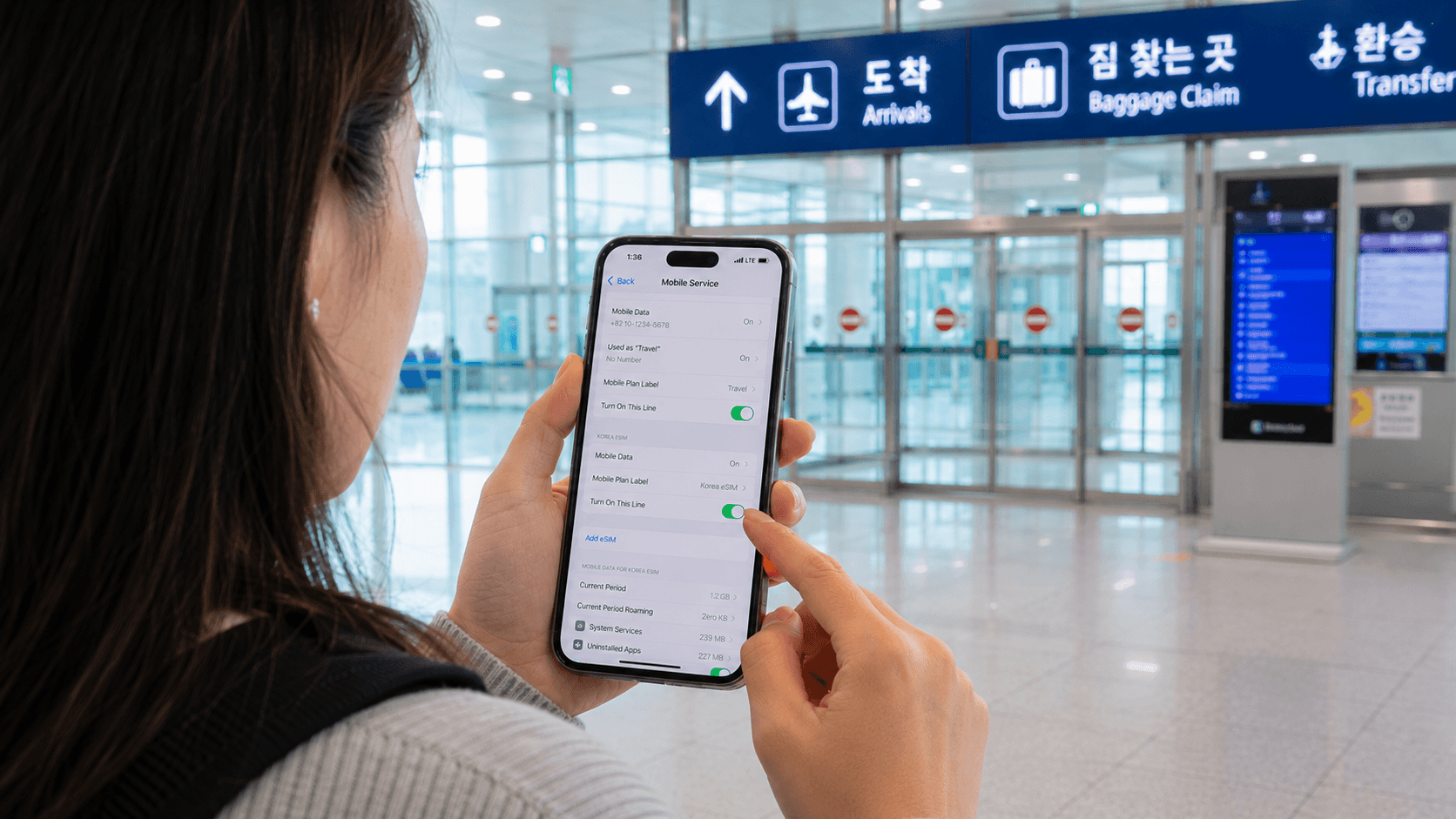
For most tourists, the best internet option in South Korea is an eSIM purchased before departure. It requires no airport pickup, keeps your physical SIM slot free, and can provide data as soon as you land. Choose a physical tourist SIM if your phone does not support eSIM or you need a Korean number for calls and text messages. Pocket Wi-Fi is mainly useful for families or groups sharing one connection.
Prices and service conditions in this guide were verified on June 9, 2026. Telecom plans, airport counter hours, discounts, and device compatibility rules can change, so check the linked provider page before paying.
Quick answer
| Traveler | Most practical option | Main limitation |
|---|---|---|
| Solo traveler with an unlocked eSIM phone | eSIM | Some plans are data-only |
| Visitor who needs calls or text messages | Voice-enabled eSIM or physical SIM | A tourist number may not support formal identity verification |
| Family or group staying together | Pocket Wi-Fi | Everyone must remain near the router |
| Traveler with a carrier-locked phone | Home-carrier roaming or pocket Wi-Fi | Roaming can be expensive |
| Short stopover | Roaming, a one-day eSIM, or airport Wi-Fi | Buying a local plan may not save much |
| Exchange student or long-term resident | Temporary tourist SIM first, then a resident plan | Tourist plans are not substitutes for resident mobile service |
Option 1: eSIM — the easiest choice for most visitors
An eSIM is a downloadable mobile profile. You receive a QR code or installation instructions and add the plan through your phone's cellular settings. There is no plastic card to collect or lose.
This is usually the most convenient choice when you:
- Have an unlocked, eSIM-compatible phone
- Mainly need maps, messaging, translation, browsing, and app-based calls
- Want internet immediately after landing
- Want to keep your home SIM installed for incoming messages
Official Korean carriers sell tourist eSIMs directly. As one current price reference, LG U+ lists its data eSIM at KRW 6,500 for one day, KRW 12,000 for two days, KRW 18,000 for three days, and KRW 27,500 for five days, as verified on June 9, 2026. KT's tourist eSIM information lists similar duration-based products, including data-only and data-plus-voice options.
Do not compare plans by the word unlimited alone. Check whether the carrier provides full-speed data throughout the validity period or reduces the speed after a daily allowance. A throttled connection may still be adequate for navigation and messaging but less suitable for large uploads, tethering, or high-resolution video.
Check compatibility before buying
Complete these checks before payment:
- Confirm that your phone is carrier-unlocked. An eSIM-capable phone can still reject another carrier's plan if it is locked to your home network.
- Dial
*#06#and look for an EID, or check the device's SIM settings. An EID generally indicates eSIM capability. - Check the Korean provider's own supported-device rules. Compatibility can vary by model, sales region, and carrier. For example, LG U+'s current page specifically says its tourist eSIM may not work with certain devices, including Google Pixel and OPPO models.
- Confirm whether the plan includes only data, incoming calls and texts, or full outgoing voice and SMS service.
- Read the activation and refund rules. Providers commonly restrict refunds after installation or payment, and a deleted eSIM may not be reissued.
Install it without triggering roaming charges
Install the eSIM while you have reliable Wi-Fi, but follow the provider's instructions about when to activate it. After arrival:
- Turn on the Korean eSIM line.
- Select it as the phone's cellular-data line.
- Enable data roaming for that eSIM if the provider instructs you to do so.
- Keep data roaming disabled on your home SIM.
- Turn off cellular-data switching so the phone does not silently use your home plan.
You can usually leave your home SIM active for incoming texts, but your home carrier may charge for calls, sent messages, voicemail, or roaming activity. Check its rules before departure.
Option 2: Physical tourist SIM — useful for compatibility and phone numbers
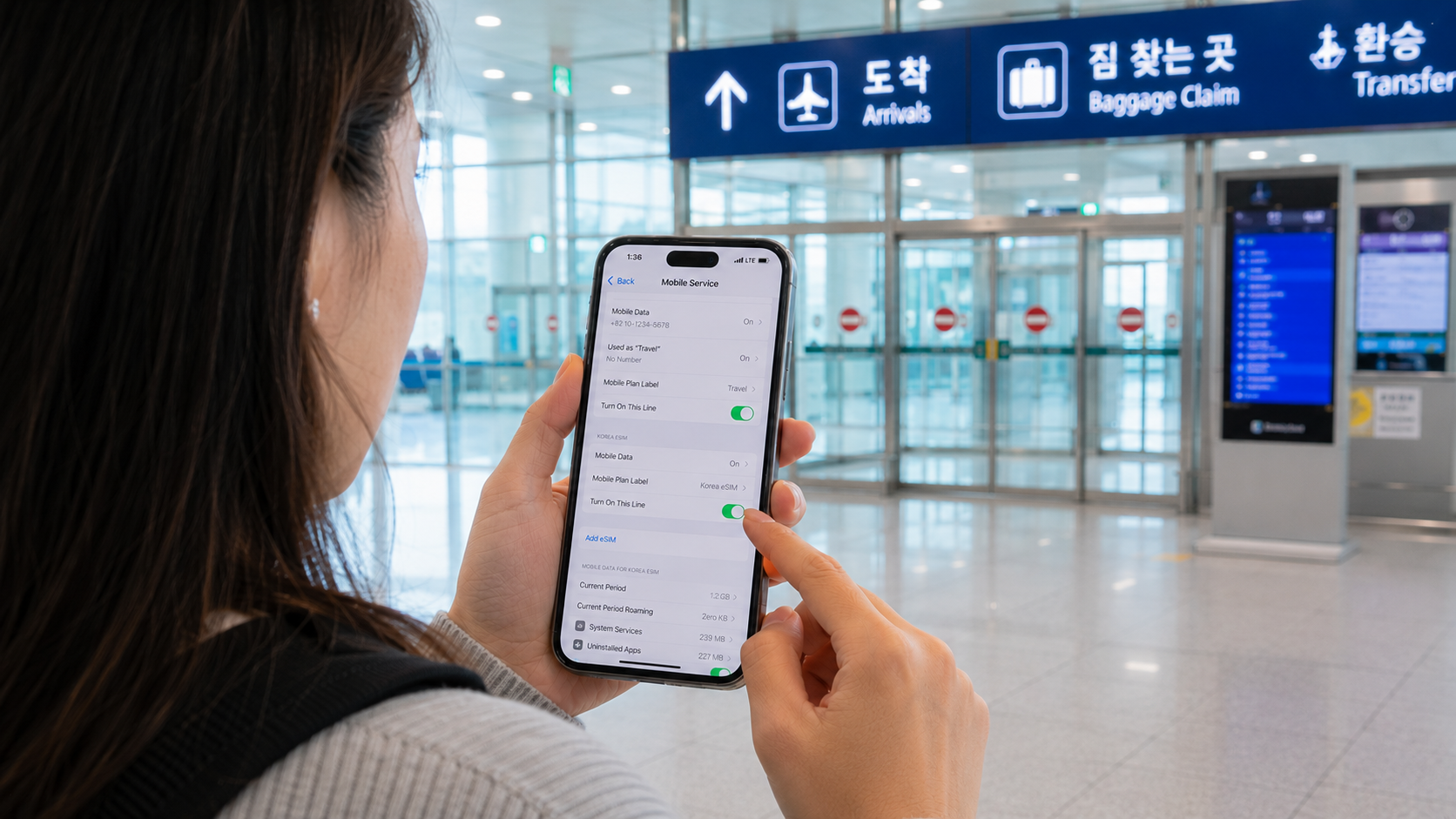
A physical prepaid SIM is the safer choice if your phone lacks eSIM support. Airport carrier counters can normally insert the card, activate it, and check that data works before you leave.
Physical tourist SIMs are available in data-only and voice-enabled versions. LG U+'s official tourist SIM page, for example, lists airport pickup at Incheon, Gimpo, and Gimhae airports. Its displayed data-plan prices started at KRW 6,500 for one day when verified on June 9, 2026.
Bring your passport. Passport registration is generally required for a tourist SIM, and the number of cards available to one passport holder may be limited.
Do you need a Korean phone number?
A local 010 mobile number can help with:
- Receiving calls from a hotel, tour operator, or restaurant
- Receiving ordinary SMS messages
- Making domestic calls when the plan includes outgoing voice credit
- Entering a contact number on some reservation forms
However, a Korean number does not automatically provide Korean identity verification. LG U+ states that its voice-enabled tourist products can receive SMS codes for some restaurant and taxi services, but cannot be used for banking or government identity verification. KT similarly warns that its short-term visitor SIM products do not support personal identity authentication.
Even ordinary app registration may depend on the individual service's rules. Do not buy a tourist SIM solely because you expect it to unlock every Korean delivery, payment, taxi, or reservation app.
A practical warning about your original SIM
Store your home SIM securely after removing it. Avoid putting the loose card in a pocket or wallet slot where it can fall out. A small SIM case or the carrier's original card holder is more reliable.
Option 3: Pocket Wi-Fi — best for a group that stays together
Pocket Wi-Fi, also called portable Wi-Fi or a Wi-Fi egg, is a rechargeable router connected to a Korean mobile network. Phones, tablets, and laptops connect to it as they would to any other Wi-Fi network.
It can be good value when:
- Two or more people remain together most of the day
- You need to connect several devices
- One or more phones are carrier-locked
- You want to avoid changing phone SIM settings
As verified on June 9, 2026, LG U+ lists pocket Wi-Fi at KRW 4,400 per 24 hours. Its device can connect up to 10 devices, although performance may decline as more users stream or download data. The listed plan provides 4GB of daily high-speed data followed by service at up to 5Mbps.
The low daily price comes with practical costs. Someone must carry and charge the router, and all users lose internet if that person walks away. You must also collect and return the equipment at an approved counter.
For LG U+ rentals, a passport and credit or debit card are required. The provider says a matching-name credit card receives a temporary KRW 1,111 authorization without an actual charge, while a debit-card rental requires a KRW 70,000 deposit, refundable after the device is returned in good condition. These conditions were verified on June 9, 2026.
Pocket Wi-Fi is therefore less attractive for friends who plan to split up, travelers taking separate flights, or anyone likely to forget the return procedure.
Option 4: International roaming — convenient but check the total price
A roaming pass from your home carrier requires the least setup. You keep your number, avoid SIM installation, and usually connect automatically after landing.
Roaming makes sense for:
- A one- or two-day visit
- A stopover with limited data needs
- A locked company phone
- A traveler whose home plan already includes South Korea
- Someone who must remain reachable on their usual number
Before relying on it, confirm the daily fee, included high-speed allowance, throttling policy, hotspot permission, call charges, and whether a partial day counts as a full billing day. A seemingly simple daily rate can cost more than a local plan over a one- or two-week trip.
Keep automatic app updates, cloud photo backup, and video autoplay disabled until you understand the allowance.
Option 5: Free public Wi-Fi — useful as backup, not as your only connection
Free Wi-Fi is common at airports, hotels, cafés, visitor facilities, and public spaces. Incheon Airport provides free Wi-Fi in its passenger terminals, concourses, and transportation centers.
Seoul also operates municipal Wi-Fi. According to the Seoul Metropolitan Government's current connection guide, users can select SEOUL_Secure and enter seoul as both the ID and password. The network is available in locations such as major streets, tourist attractions, parks, traditional markets, buses, public facilities, and bus stops.
Public Wi-Fi is helpful while installing an eSIM or conserving data, but it is not a reliable replacement for mobile service. Coverage can disappear between locations, captive login pages may fail, and crowded networks can be slow. You may also need connectivity while finding a bus stop, changing a reservation, or contacting accommodation after hours.
Avoid banking, entering card details, or sending sensitive information over an open network unless you have an appropriately configured secure connection. Disable automatic connection to unknown Wi-Fi networks and forget public networks after your trip.
How much data do you need?
Actual use varies, but these planning categories are more useful than choosing the largest plan automatically:
| Usage pattern | What it includes | Suitable plan type |
|---|---|---|
| Light | Maps, messages, translation, occasional searches | Small fixed allowance or home roaming |
| Normal | Frequent navigation, social media, music, some video | Moderate allowance or unlimited plan with a daily high-speed quota |
| Heavy | Video streaming, laptop tethering, large photo uploads | High-capacity or clearly defined unlimited plan |
| Group use | Several phones and tablets | Pocket Wi-Fi or separate SIMs if members split up |
Download offline Korean and English language packs, accommodation details, tickets, and maps before departure. This reduces both data use and the consequences of a temporary connection problem.
Airport purchase or online purchase?
Buying online before departure is generally faster. It allows you to compare the validity period, speed policy, phone-number support, and refund terms without waiting at an arrivals counter.
Use an airport counter when you need:
- Staff to check device compatibility
- Help inserting or activating a physical SIM
- A voice-enabled product not sold online
- Pocket Wi-Fi pickup
- Immediate troubleshooting
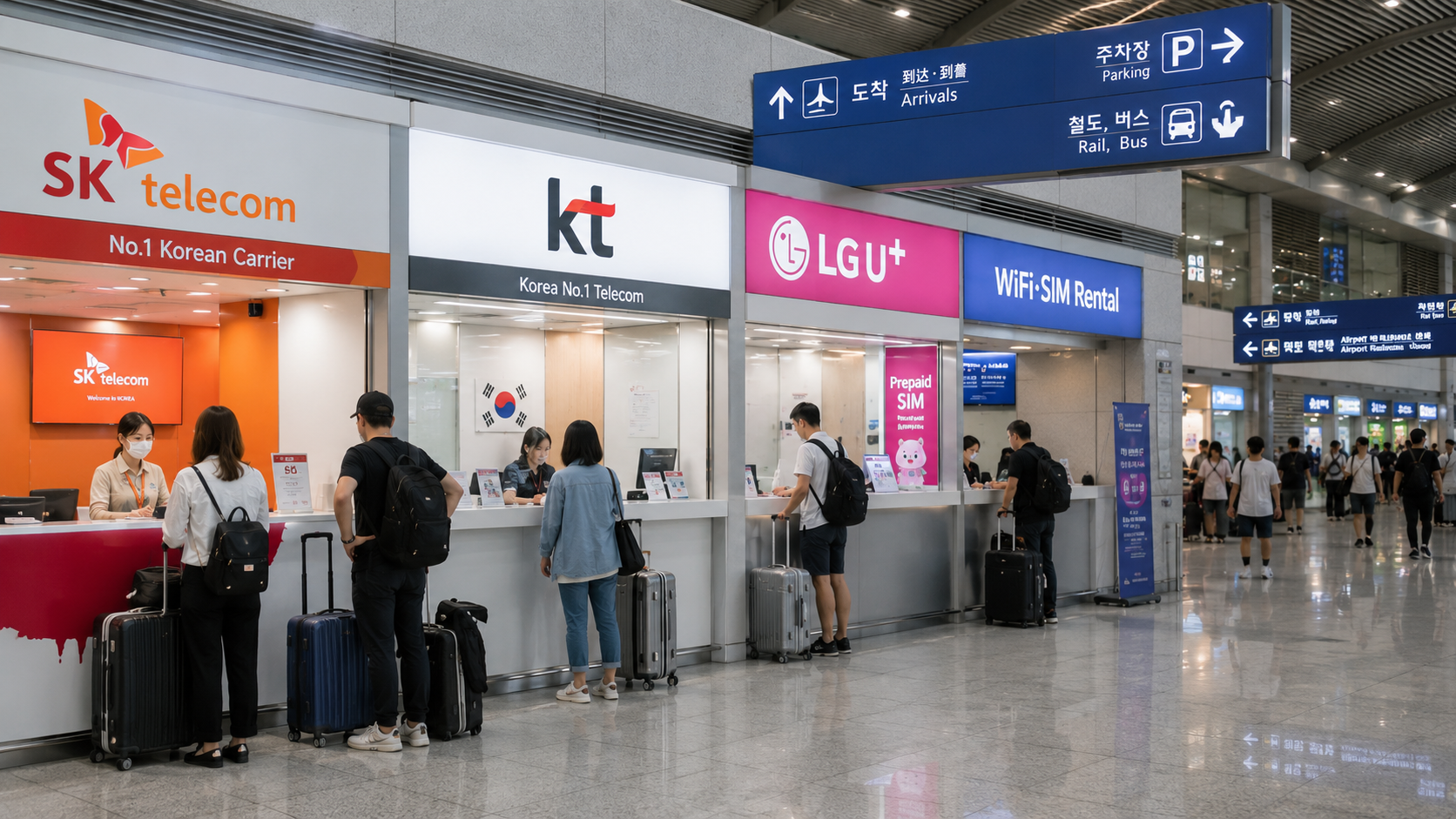
Counter hours differ by airport and location. LG U+'s published hours, verified on June 9, 2026, include 24-hour counters near Gate F in Incheon Terminal 1 and Gate 3 in Terminal 2, while some secondary counters and counters at Gimpo or Gimhae have limited hours. Flight schedules can affect operations, so confirm the current LG U+ airport counter details or the corresponding page for your chosen carrier before arrival.
Common mistakes to avoid
- Buying an eSIM before checking that the phone is unlocked
- Assuming every eSIM includes a Korean number
- Confusing SMS reception with formal identity verification
- Deleting an installed eSIM before the trip ends
- Leaving mobile-data switching enabled between the Korean and home SIMs
- Assuming unlimited always means unlimited full-speed data
- Renting one pocket Wi-Fi for people who plan to travel separately
- Forgetting the router, cable, battery, or return deadline
- Depending entirely on café or subway Wi-Fi
- Purchasing a plan whose validity begins before your arrival
What to check before you go
- Is your phone carrier-unlocked?
- Does it support the provider's eSIM or network requirements?
- Does the plan include data only, incoming calls, or outgoing calls and SMS?
- When does the validity period begin: installation, activation, first network use, or a selected date?
- Is the period measured in calendar days or 24-hour blocks?
- Is there a daily high-speed limit?
- Can you use your phone as a hotspot?
- Can the plan be extended?
- What are the cancellation and refund rules?
- Do you need your passport or a matching-name credit card?
- Where and when must rental equipment be returned?
- How will you contact support if activation fails?
Take screenshots of the QR code, order number, support contact, and setup instructions, but protect them as account information. Keep the QR code available on a second screen or printed sheet if your phone cannot scan a code displayed on itself.
FAQ
Will Google Maps work in Korea?
It works, but local mapping services such as Naver Map and KakaoMap often provide more detailed Korean addresses, walking routes, public-transport information, and business listings. Install at least one before arrival.
Is 5G necessary?
No. LTE is normally sufficient for maps, translation, messaging, video calls, and everyday browsing. Choose based on allowance, compatibility, and price rather than paying extra only for the 5G label.
Can I call emergency services with a data-only eSIM?
Do not assume that a data-only product supports standard voice calls. For emergencies in Korea, the main numbers are 112 for police and 119 for fire or ambulance. Confirm your plan's calling capability and know how to ask hotel, station, or nearby staff for assistance. The multilingual Korea Travel Hotline is 1330 within Korea.
What should exchange students do?
A tourist SIM can provide immediate service after arrival, but it may be limited to 90 days and may not support resident identity verification. After receiving the necessary residence documentation, compare regular prepaid or postpaid plans directly with Korean carriers. Immigration questions should be confirmed with the official Immigration Contact Center at 1345 within Korea or +82-2-1345 from overseas.
Sources
- LG U+ tourist eSIM plans and conditions
- LG U+ tourist physical SIM information
- LG U+ pocket Wi-Fi rates, deposits, and airport pickup details
- KT tourist eSIM information
- Seoul Metropolitan Government free Wi-Fi guide
Before buying, open the official product page for your chosen carrier, confirm that your exact phone model is supported, and compare the final price for your full travel period.