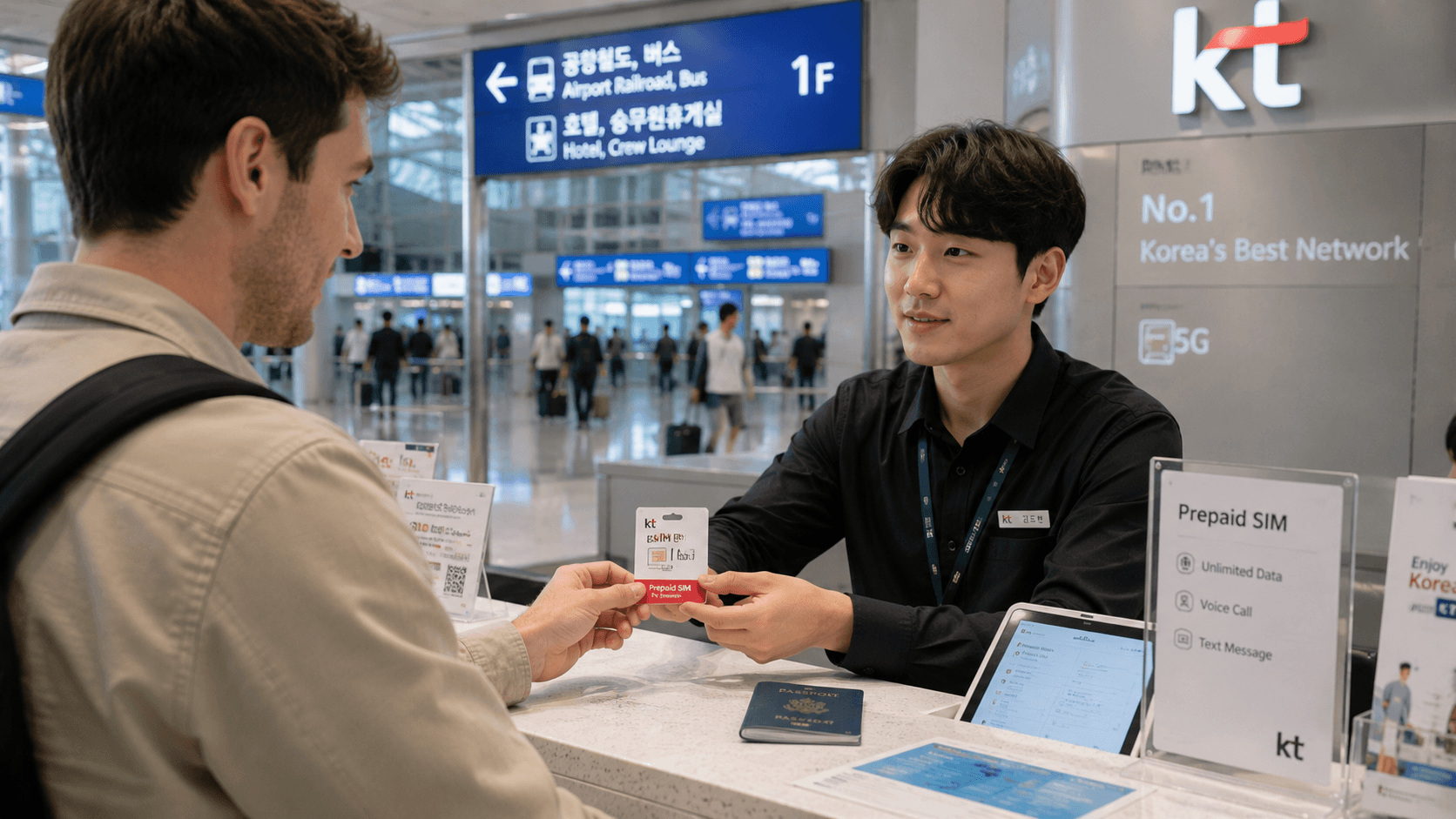
The best SIM card for Korea depends less on network coverage than on three practical questions: Does your phone support eSIM, do you need outgoing calls, and do you need a Korean number? For most visitors, an official carrier tourist eSIM is the easiest option. Choose a physical airport SIM instead if you want staff to install and test it, your phone is not eSIM-compatible, or you need voice service arranged on arrival.
Prices, service conditions and airport counter hours in this guide were verified on June 9, 2026. Recheck the linked carrier pages before purchasing.
Quick answer
| Traveler | Recommended option | Why |
|---|---|---|
| Most short-term visitors | LG U+ or KT tourist eSIM | Online purchase, no card swap and unlimited data plans |
| Google Pixel or OPPO user | KT eSIM or a physical SIM | LG U+ states that its tourist eSIM does not support these devices |
| Visitor who needs outgoing calls | Data-and-voice SIM or eSIM | Data-only plans generally cannot make calls or send texts |
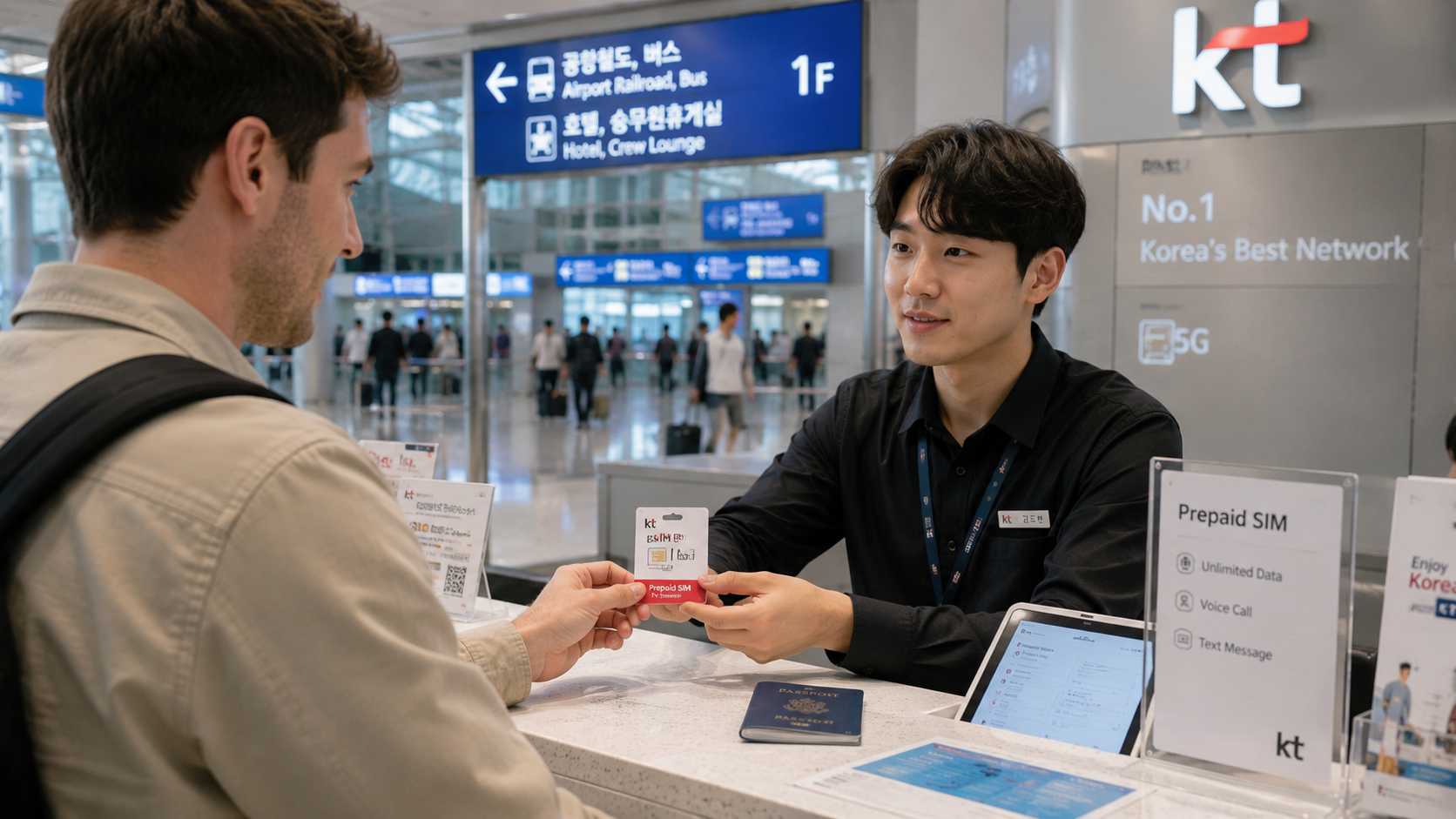
| Traveler who wants installation help | Physical SIM collected at an airport counter | Staff can check the phone and activate the line |
| Exchange student or long-term resident | Resident prepaid or postpaid plan | Tourist products normally expire within 90 days and do not support full identity verification |
| Group sharing one connection | Pocket Wi-Fi | Can connect several devices, but must be charged, carried and returned |
Best overall: an official Korean carrier tourist SIM
For a first visit, the safest default is a tourist product sold directly by LG U+, KT or SK Telecom rather than an unidentified marketplace seller. Buying directly makes the network, data policy, activation rules and support channel easier to confirm.
Among plans with clearly published English-language details, LG U+ tourist SIM and eSIM products and KT tourist eSIM products are straightforward choices. Both offer short-term plans, Korean 010 mobile numbers and options lasting from a few days to several weeks.
There is no meaningful reason for an ordinary visitor to choose a carrier solely because it is described as Korea's largest network. All three national carriers operate extensive Korean mobile networks. Device compatibility, voice support, daily high-speed data and access to customer service are more useful selection criteria.
LG U+: best for airport pickup and clear visitor support
LG U+ sells both physical SIM cards and eSIMs for foreign visitors. Its official tourist pages list data-only and data-and-voice variants, although voice-enabled products may require airport purchase or activation.
As verified on June 9, 2026, the published base prices for LG U+ tourist plans were:
| Validity | Published price |
|---|---|
| 1 day | ₩6,500 |
| 2 days | ₩12,000 |
| 3 days | ₩18,000 |
| 4 days | ₩23,000 |
| 5 days | ₩27,500 |
The carrier describes these as unlimited plans. Its current product notice says that after 3GB of high-speed data in a day, service continues at up to 5Mbps, with the 3GB allowance resetting at midnight. That is normally sufficient for maps, messaging, browsing and standard video, but someone tethering a laptop or transferring large files should read the current fair-use terms carefully.
A physical LG U+ Korea SIM Card can be collected at Incheon, Gimpo or Gimhae airport. The official page lists 24-hour counters at Incheon Terminal 1 Gate F and Terminal 2 Gate 3. Other counters have limited hours, and LG U+ warns that schedules can change with international flight operations. These hours were verified on June 9, 2026.
LG U+ is particularly practical when you want a physical SIM installed immediately after landing. The main limitation is device compatibility: its official eSIM page specifically states that Google Pixel and OPPO devices are not supported. Owners of those phones should not purchase the LG U+ eSIM without obtaining direct confirmation for their exact model.
KT: best alternative for flexible trip lengths
KT's official tourist service offers physical SIM and eSIM products for foreign visitors staying in Korea for up to 90 days. Its published eSIM prices, verified on June 9, 2026, included:
| Validity | Data-only | Data and voice |
|---|---|---|
| 3 days | ₩18,000 | ₩23,500 |
| 5 days | ₩27,500 | ₩33,000 |
| 7 days | ₩35,000 | ₩40,500 |
| 10 days | ₩38,500 | ₩44,000 |
| 15 days | ₩55,000 | ₩60,500 |
| 30 days | ₩71,500 | ₩77,000 |
KT states that its unlimited plans provide 3GB at regular speed each day, followed by service at up to 5Mbps. The daily allowance resets at midnight. Voice-enabled plans include or permit a Korean 010 number, but outgoing usage and top-up conditions vary by product.
KT also warns that an eSIM can be installed only once. If you delete it from your phone, the QR code cannot be reused or reissued. The phone must be carrier-unlocked, and the eSIM is intended for use only in Korea.
KT is a useful fallback when LG U+ does not support your device or when KT's available duration more closely matches your itinerary. Check the official KT eSIM purchase information immediately before ordering because prices, purchase windows and airport verification procedures can change.
What about SK Telecom?
SK Telecom operates tourist and general prepaid services, but product availability and sales channels can be less straightforward to compare online. Its official English-language PPS prepaid service information confirms that foreigners can open a prepaid line using a valid, unexpired passport.
An SK Telecom-based product can be a reasonable choice when its price, data allowance or pickup point suits your trip. Before paying a reseller, confirm whether the product is actually issued by SK Telecom, whether it supplies a Korean number, and where technical support is provided. A reseller using the SK Telecom network is not necessarily operated or supported directly by SK Telecom.
eSIM or physical SIM?
Choose an eSIM when
- Your unlocked phone supports the carrier's Korean eSIM profile.
- You want to keep your home SIM installed for incoming messages.
- You can scan and retain the QR code safely.
- You do not need airport staff to troubleshoot activation.
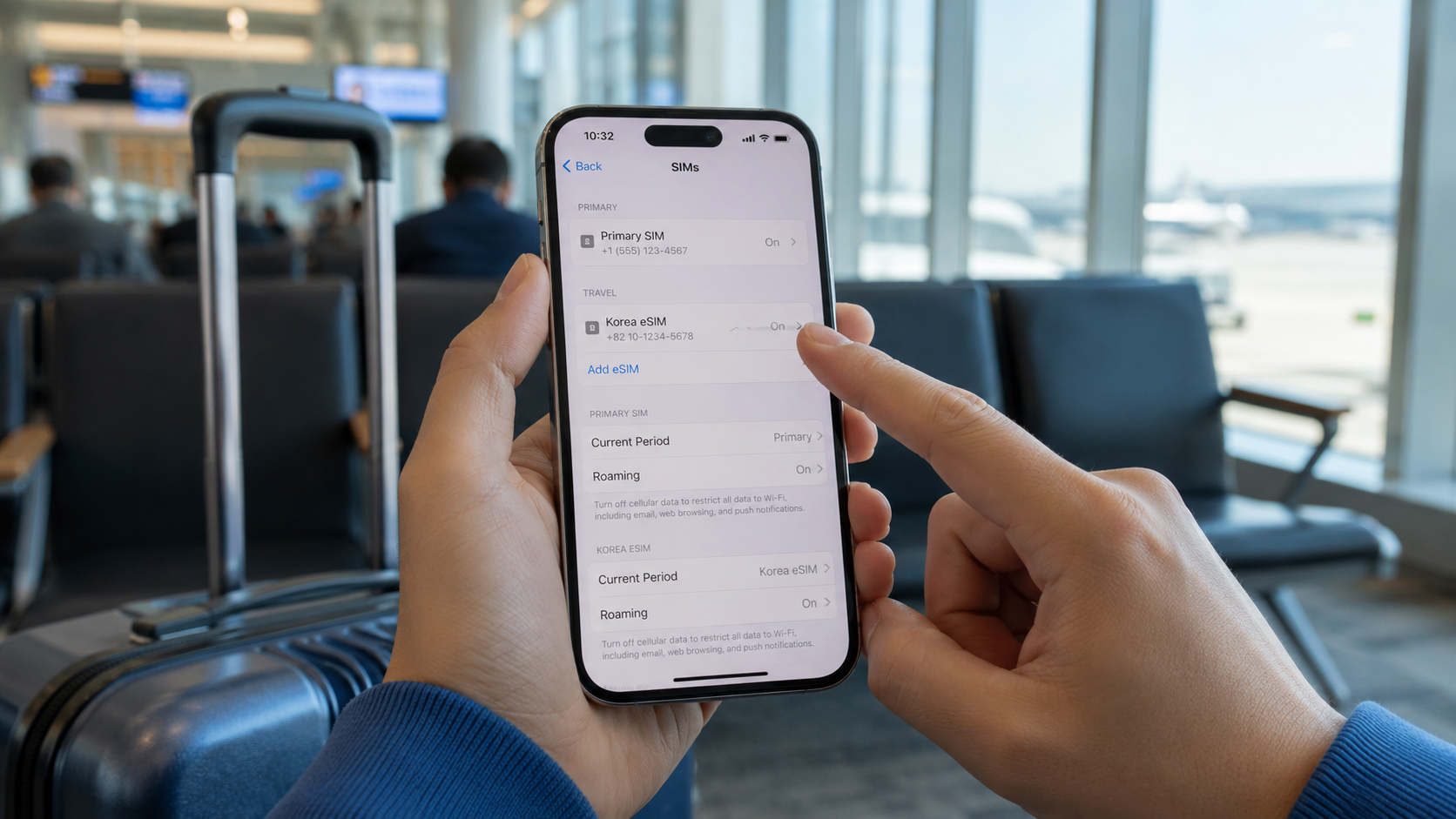
- You understand which SIM is selected for mobile data and calls.
An eSIM is usually the most convenient format, but compatibility is more complicated than simply seeing an eSIM menu on the phone. Carrier support may vary by model, country of purchase and firmware. Dialing *#06# should display an EID on an eSIM-capable device, but an EID alone does not guarantee compatibility with every Korean carrier.
Choose a physical SIM when
- Your phone lacks eSIM support.
- You use a Google Pixel or OPPO device that LG U+ excludes from its tourist eSIM service.
- You want staff to install and test the connection.
- You need a voice-enabled product arranged at the airport.
- You are uncomfortable changing dual-SIM settings yourself.
The phone must still be unlocked. Store your home SIM carefully after removal, and bring a SIM ejector unless the counter confirms one will be supplied.
Do you need a Korean phone number?
A data-only travel eSIM is sufficient for KakaoTalk, WhatsApp, email, maps and app-based calling. It may not be enough when a restaurant, hotel, delivery service or taxi operator wants to call you.
A Korean number is therefore useful, but distinguish between these functions:
- Incoming calls and texts: Often included with carrier tourist SIMs.
- Outgoing calls and texts: May require a data-and-voice plan or prepaid voice credit.
- Simple SMS codes: Some services can send a code to a tourist number.
- Legal identity verification: Usually unavailable on short-term tourist SIMs.
LG U+ states that voice/SMS-enabled visitor products can receive simple verification messages for some restaurant and taxi reservation services, but they cannot perform the identity verification required by banking or government services. KT similarly states that its tourist eSIM does not support personal identity authentication.
Do not buy a tourist SIM expecting it to unlock every Korean app. Services tied to a verified resident identity may require a residence card, a resident-registered mobile account and matching personal details.
How to buy and activate your SIM
Before departure
- Confirm that the phone is carrier-unlocked with your home mobile provider.
- Check the exact model number, not only the marketing name.
- Verify eSIM support and carrier compatibility.
- Decide whether you need data only, incoming calls or full outgoing voice service.
- Purchase from the carrier or a seller that clearly identifies the underlying network and support provider.
- Save the order confirmation and QR code somewhere accessible without mobile data.
After arrival
- Connect to airport Wi-Fi if the eSIM needs an internet connection for installation.
- Install or enable the Korean SIM.
- Select it as the mobile-data line.
- Turn off data roaming on your home SIM to avoid roaming charges.
- Follow the provider's instructions concerning data roaming on the Korean eSIM; some reseller profiles require it.
- Test a website, map search and hotspot before leaving the airport counter.
- Save your Korean 010 number in your notes.
Do not delete an eSIM while troubleshooting. Both LG U+ and KT warn that installed profiles may not be recoverable or reissued.
Common mistakes
- Buying an eSIM before checking the exact phone model.
- Assuming that "unlimited" means unrestricted full-speed data all day.
- Purchasing data only and later discovering that outgoing calls cannot be added.
- Activating a plan too early without checking when its validity period begins.
- Deleting the eSIM after installation.
- Leaving international data roaming active on the home SIM.
- Assuming a Korean 010 number supports banking or government identity checks.
- Leaving the airport before testing the connection.
For exchange students and longer stays
A 30- or 90-day tourist SIM can cover the first weeks of an exchange or work assignment, but it is not always the right long-term solution. Once you have completed the relevant immigration and residence procedures, compare resident prepaid and postpaid plans from carriers and mobile virtual network operators.
Requirements differ by provider and visa status. Bring your passport and, when issued, your Korean residence card. Ask whether the account supports mobile identity verification, automatic payment, number portability and cancellation without a long contract. For immigration or residence-document questions, consult the Korea Immigration Service or call its official 1345 Immigration Contact Center.
What to check before you go
- Is the phone unlocked?
- Does the exact model support the chosen Korean eSIM?
- How much full-speed data is included each day?
- What speed applies after the allowance is used?
- Is hotspot or tethering permitted?
- Does the plan include a Korean 010 number?
- Can it receive calls and SMS?
- Can it make calls and send SMS?
- When does the validity period start?
- Can the plan be extended?
- Is passport registration required?
- Where will you get support if activation fails?
- Will your airport counter be open when your flight arrives?
The practical next step is to check your phone's unlock status and exact model number, then compare the current LG U+ and KT plan for the precise number of days you will be in Korea.