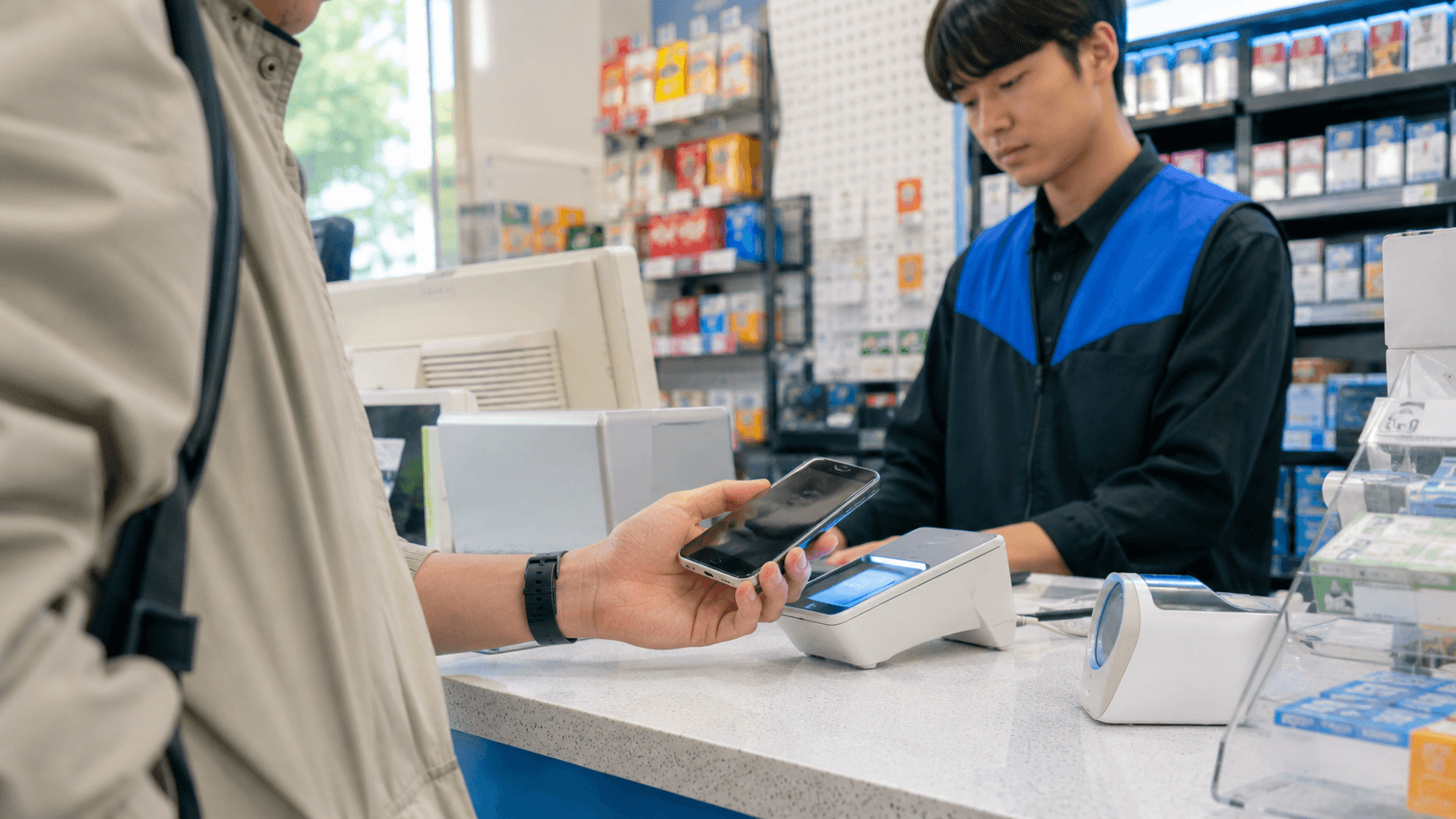
Yes. Foreigners can use Apple Pay in South Korea, and you do not need Korean citizenship to make a payment. A foreign-issued card already added to Apple Wallet can work at Korean shops with a compatible NFC contactless terminal.
However, Apple Pay is not accepted everywhere in Korea. You should carry a physical international card and some Korean won as backups. Public transportation also requires special planning because tapping an ordinary foreign card in Apple Wallet is not the same as using a Korean transit card.
Information on card support and transportation was verified on June 9, 2026.
Quick answer
| Question | Answer |
|---|---|
| Can a tourist use Apple Pay in Korea? | Yes, at participating contactless merchants. |
| Must the card be issued in Korea? | No for ordinary shop payments. A supported foreign-issued card may work. |
| Does every card terminal accept it? | No. Look for the Apple Pay or contactless symbol. |
| Can I tap my normal Apple Pay card on the subway? | No. Korean transit gates require a compatible transit card, not an ordinary payment card. |
| Can a visitor load Tmoney in Apple Wallet with a foreign card? | No. Apple states that loading Apple Wallet Tmoney requires a credit or debit card issued in South Korea. |
| Should I rely only on Apple Pay? | No. Bring a physical card and a small amount of KRW. |
How Apple Pay works for foreign visitors
Apple Pay has officially operated in South Korea since March 21, 2023. Apple says it can be used in shops, apps, and websites displaying the Apple Pay or contactless-payment mark. See Apple's Korean Apple Pay information and its South Korea launch announcement.
For a foreign visitor, three separate systems must approve an in-person transaction:
- Your bank and card must support Apple Pay.
- Your bank must allow the card to be used overseas.
- The Korean merchant's terminal and payment processor must accept the contactless card network used by your card.
Your nationality, visa status, and Korean phone number are generally not part of an ordinary shop transaction. If the card is already active in Apple Wallet, you normally pay in the same way as at home.
A foreign card does not become a Korean card simply because it is used through Apple Pay. Your bank may treat the purchase as an international transaction and apply its normal exchange rate or foreign transaction fee. Apple itself says that it does not charge customers an extra fee for paying with Apple Pay, but advises travelers to ask their bank about overseas charges. See Apple's Apple Pay FAQ.
Where Apple Pay is likely to work
Apple Pay requires an NFC, or near-field communication, contactless reader. At the checkout, look for either:
- The Apple Pay logo
- The standard contactless symbol, which resembles four curved radio waves
- A payment terminal with a clearly marked tap area
Apple's official guidance is to ask the merchant if support is unclear. A modern-looking terminal does not automatically mean that contactless payments have been enabled.
Acceptance can also vary between branches of the same business. One location may have an updated reader while another uses an older or differently configured terminal. Treat logos and a successful terminal prompt as more reliable than assumptions based on the shop's brand.
Apple Pay may also appear as a checkout option in Korean apps or websites. Availability depends on the individual merchant, and some Korean services require a local phone number, Korean identity verification, or a domestic billing account before you can place an order. Seeing Apple Pay at checkout does not necessarily remove those separate account requirements.
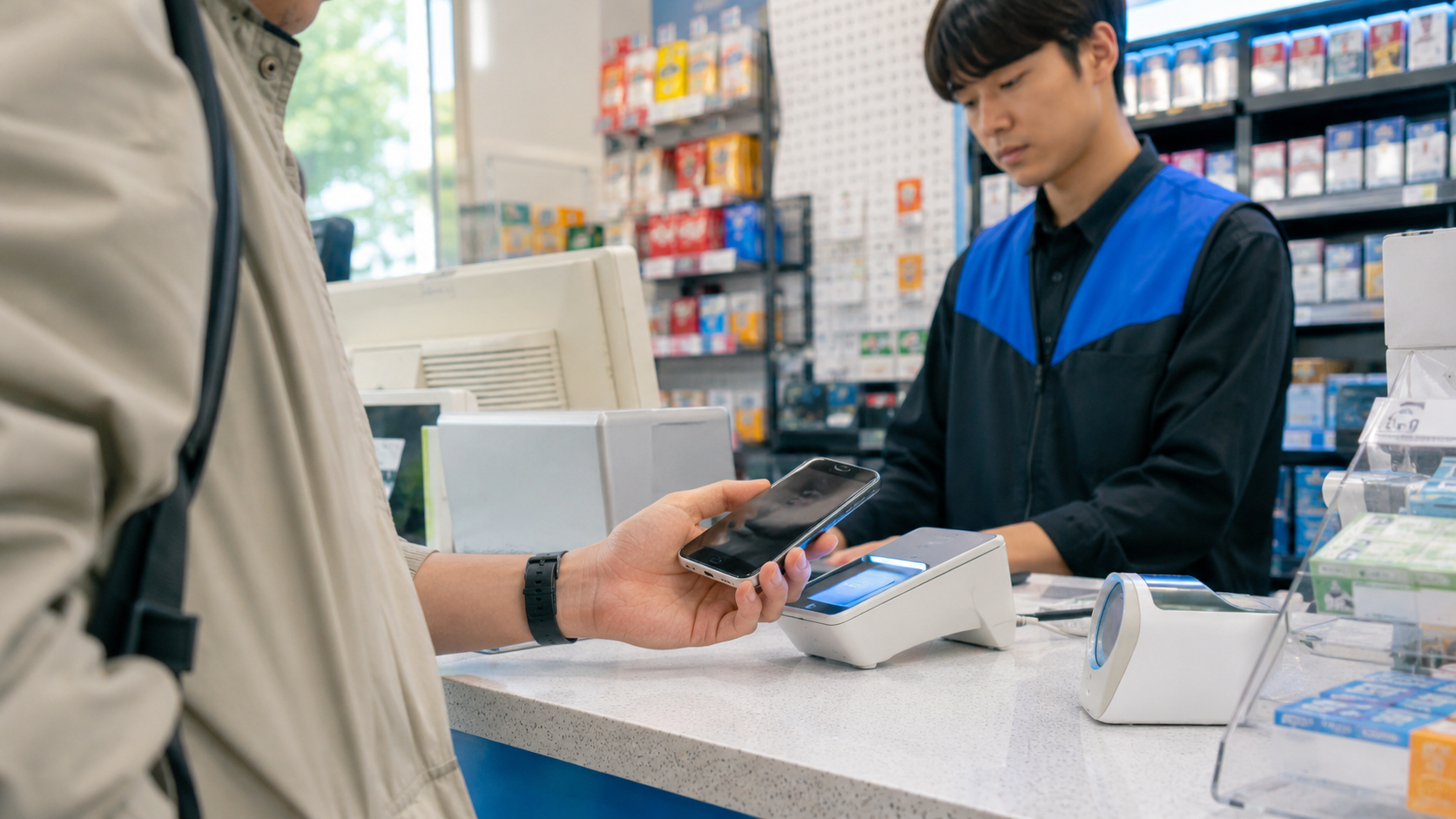
How to pay at a Korean checkout
With an iPhone using Face ID
- Tell the cashier that you want to use Apple Pay, or point to the contactless symbol.
- Double-click the side button.
- Confirm the selected card.
- Authenticate with Face ID or your passcode.
- Hold the top of the iPhone near the terminal's contactless area.
- Keep it there until the phone displays a checkmark and the terminal confirms approval.
With an Apple Watch
- Double-click the side button.
- Select the correct card if necessary.
- Hold the watch display close to the contactless reader.
- Wait for the confirmation vibration and terminal approval.
Apple provides illustrated instructions in its guide to making purchases with Apple Pay.
If the cashier asks which card type you are using, answer with the network shown on your card, such as Visa, Mastercard, or American Express. Apple Pay is the wallet; the underlying network still processes the purchase.
What to say in Korean
These short phrases may help when the cashier is unsure:
- Apple Pay dwaeyo? (애플페이 돼요?) — Does Apple Pay work here?
- Contactless dwaeyo? (컨택리스 돼요?) — Does contactless payment work?
- Visa-yeyo (비자예요). — It is Visa.
- Mastercard-yeyo (마스터카드예요). — It is Mastercard.
Sometimes the terminal is compatible but the cashier expects a physical card to be inserted. Politely indicating the contactless mark can help, but do not insist if the store says the payment method is unavailable.
Can you add a Korean card to Apple Pay?
As of June 9, 2026, Apple's official list names Hyundai Card as the participating South Korean issuer. Supported Hyundai Card products include eligible American Express, Mastercard, Visa, and domestic credit or debit cards. Individual products may still be excluded, so cardholders must confirm eligibility with Hyundai Card.
Apple also states that South Korea-issued credit and debit cards must be added through the issuer's mobile app. See Apple's current list of Apple Pay participating banks and issuers in Asia-Pacific and its Apple Pay setup instructions.
This distinction matters mainly to residents. A visitor does not need to obtain a Hyundai Card just to use Apple Pay in Korean shops. If your home-country card already works in Apple Wallet, try that card first.
Long-term foreign residents who want a Korean-issued card must meet the issuer's application and identity-verification requirements. Approval is a financial decision made by the card company, so residence in Korea does not guarantee that a card will be issued.
Can you use Apple Pay on Korean subways and buses?
Not by tapping an ordinary foreign Visa, Mastercard, or American Express card from Apple Wallet. Korea's transit gates generally use domestic transit-card systems rather than open-loop bank-card payment.
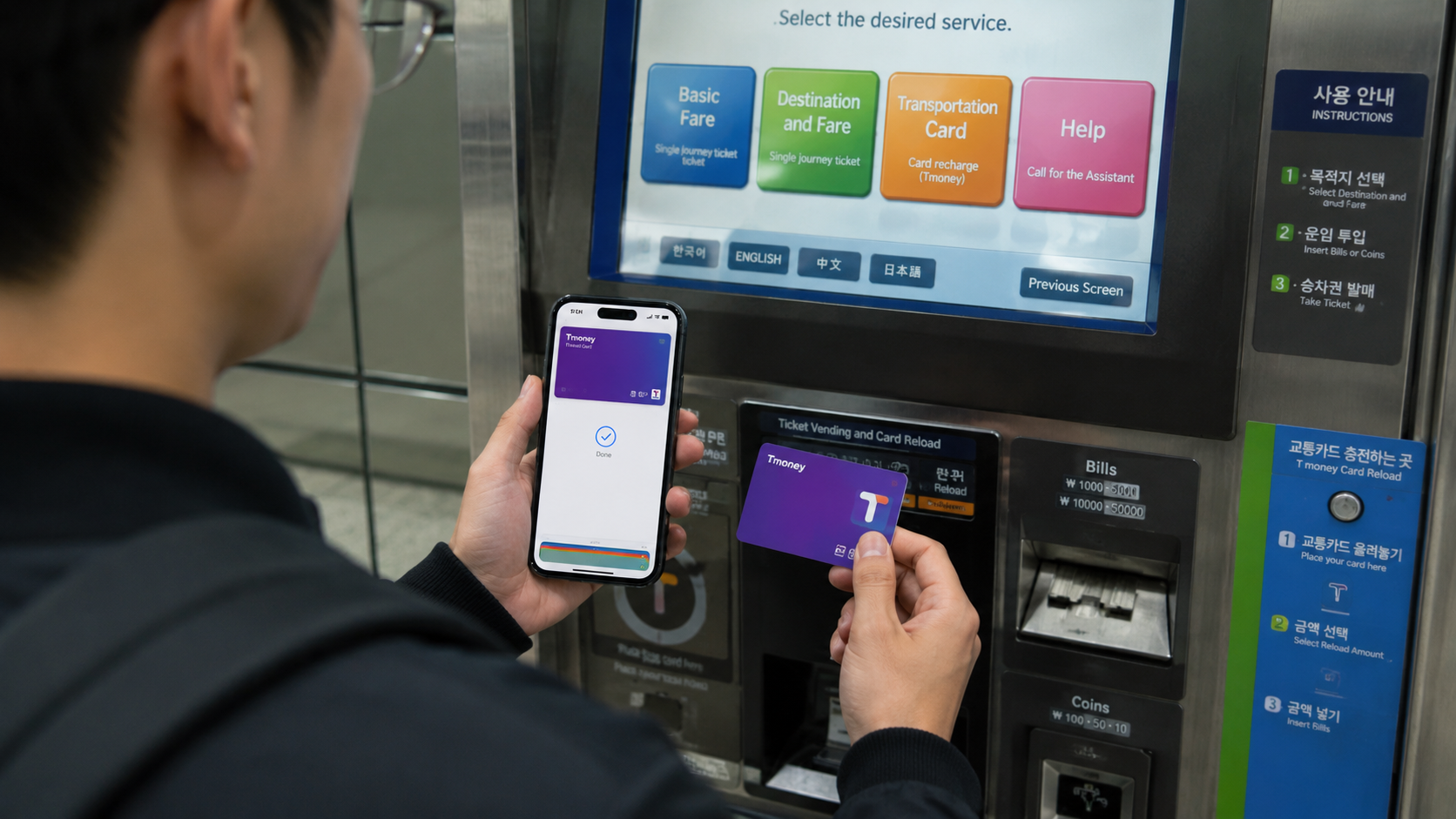
Apple Wallet has supported prepaid Tmoney since July 21, 2025. A compatible iPhone or Apple Watch can use an Apple Wallet Tmoney card on participating Korean transit services, with some exceptions for intercity buses and certain regional taxis. Apple's Tmoney announcement lists these device requirements:
- iPhone XS or XR and later with iOS 17.2 or later
- Apple Watch Series 6 or Apple Watch SE second generation and later with watchOS 10.2 or later
- A prepaid Tmoney card in Apple Wallet
The major restriction for visitors is funding. Apple states that purchasing or loading Apple Wallet Tmoney requires a credit or debit card issued in South Korea. A foreign-issued card in Apple Pay does not satisfy that requirement. Apple's current transit-card setup guide confirms the domestic-card requirement.
Unless you have an eligible Korean-issued card, plan to use a physical Tmoney or another appropriate transit card. According to the Korea Tourism Organization's transportation-card guide, physical Tmoney cards are sold at convenience stores and other designated locations. Ordinary Tmoney purchases and reloads may require cash or a Korean-issued card, so carrying KRW remains useful.
In Seoul, there is an additional option. Since March 17, 2026, designated machines in Seoul subway stations have accepted internationally issued cards and mobile payments for single-journey tickets and short-term Climate Card passes. Check the Seoul Metropolitan Government announcement for the covered machines and products. This does not mean that a normal foreign Apple Pay card can be tapped directly at the fare gate.
What to do if Apple Pay is declined
A decline does not necessarily mean that all Apple Pay transactions will fail in Korea. Work through these checks:
- Look for the contactless symbol. If it is absent, the terminal may not support NFC payments.
- Try a different card in Wallet. Another card network or issuer may process successfully.
- Confirm overseas use with your bank. Check whether international transactions, contactless payments, or fraud controls have blocked the card.
- Check the amount and currency. The transaction should normally be charged in Korean won.
- Use the physical card. The merchant may accept inserted chip cards even when contactless payment is unavailable.
- Use another payment method. Cash is still useful for transit-card loading, traditional markets, and situations involving older terminals.
Do not repeatedly tap after the terminal has clearly declined the transaction. Ask the cashier to cancel or reset the payment before trying another card.
Currency conversion and card fees
Korean merchants normally charge in KRW. If a terminal offers to convert the amount into your home currency, this is dynamic currency conversion, or DCC. The displayed home-currency amount can include a separate exchange rate and additional fees.
Visa advises that customers must be given a choice to accept or decline DCC. Review the rate before agreeing; paying in KRW usually leaves the conversion to your own card issuer. See Visa's explanation of dynamic currency conversion.
Your card issuer may still charge a foreign transaction fee even when you choose KRW. Check your card's terms before departure rather than relying only on the amount displayed in Apple Wallet.
Practical payment setup for a Korea trip
A sensible combination is:
- One supported card already added to Apple Wallet
- The corresponding physical card
- A second card from a different bank or network
- A physical transit card or suitable Seoul transit pass
- A modest amount of Korean won
Test that Face ID, Touch ID, or your device passcode works before leaving the airport. You may also want to notify your bank of international travel if it recommends doing so and check that overseas transactions are enabled.
Avoid depending on a single phone for all payments. A discharged battery, lost device, issuer security block, damaged terminal, or unsupported checkout could otherwise leave you without a usable payment method.
What to check before you go
- Confirm that your specific card supports Apple Pay.
- Enable overseas purchases if your bank requires it.
- Check your foreign transaction and currency-conversion fees.
- Update iOS and watchOS.
- Make sure your device has a passcode and biometric authentication enabled.
- Add a backup card from a different issuer if possible.
- Bring the physical versions of your cards.
- Plan separately for subway and bus fares.
- Carry enough KRW to buy or reload a physical transit card.
- Look for the Apple Pay or contactless logo before tapping.
FAQ
Do I need a Korean Apple Account to pay in shops?
A foreign visitor whose supported home-country card is already active in Apple Wallet does not normally need to create a Korean Apple Account for an in-person merchant payment. Card eligibility and authorization are controlled primarily by the issuer and payment network.
Will a foreign Visa or Mastercard in Apple Wallet work everywhere cards are accepted?
No. A shop may accept an inserted Visa or Mastercard but lack an enabled contactless terminal. Apple Pay works only when the merchant's contactless system supports the transaction.
Can I withdraw cash from an ATM with Apple Pay?
Do not rely on it. ATM contactless features and foreign-wallet support vary. Bring a physical card with its PIN if you expect to withdraw cash.
Can I use Apple Pay for taxis?
Only when the taxi's terminal supports the relevant contactless payment. Because availability can differ, keep a physical card or another payment method ready.
Is Apple Cash available in Korea?
Apple Cash is a US-only service. It is separate from paying with an eligible credit or debit card through Apple Pay.
Sources
- Apple Pay in South Korea
- Apple Pay participating banks and issuers in Asia-Pacific
- Apple Pay setup requirements
- Apple and Tmoney launch Apple Wallet transit support
- Apple Wallet transit-card setup guide
- Korea Tourism Organization transportation-card guide
- Seoul's international-card payment options for transit tickets
Before departure, check your card issuer's Apple Pay and overseas-use settings. After arrival, obtain a transit card or pass before your first subway or bus journey rather than assuming your normal Apple Pay card will open the fare gate.