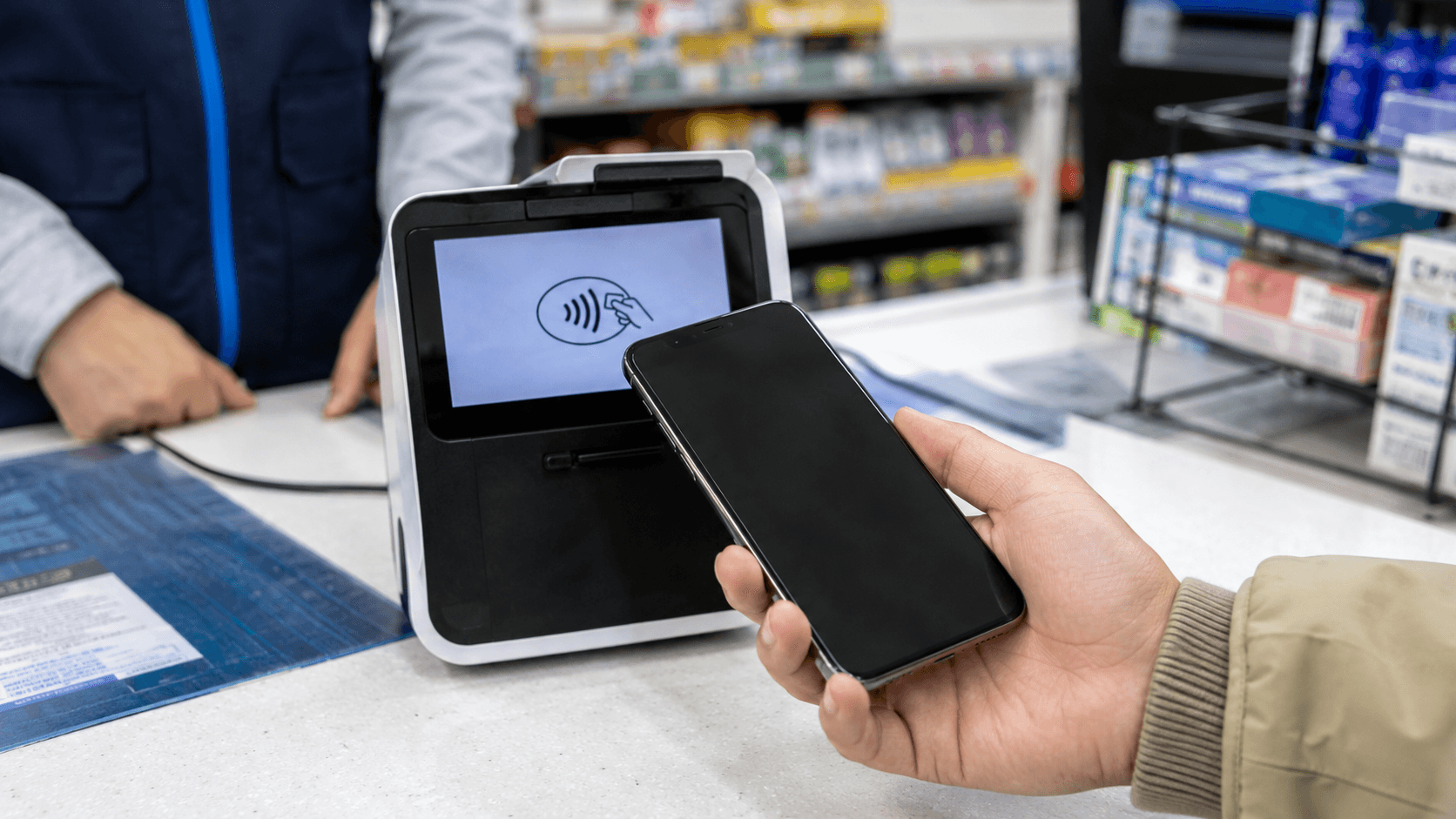
Foreign visitors can sometimes use Google Pay in South Korea if their card was already added to Google Wallet in a supported country and the merchant accepts compatible contactless payments. However, South Korea is not officially listed as a Google Wallet country, and acceptance at Korean shops and transport gates is too limited to make Google Pay your primary payment method.
Information about Google Pay availability and Seoul transit payments was verified on June 9, 2026.
Quick answer
| Question | Answer |
|---|---|
| Is Google Wallet officially supported in South Korea? | No. South Korea is not on Google's official list of supported Google Wallet countries. |
| Can a visitor's existing Google Pay wallet still work? | Sometimes, at a terminal displaying the international contactless symbol. Success is not guaranteed. |
| Can you add a Korean bank card to Google Wallet? | Generally no, because Google Wallet payment support has not officially launched in Korea. |
| Can you use Google Pay at subway or bus gates? | Do not rely on it. Use a Korean transit card or an eligible Seoul ticket instead. |
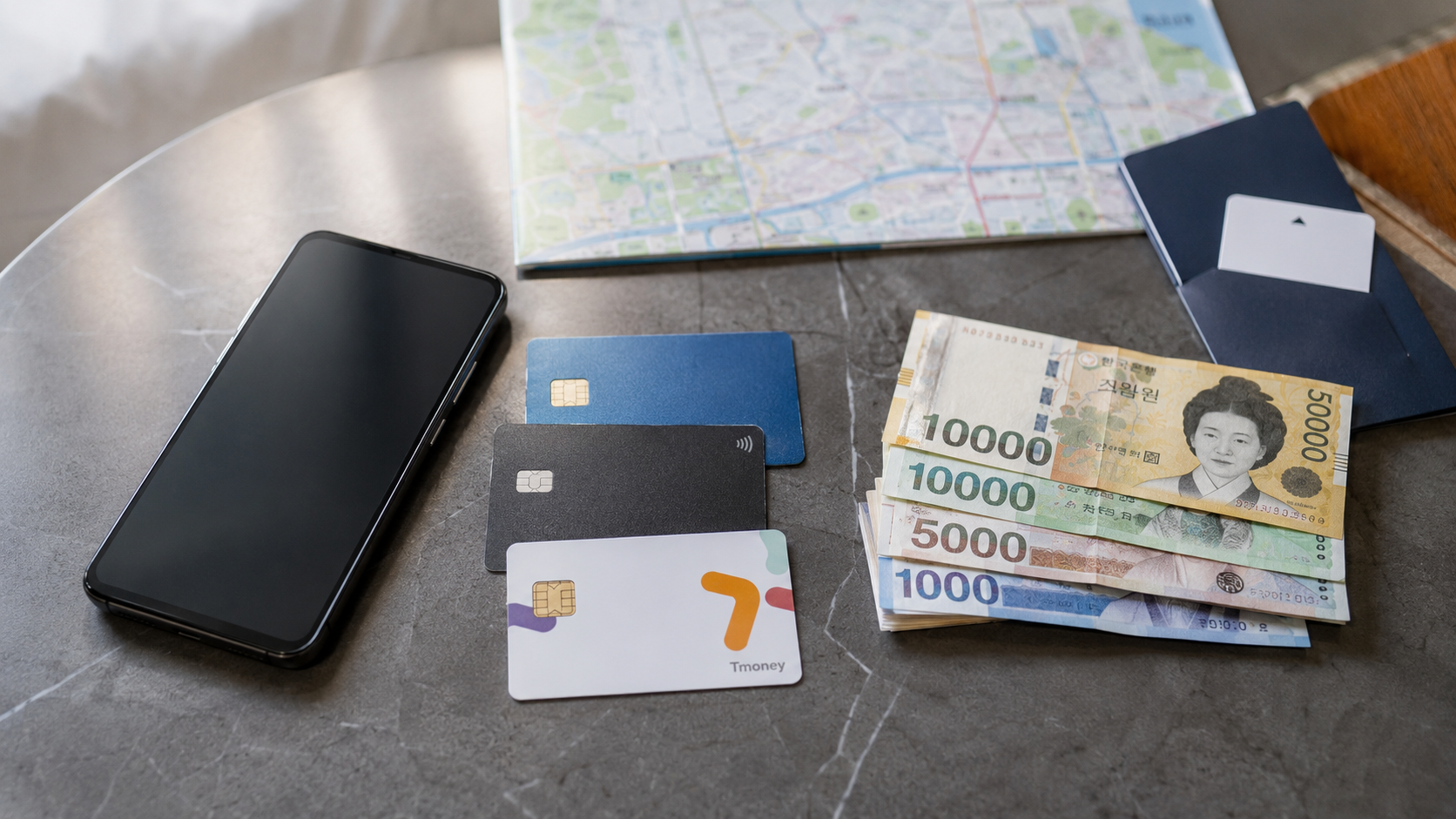
| What should you bring? | A physical Visa or Mastercard, a backup card, a small amount of KRW cash, and a Tmoney or EZL transit card. |
Google Pay and Google Wallet: the important distinction
Google Wallet is the Android app that stores payment cards, tickets, passes, and other digital items. Google Pay is the payment service used when you tap a device or select a Google Pay button online.
Google states that contactless payment requires a payment method issued in a supported country. Its instructions also say that an eligible wallet can be used wherever the Google Pay or international contactless symbol appears. See Google's guidance on using Google Wallet for tap-to-pay purchases and its supported-country checker.
As of June 9, 2026, South Korea is not listed as a supported Google Wallet market. This means residents generally cannot set up Google Wallet with an ordinary Korean-issued card, and travelers should not expect official local support.
This does not necessarily disable a wallet that was set up before arrival. A foreign-issued card already provisioned in Google Wallet may still process a payment when all of the following are true:
- The card issuer permits international Google Pay transactions.
- The phone has NFC enabled and meets Google's security requirements.
- The merchant's terminal accepts the relevant international contactless card network.
- The merchant and payment processor accept foreign-issued cards.
The result is a limited, terminal-by-terminal possibility rather than nationwide Google Pay acceptance.
Where Google Pay may work
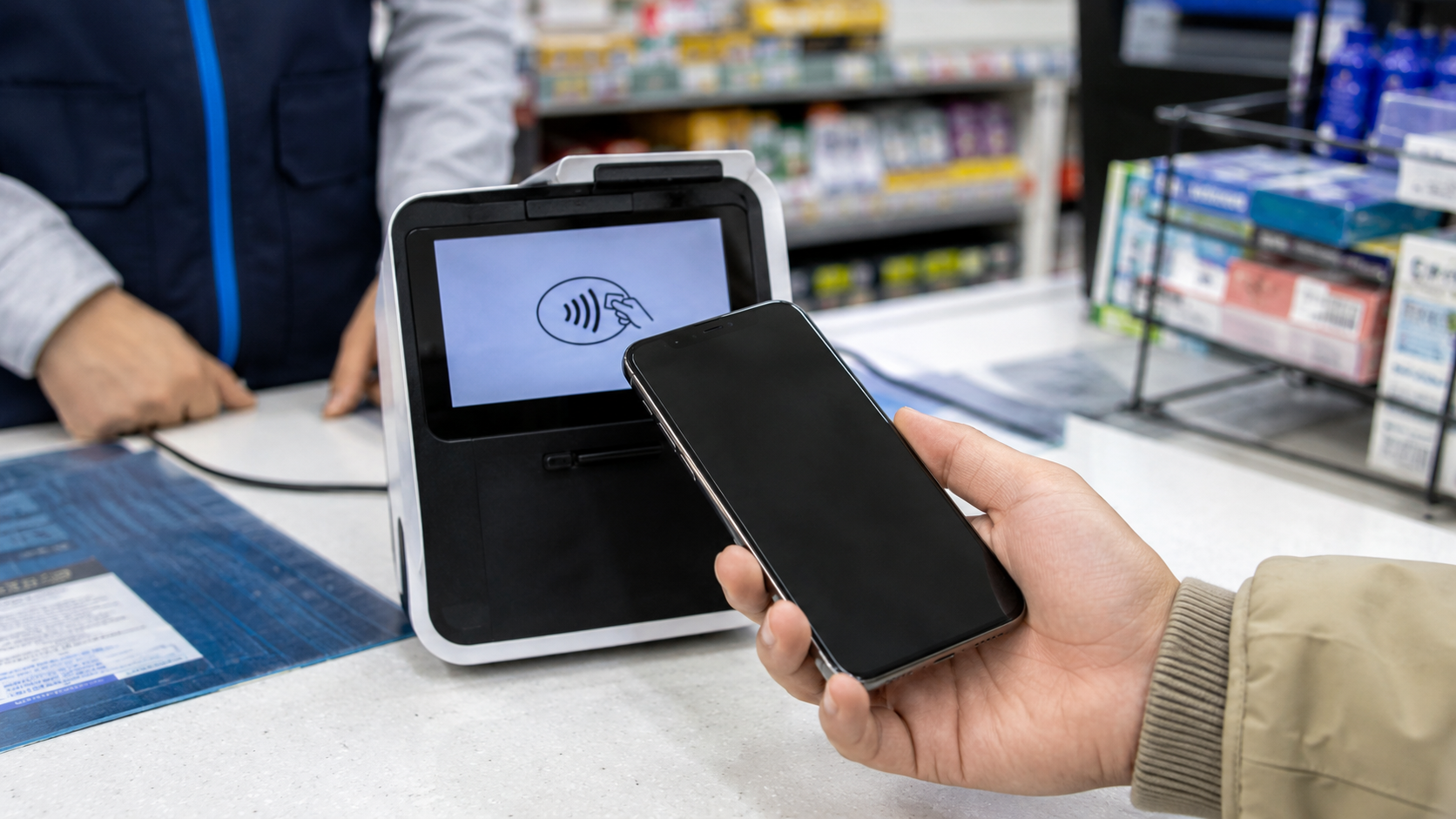
Your strongest chance is at a merchant whose card reader clearly displays the curved international contactless symbol. Mastercard Korea confirms that compatible cards and NFC mobile devices can be tapped on readers displaying this symbol in its contactless payment guide.
Potential locations include large hotels, international retail chains, major department stores, airport businesses, and newer shops with updated payment terminals. This is a practical expectation, not a guarantee: the logo and successful processing matter more than the type or size of the business.
Before tapping, tell the cashier that you want to pay by card. If necessary, point to the contactless symbol and say:
- Contactless card: 컨택리스 카드 (keontaekriseu kadeu)
- Can I tap it? 태그해도 돼요? (taegeuhaedo dwaeyo?)
Cashiers may recognize the payment as an international contactless card rather than specifically as Google Pay.
Where you should not depend on it
Public transportation gates
Do not assume that tapping your Google Wallet at a subway or bus reader will pay the fare. Korean public transport commonly uses stored-value systems such as Tmoney and EZL. A reader that accepts a Korean transit card is not automatically an international bank-card terminal.
Seoul is gradually developing open-loop transit payment, which would eventually allow direct use of international cards. However, the city described this as a staged project extending toward 2030 in its open-loop payment announcement. It is not yet a general instruction to tap Google Pay at every Seoul fare gate.
Use a physical Tmoney or EZL card unless the specific transport operator clearly provides another option.
Small or older payment terminals
A merchant may accept physical credit cards but not international NFC payments. In that case, Google Pay can fail even though inserting the same underlying card succeeds.
Some terminals also contain an NFC reader intended for a Korean mobile wallet, membership service, or Tmoney rather than international EMV contactless payments. The presence of a tap area alone is therefore not enough; look for the international contactless symbol.
Korean websites and apps
Online payment is a separate issue from in-store contactless payment. South Korea was not included in Google's official list of markets supporting Google Pay payments on participating websites and apps when checked on June 9, 2026. See Google's current country and feature availability list.
Korean websites may instead require a locally issued card, Korean phone verification, a domestic payment app, or additional identity authentication. A site displaying Visa or Mastercard logos does not necessarily accept every foreign card.
For visitor-oriented services, use the international or global version of the website where available. These versions are more likely to support foreign cards and overseas phone numbers.
The most reliable payment setup for Korea
1. Carry a physical international card
A physical Visa or Mastercard should be your main payment method. Seoul Metropolitan Government states that credit cards, including Visa, Mastercard, and American Express, can be used at most stores, restaurants, hotels, and tourist destinations. See its official currency and payment information.
Acceptance can still vary by merchant and issuer. Bring at least two cards if possible, preferably from different networks or banks. Keep the backup separately from your main wallet.
Check before departure that:
- International transactions are enabled.
- Your card issuer has your current mobile number.
- You know your card PIN.
- You understand any foreign-transaction fees.
- You can access the bank app while abroad.
If a terminal offers to charge you in your home currency, compare the rate before accepting. Visa explains that this is dynamic currency conversion, which may include an additional markup. Paying in KRW usually allows your own card network or issuer to perform the conversion, although your issuer may still charge a fee. Read Visa's dynamic currency conversion guidance.
2. Keep some Korean won
Cards are widely used, but cash remains useful for market stalls, small businesses, older ticket machines, coin lockers, and transit-card recharging. You do not need to carry your entire travel budget in cash; keep enough for transport and one or two meals if your cards temporarily fail.
3. Get a separate transit card
Tmoney and EZL are rechargeable stored-value cards used on participating buses, subways, and other transport services. They are sold at convenience stores and transport locations. Korea Tourism Organization's transportation card guide explains the available card types and where they can be used.
Standard recharging facilities have often required KRW cash, so check the machine or counter before assuming your foreign card will work.
Seoul introduced an important exception on March 17, 2026: 440 new vending machines at 273 stations on Subway Lines 1–8 began accepting internationally issued Visa and Mastercard cards for single-journey tickets and short-term Climate Card purchases or recharges. The city reports an average service fee of approximately 3.7% for these international-card transactions. This applies to the designated machines and products, not every Korean transit-card top-up point. Details are in Seoul's international card payment announcement.
4. Treat Google Pay as a backup convenience
If your wallet is already configured, leave it available and try it when the correct contactless logo appears. Do not make it the only payment method you take outside your accommodation.
A practical order at the checkout is:
- Try Google Pay if the international contactless symbol is visible.
- If it fails once, use the physical version of the same card.
- Try your backup card if the physical card is declined.
- Pay in KRW cash when necessary.
Repeatedly tapping will not make an incompatible terminal accept the wallet and may confuse the transaction process.
How to prepare Google Wallet before flying
Google advises users to add and verify cards while they are in a country that supports tap-to-pay service. Complete the setup before leaving home rather than waiting until you arrive in Korea. Google's card setup instructions explain the issuer verification requirements.
Use this checklist:
- Add the card to Google Wallet before departure.
- Confirm that the card says it is ready for contactless payment.
- Make a small test purchase in your home country.
- Install all Android, Google Play Services, and Wallet updates.
- Turn on NFC.
- Set Google Wallet as the default contactless payment app.
- Enable a supported screen lock.
- Ask your bank whether wallet transactions are permitted in South Korea.
- Carry the physical card linked to the wallet.
A card saved only for online Google purchases is not necessarily enabled for in-store tapping.
Common reasons a payment fails
A declined Google Pay transaction does not necessarily mean that all foreign mobile wallets are blocked. Possible causes include:
- The terminal does not support international contactless payments.
- The underlying card is not approved for overseas transactions.
- The issuer blocks the transaction for fraud prevention.
- The terminal accepts only inserted cards for that transaction.
- The phone is locked, NFC is disabled, or Wallet is not the default payment app.
- The merchant accepts domestic cards but not the particular foreign card.
- The card requires issuer verification or has been suspended in Wallet.
Ask the cashier to process the physical card by inserting its chip. If that also fails, use a different card and contact the issuer through its official app or international support number.
What to check before you go
- Confirm that South Korea is covered by your card issuer's international-use policy.
- Set up and test Google Wallet before leaving your supported home country.
- Bring the physical card connected to Google Wallet.
- Pack a second card from another issuer if possible.
- Carry a modest amount of KRW for transport and small purchases.
- Plan to obtain a Tmoney or EZL card after arrival.
- Select KRW when offered a choice between KRW and your home currency.
- Do not expect Google Pay to open subway gates or replace a transit card.
- Use global versions of Korean booking and delivery services when available.
FAQ
Will a US, UK, Canadian, Australian, or European Google Pay account work in Korea?
It may work at a compatible international contactless terminal if the card issuer allows the transaction. Your nationality is not the deciding factor: the issuing bank, card, wallet setup, and merchant terminal must all be compatible.
Can I download Google Wallet after arriving in Korea?
Availability may depend on your Google Play country profile and device. More importantly, Google says card setup for contactless payments should be completed in a supported country or region. Set it up and verify the card before departure.
Can I use Google Pay on Korean buses and subways?
Do not rely on it. Use Tmoney, EZL, a valid Climate Card, or a single-journey ticket according to the local system. Direct international contactless fare payment is not yet universally available.
Is Samsung Wallet the same as Google Wallet in Korea?
No. They are separate services with different card-issuer agreements and payment technology. The fact that a Korean terminal accepts Samsung Wallet does not prove that it accepts Google Pay.
Do I need cash if I have foreign credit cards?
Carry some. Physical cards are accepted by most mainstream businesses, but cash is still useful for certain market vendors, older machines, and transit-card recharging.
Sources
- Google Wallet supported countries and contactless payments
- Google Wallet tap-to-pay requirements
- Google Pay country and feature availability
- Seoul Metropolitan Government payment information
- Seoul international-card transit ticket announcement
- Korea Tourism Organization transportation card guide
Before departure, verify that your cards are enabled for international use, then plan to buy a transit card after arrival. That combination is more dependable than relying on Google Pay alone.