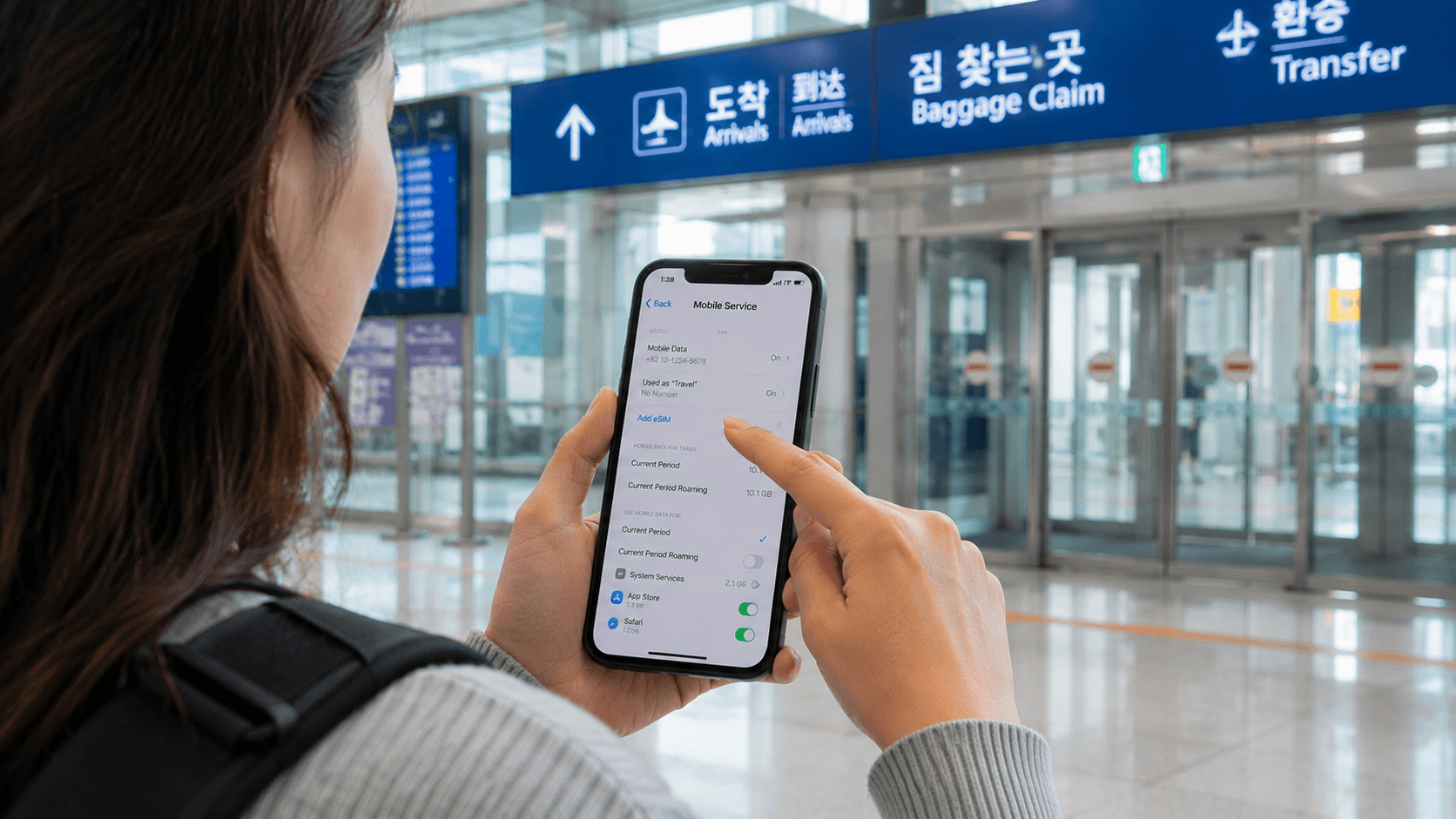
The cheapest verified eSIM for South Korea is currently Saily’s 1 GB plan at US$3.99, or approximately ₩6,200. However, it is only suitable for light use. For most travelers, Ubigi’s 10 GB plan at approximately ₩21,600 offers better value, while an official KT, SK Telecom, or LG U+ tourist eSIM is the practical choice when you need unlimited data or a Korean phone number.
Prices and plan conditions in this guide were checked on June 9, 2026. USD conversions use an approximate rate of US$1 to ₩1,543 and may differ at checkout because of exchange rates, taxes, card fees, or regional pricing.
Quick answer
| Traveler type | Recommended option | Data and validity | Verified price |
|---|---|---|---|
| Lowest possible upfront cost | Saily | 1 GB for 7 days | About ₩6,200 (US$3.99) |
| Light user wanting a Korean network | Airalo Jjang | 1 GB for 7 days on KT | About ₩6,200 (US$4) |
| Best value for typical trips | Ubigi | 10 GB for 30 days | About ₩21,600 (US$14) |
| Heavy data user | KT, SK Telecom, or LG U+ | Unlimited tourist plan | From ₩6,500 for 1 day or ₩12,000 for 2 days |
| Korean number and carrier support | Official Korean carrier eSIM | Data plus incoming calls or texts, subject to verification | Usually ₩18,000 for 3 days |
Bottom line: Buy a fixed-data travel eSIM if price matters most. Pay more for an official Korean carrier plan if you expect to stream, use your phone as a hotspot, receive Korean calls or texts, or seek help at an airport counter.
What counts as the cheapest Korea eSIM?
There is no single cheapest plan for every trip. A ₩6,200 plan has the lowest purchase price, but it can become expensive if you repeatedly add data. A 10 GB package may cost more initially while providing a much lower price per gigabyte.
Compare plans using these four points:
- Total data: Fixed plans stop working or require a top-up after the allowance is used.
- Validity: A seven-day plan is unsuitable for a ten-day trip even if data remains.
- Phone number: Most inexpensive international eSIMs are data-only.
- Speed restrictions: The word “unlimited” does not always mean unlimited full-speed data.
For normal sightseeing, maps and messaging use relatively little data. Video calls, social-media uploads, cloud backups and streaming consume much more.
Cheapest fixed-data eSIMs
Saily: lowest verified starting price
Saily’s South Korea plans started at US$3.99 on June 9, 2026, approximately ₩6,200. The listed options included:
| Data | Validity | Price in USD | Approximate KRW |
|---|---|---|---|
| 1 GB | 7 days | US$3.99 | ₩6,200 |
| 3 GB | 30 days | US$8.99 | ₩13,900 |
| 5 GB | 30 days | US$10.99 | ₩17,000 |
| 10 GB | 30 days | US$18.99 | ₩29,300 |
| 20 GB | 30 days | US$29.99 | ₩46,300 |
These plans are data-only. They do not provide ordinary mobile calls, SMS or a Korean telephone number. Voice and messaging apps can still work through data.
The 1 GB plan is reasonable for a short visit if you mainly use Naver Map or KakaoMap, KakaoTalk, email and occasional web searches. Turn off automatic photo backup, app updates and video autoplay to make it last.
Airalo: another low-cost 1 GB option
Airalo’s Jjang South Korea eSIM listed a 1 GB, seven-day package at US$4, approximately ₩6,200, when checked. The plan uses the KT network and is data-only.
Airalo is only marginally more expensive than Saily at the starting level. The practical choice may depend on which app you already use, the checkout currency and whether a valid promotion is available. Compare the final payment screen rather than relying on an advertised “from” price.
Ubigi: strongest verified value for 10 GB
Ubigi’s South Korea 10 GB plan cost US$14, approximately ₩21,600, for 30 days on June 9, 2026. Ubigi identifies LG U+ and SK Telecom as its Korean partner networks for this plan and permits data sharing.
This is a better fit than a 1 GB package for most week-long or two-week trips. Ten gigabytes is generally enough for navigation, translation, messaging, browsing, frequent social-media use and some video, provided that large downloads and high-resolution streaming are limited.
Ubigi’s plan is data-only, so it does not give you a Korean number. Its validity begins when the plan connects at the destination under the provider’s Smartstart system.
Cheapest unlimited eSIM from a Korean carrier
Official tourist eSIM prices from KT, SK Telecom and LG U+ are similar. These plans cost more than small fixed-data packages but provide local carrier support and, depending on the product and identity-verification status, a Korean 010 number.
KT tourist eSIM
KT’s official tourist eSIM service listed the following data-only prices when checked on June 9, 2026:
| Validity | Price |
|---|---|
| 1 day | ₩6,500 |
| 2 days | ₩12,000 |
| 3 days | ₩18,000 |
| 5 days | ₩27,500 |
| 7 days | ₩35,000 |
| 10 days | ₩38,500 |
| 30 days | ₩71,500 |
KT provides 3 GB of high-speed data each day, followed by continued data at up to 5 Mbps until the daily allowance resets at midnight. This is usually sufficient for maps, calls through messaging apps and standard-quality video after the high-speed allowance is used.
KT states that its tourist eSIM cannot be used for Korean online identity authentication. The eSIM can only be installed once, and deleting it may require buying another plan. Data-only products cannot be topped up for voice service.
SK Telecom tourist eSIM
SK Telecom’s official roaming eSIM page listed unlimited data at up to 100 Mbps, with these prices on June 9, 2026:
| Validity | Price |
|---|---|
| 2 days | ₩12,000 |
| 3 days | ₩18,000 |
| 5 days | ₩27,500 |
| 7 days | ₩35,000 |
| 10 days | ₩38,500 |
| 30 days | ₩71,500 |
Incoming domestic calls and SMS are included after the required setup, while outgoing calls and messages require a balance top-up. SK Telecom also advertised online-purchase benefits for qualifying plans, but promotional benefits can change and should not be treated as part of the basic eSIM value.
LG U+ tourist eSIM
LG U+ sells official tourist eSIMs at ₩6,500 for one day, ₩12,000 for two days, ₩18,000 for three days and ₩27,500 for five days as of June 9, 2026. Longer periods are available through the plan selector.
LG U+ currently describes its LTE data option as full-speed unlimited data, although it notes that speeds may be managed during excessive congestion. Its validity is calculated from the first data use rather than by calendar day.
A significant compatibility warning applies: LG U+ states that its tourist eSIM cannot be used on Google Pixel or OPPO devices. Check the current compatibility list before paying, especially if your phone was purchased outside Korea.
Do you need a Korean phone number?
Most visitors do not need one for navigation, translation, messaging or app-based calls. A low-cost data-only eSIM is sufficient for those tasks.
A Korean number can still be useful for:
- Receiving calls from a hotel, clinic, restaurant or tour operator
- Entering a local contact number on reservations
- Receiving ordinary SMS after identity verification
- Contacting businesses that do not use international messaging apps
However, a tourist eSIM with a 010 number usually does not provide full Korean identity authentication. It may not let you create accounts or complete verification for services intended for residents. KT and LG U+ explicitly warn that their tourist products cannot be used for personal identity verification.
Exchange students and new residents who need banking, delivery apps or verified Korean accounts should investigate a resident mobile plan after receiving the appropriate Korean identification documentation. Requirements vary, so confirm them directly with the carrier.
How much data should you buy?
Choose 1 GB if:
- Your trip lasts only a few days
- You mainly need maps and messaging
- Your accommodation has dependable Wi-Fi
- You can disable video, backups and app updates
Choose 5–10 GB if:
- You are staying one to two weeks
- You use maps throughout the day
- You regularly upload photos or short videos
- You want occasional video calls or streaming
Choose unlimited data if:
- You use your phone as a hotspot
- You work remotely or attend frequent video meetings
- You stream video daily
- You do not want to monitor a fixed allowance
“Unlimited” conditions vary. Read the fair-use and speed language for the exact package rather than assuming every unlimited eSIM operates at full speed all day.
How to install your Korea eSIM
- Confirm that your phone supports eSIM. Dial
*#06#; an EID usually indicates eSIM support. - Confirm that the phone is carrier-unlocked. Contact your home carrier if the status is unclear.
- Purchase the plan while connected to reliable Wi-Fi.
- Save the QR code and installation instructions somewhere accessible offline.
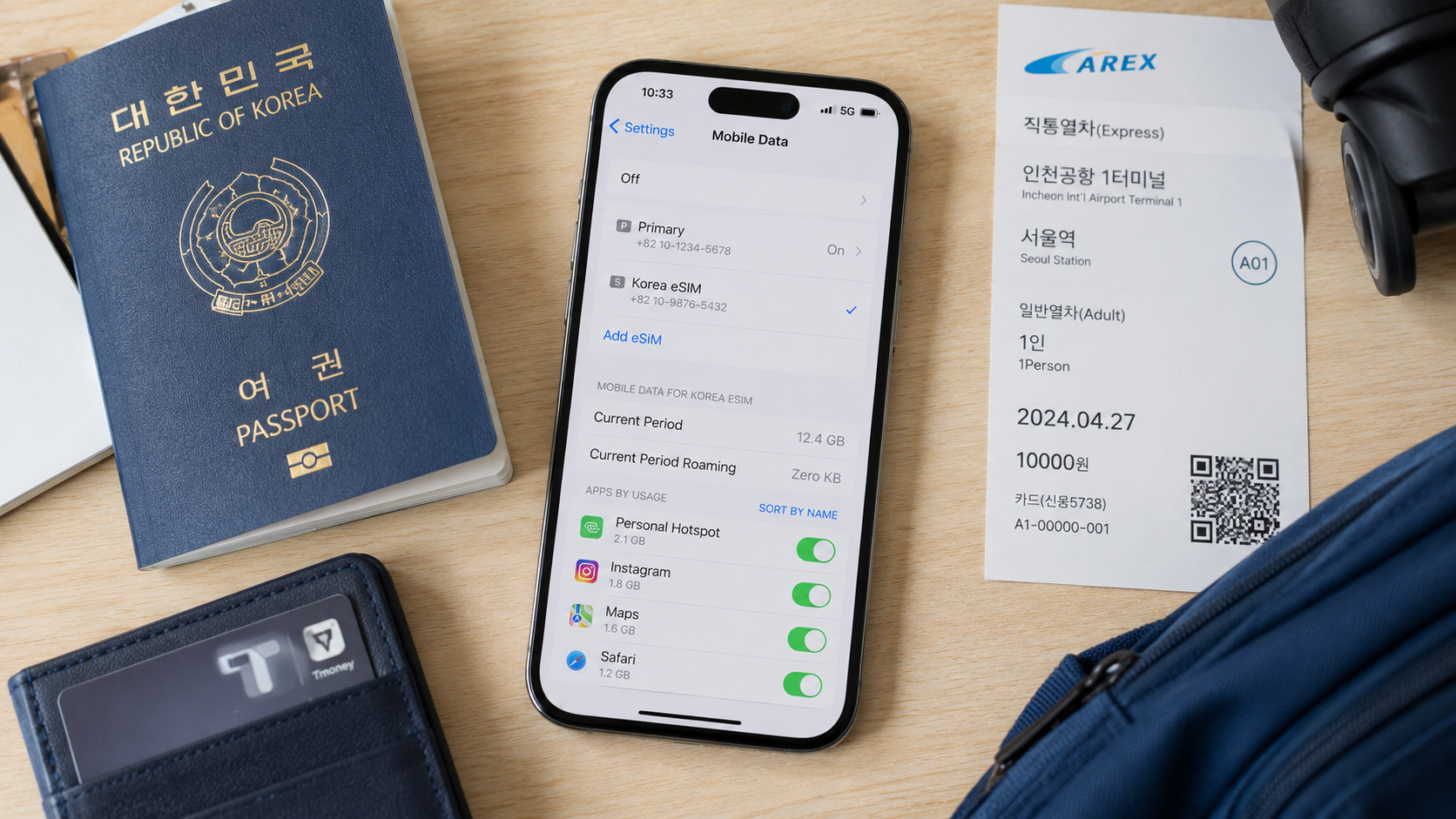
- Add the eSIM through your phone’s cellular or mobile-network settings.
- Label it “Korea” so it is easy to distinguish from your home line.
- Keep your home SIM selected for calls if needed, but disable data roaming on that line.
- Select the Korea eSIM for mobile data after arrival.
- Enable data roaming for the travel eSIM if its provider requires it.
- Test maps and a web page before leaving the airport.
Do not delete the eSIM when troubleshooting. Several providers issue installation credentials only once and will not replace a deleted profile.
Common mistakes to avoid
- Buying by trip length alone: Check both validity and data allowance.
- Activating too early: Some plans begin at installation; others begin after connecting in Korea.
- Leaving home-line roaming enabled: This can trigger expensive international roaming charges.
- Expecting a telephone number: Most budget travel eSIMs are data-only.
- Assuming a tourist number supports verification: A 010 number is not the same as a resident identity-authenticated mobile account.
- Ignoring hotspot rules: Confirm tethering support if you plan to connect a laptop or another traveler’s phone.
- Deleting the profile: Contact support before removing an eSIM that is not working.
- Buying an LG U+ eSIM for an incompatible phone: Google Pixel and OPPO devices are specifically excluded by LG U+ at the time of verification.
What to check before you go
- Your phone is unlocked and eSIM-compatible
- The exact model is accepted by the provider
- The plan lasts for your full trip
- The allowance matches your likely data use
- Hotspot use is permitted if required
- You understand when validity begins
- You know whether calls, SMS or a Korean number are included
- The QR code and support details are available offline
- Data roaming is disabled on your home SIM
- The provider’s refund and reinstallation rules are acceptable
Take a screenshot of the installed-plan label and key settings while still on Wi-Fi. If the connection fails after landing, restart the phone, confirm that the travel eSIM is selected for data and check whether data roaming must be enabled.
FAQ
Can I install a Korea eSIM before flying?
Usually, yes, but read the activation rule first. Some plans start only after connecting to a supported Korean network, while others may begin when installed or manually activated.
Will an eSIM work outside Seoul?
Plans using KT, SK Telecom or LG U+ networks are intended for use across South Korea, including major cities and populated regional areas. Coverage can still vary inside mountains, underground spaces, remote islands and some buildings.
Can I keep WhatsApp, iMessage or KakaoTalk on my usual number?
Generally, yes. Installing a data eSIM does not automatically change the number registered with those apps. Avoid re-registering the app unless it specifically asks you to do so.
Is airport Wi-Fi enough to install the eSIM?
It may be, but installing before departure is less stressful when the provider permits it. Keep the QR code on another device or in printed form because a phone cannot always scan a QR code displayed on its own screen.
Which eSIM should I buy?
For the lowest upfront cost, choose a 1 GB Saily or Airalo plan. For a typical one- or two-week holiday, Ubigi’s 10 GB plan offers stronger value at the verified prices. Choose KT, SK Telecom or LG U+ when unlimited data, airport support or a Korean number matters more than the lowest price.
Before purchasing, open the provider’s live checkout page and confirm the price, activation window and compatibility for your exact phone model.