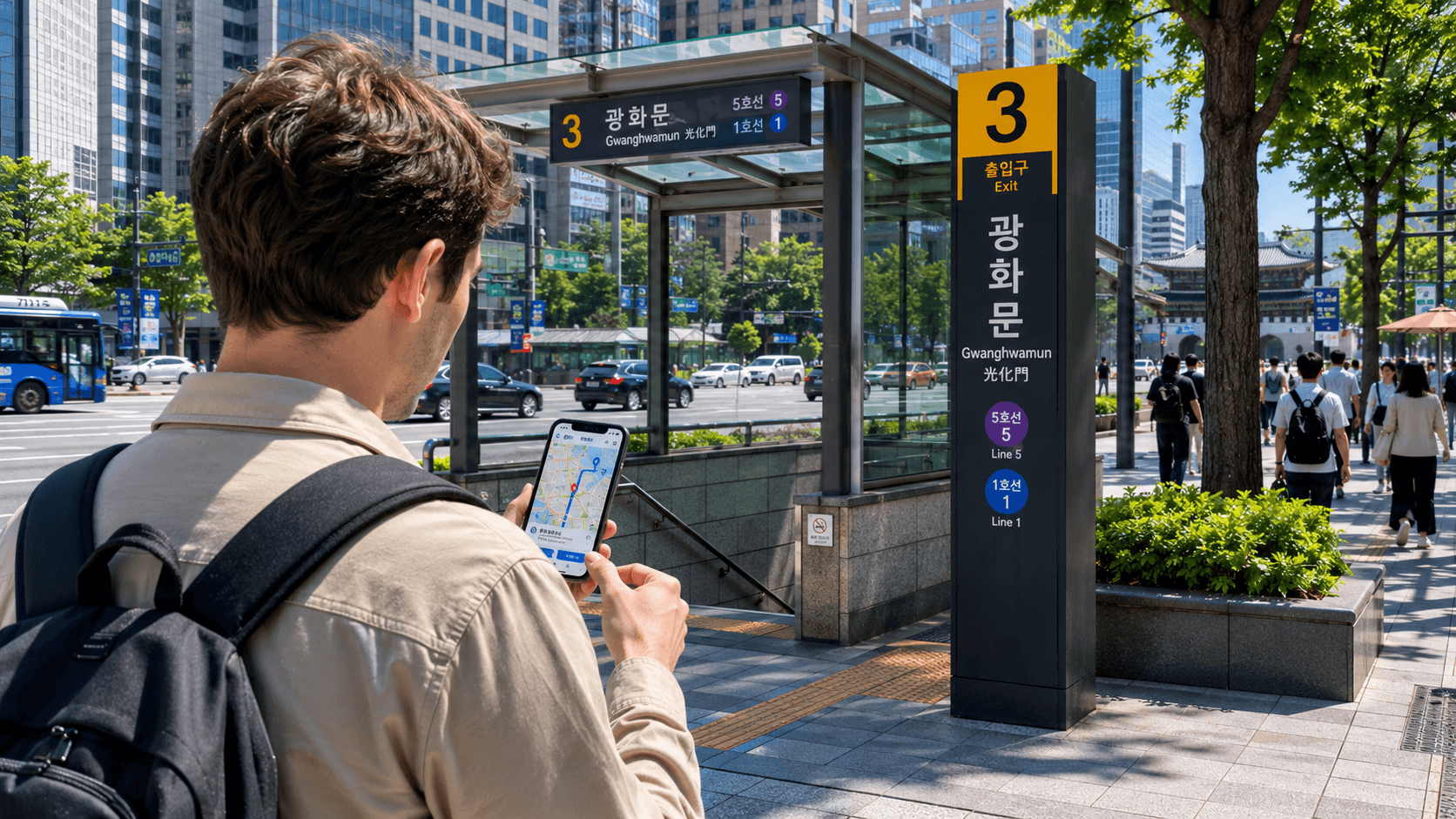
Korea's local apps can make the difference between a smooth journey and a confusing one. For most visitors, the essential set is Naver Map for navigation, Papago for translation, k.ride for taxis, KorailTalk for intercity trains and Emergency Ready for government safety alerts. Install them before departure, sign in where necessary and confirm that location access, notifications and payment methods work.
The app features and service information below were verified on June 9, 2026. Interfaces, supported languages and payment rules can change, so check the relevant app before relying on it for an important journey.
At a glance
| Need | Recommended app | Why it is useful |
|---|---|---|
| Maps and public transport | Naver Map | Local place search, walking directions and public-transport routes |
| Translation | Papago | Text, voice and image-based Korean translation |
| Taxi booking | k.ride | Multilingual taxi booking with overseas card support |
| KTX and other KORAIL trains | KorailTalk | Official reservations and mobile tickets |
| Disaster and civil-defense information | Emergency Ready | Government safety alerts and shelter information |
| Official tourism information | VISITKOREA | Attraction details, travel notices and trip planning |
| Regional transport bookings | Tmoney GO | Buses, taxis, bicycles and other mobility services, but primarily in Korean |
| Restaurant reservations | Catchtable | Search, reservations and waiting-list functions at participating restaurants |
1. Naver Map: the first app to install
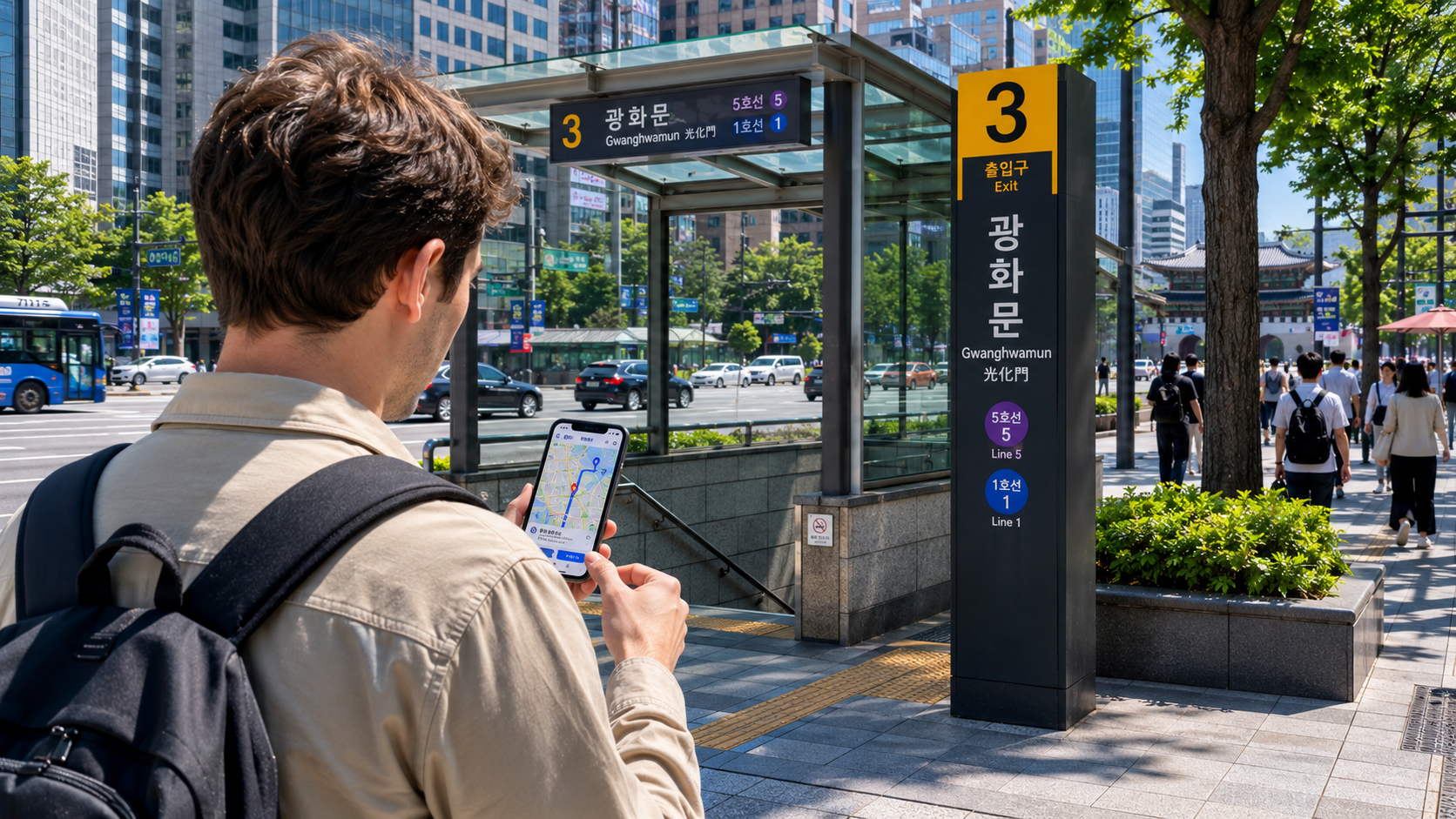
Naver Map is the most practical general navigation app for visitors to Korea. It provides routes for walking, public transport, driving and cycling, as well as local listings for restaurants, cafés, attractions and shops. The Korea Tourism Organization's current transport guide lists Naver Map as supporting route searches and local place information in English, Chinese and Japanese.
Use it to:
- Find subway and bus routes.
- Check which station exit is closest to your destination.
- Estimate walking and transfer times.
- Search for restaurants and attractions.
- Save accommodation and sightseeing locations in advance.
- Show a destination to a taxi driver.
Search with both English and Korean names
English place-name searches usually work for major attractions, stations and established businesses. Smaller restaurants, guesthouses and rural locations may be easier to find with their Korean names.
Before leaving your accommodation, copy the destination's Korean name and street address from its official website, booking confirmation or social-media profile. Paste that text into Naver Map rather than translating the name yourself. A translated business name may not match its registered map listing.
Also check the location pin carefully. Businesses with similar names may have several branches, and searching only for a café or restaurant name can take you to the wrong district.
Do not trust the final arrival time blindly
Public-transport estimates are useful, but allow extra time for large station transfers, unfamiliar exits and waiting for elevators. Some Seoul subway stations involve long underground walks between platforms or exits.
When catching a train, airport bus or booked tour, aim to arrive earlier than the app's minimum estimate suggests.
2. Papago: practical Korean translation
Papago is Naver's translation service and is particularly useful for Korean. According to the Korea Tourism Organization's app guide, it can process typed text, speech, handwriting, webpages and text captured from images.
The image function is often the most useful tool for travelers. It can help with:
- Restaurant menus.
- Washing-machine controls.
- Food labels and allergy information.
- Notices at accommodation entrances.
- Ticket machines and reservation screens.
- Instructions on appliances or heating controls.
Translation software can misunderstand abbreviations, handwritten notices and context-dependent terms. Do not rely on it alone for medical instructions, legal documents, immigration matters or severe food allergies. Ask a qualified person or the relevant official authority to confirm critical information.
Save a few Korean phrases separately
Keep important information in a phone note so that it remains easy to show even when an app is slow. Useful items include:
- Your hotel's Korean name, address and telephone number.
- Your destination's Korean address.
- A dietary restriction written or confirmed by a Korean speaker.
- The name of a prescribed medicine.
- An emergency contact.
For a taxi, showing the exact Korean address is usually more reliable than trying to pronounce a translated place name.
3. k.ride: the simplest taxi app for short-term visitors
k.ride is Kakao Mobility's multilingual ride-hailing service. It is designed for international users and avoids some of the account and payment friction that visitors may encounter with domestic-only services.
As verified on June 9, 2026, the official service supports English, Japanese, Simplified Chinese and Traditional Chinese. It offers multilingual destination search and automatically translated chat with the driver. Users can see an estimated fare before requesting a vehicle and pay with supported credit cards, debit cards or mobile-payment services.
How to book a taxi
- Open the app and confirm your pickup pin.
- Enter the destination, preferably using its saved map listing.
- Review the vehicle type, estimated route and estimated fare.
- Confirm the payment method.
- Request the taxi and wait for the vehicle details.
- Check the license plate before getting in.
The pickup pin matters. At stations, department stores and airports, drivers may be directed to a designated taxi area rather than your exact GPS position. Look for road names, gate numbers or building entrances that you can identify clearly.
Taxi availability is not guaranteed. Dispatch can take longer late at night, during heavy rain, around major events or in rural areas. For an airport departure or other fixed appointment, leave additional time and ask your accommodation about a backup booking method.
4. KorailTalk: for KTX and KORAIL trains
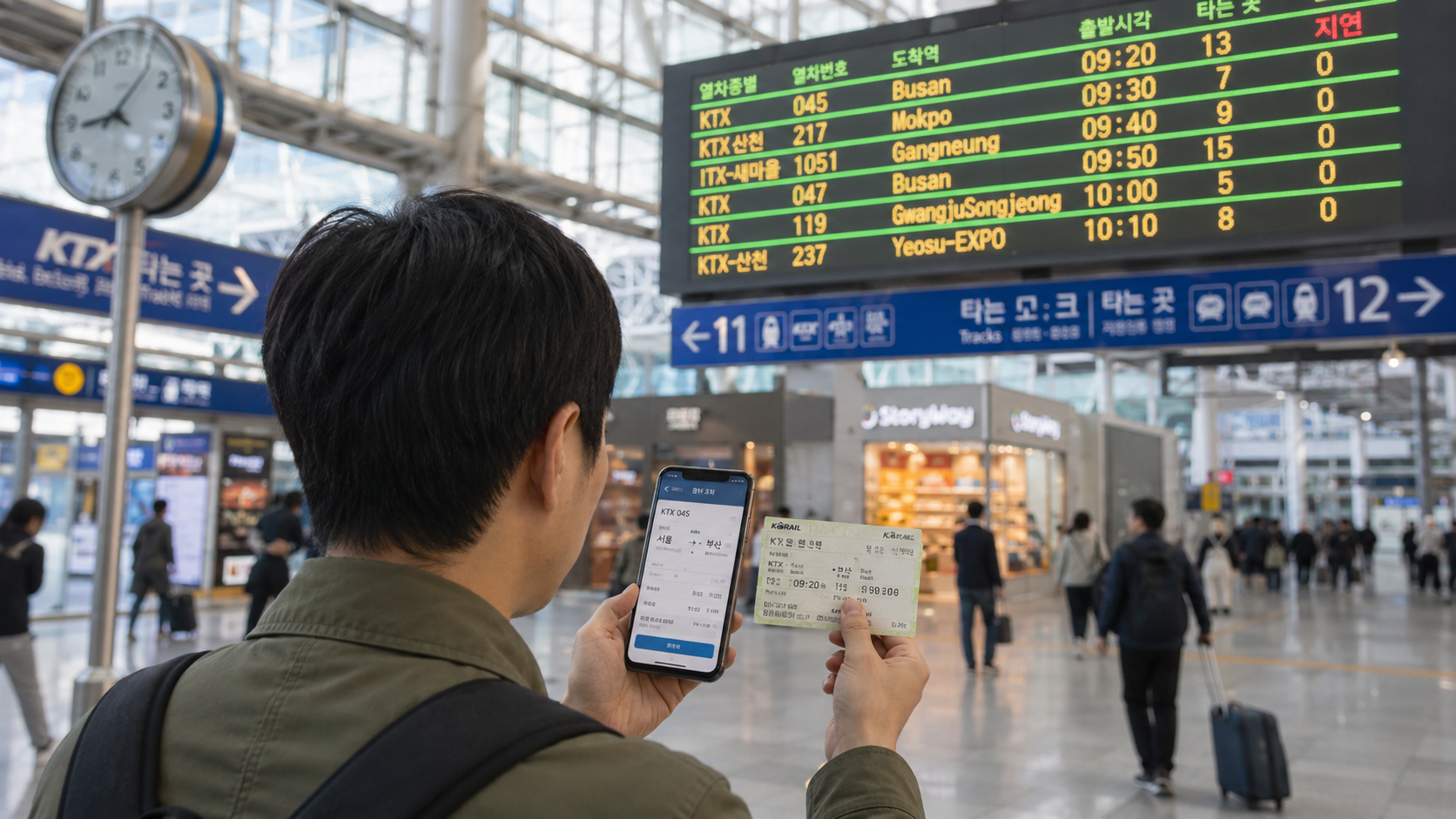
KorailTalk is the official KORAIL reservation app for KTX high-speed services and other trains operated by KORAIL. The Korea Tourism Organization's June 2026 transportation guide lists KorailTalk as offering information in seven languages. The official Let's Korail website is a useful alternative if the app is difficult to navigate.
Use KorailTalk to:
- Search train schedules.
- Compare departure and arrival stations.
- Reserve a specific train and seat.
- Pay for a ticket.
- Display booking information or a mobile ticket.
KTX tickets can sell out on popular routes, particularly on Friday evenings, Sunday afternoons, public holidays and around major national holidays. Reserve early when your itinerary depends on a specific departure.
Confirm the operator and station
KTX and most conventional intercity trains are operated by KORAIL, but SRT is a separate high-speed rail service with its own booking system. The 2026 official transport guide lists the SRT website and app as supporting English, Chinese and Japanese.
Seoul also has several major railway stations, including Seoul Station, Yongsan, Cheongnyangni and Suseo. Check the exact departure station before booking accommodation transfers or ordering a taxi.
Do not buy a ticket merely because the destination city is correct. Verify the date, departure station, train number and departure time before paying.
5. Emergency Ready: install it even if you never open it
Emergency Ready is a government safety app for foreign residents and visitors. The Korean immigration authority recommends installing it to receive disaster and civil-defense information.
The app provides information such as:
- Emergency and disaster alerts.
- Safety instructions for events such as typhoons, earthquakes and heavy snow.
- Civil-defense shelter locations.
- Emergency medical-center information.
- Police and fire-station locations.
- Embassy information.
After installation, select your language, enable notifications and check the chosen alert region. Government alerts may concern extreme weather, missing persons, fires, traffic disruption or civil-defense exercises. Automated translations can sound awkward, so read the location and requested action carefully.
For an immediate emergency in Korea, call 112 for police or 119 for fire and ambulance services. An app should not delay an emergency call.
6. VISITKOREA: official information and travel notices
VISITKOREA is the official tourism platform operated by the Korea Tourism Organization. It is useful for checking destination information, seasonal events, travel notices, suggested itineraries and practical visitor guidance.
It is especially helpful when you need a source more reliable than an old blog post. Use it to confirm whether an attraction has an official website, locate tourist information centers or research regional transport options.
VISITKOREA also provides access to the 1330 Korea Travel Helpline, but there is an important current limitation: the organization announced that the helpline's call and chat functions were temporarily unavailable from January 20, 2026, until further notice. That suspension was still the latest clearly published service notice found during verification on June 9, 2026. Check the official website for a restoration notice before depending on 1330.
Useful optional apps
Tmoney GO
Tmoney GO combines several mobility services, including express and intercity bus reservations, route searches, taxis, SRT bookings and public bicycles. It can be useful for residents or repeat visitors who need a broader range of transport services.
However, the Korea Tourism Organization currently identifies the app interface as Korean-only. Registration and payment compatibility may also depend on the user's account, phone number and card. Treat it as an optional tool rather than your only way to reach another city.
A physical Tmoney transit card is separate from the Tmoney GO app. According to the official June 2026 transport guide, standard Tmoney cards are widely sold at convenience stores and subway facilities, but purchases and top-ups generally require cash rather than a foreign-issued card.
Catchtable
Catchtable can be useful for restaurants that accept reservations or operate digital waiting lists. The Korea Tourism Organization lists it as supporting Korean and English.
Not every restaurant participates, and a listing does not guarantee that all reservation slots are released to international users. Check cancellation rules, deposits and party-size requirements before confirming. For casual neighborhood restaurants, walking in or asking your accommodation to call may still be simpler.
KakaoTalk
KakaoTalk is Korea's dominant messaging platform and becomes more useful for exchange students and longer-term residents than for short visits. Clubs, university groups, accommodation hosts and local businesses may use it for communication.
A tourist staying only a few days does not need it for basic navigation or taxi booking if using Naver Map and k.ride. Longer-term residents should consider setting it up after obtaining reliable mobile service and reviewing the app's account-recovery settings.
Odii
Odii is a Korea Tourism Organization audio-guide service covering cultural sites and themed routes. It is useful for independent visits to historic areas, museums and heritage attractions where English interpretation may be limited. Check whether your planned destination has a downloadable guide before arrival.
Set up your apps before flying
Complete this checklist while you still have stable internet access:
- Install Naver Map, Papago, k.ride, KorailTalk and Emergency Ready.
- Confirm that each app is available in your device's app-store region.
- Change the interface language where necessary.
- Complete phone, email, Google or Apple verification.
- Add a payment card to k.ride and any booking apps you expect to use.
- Enable location access for maps and taxis.
- Enable notifications for Emergency Ready.
- Save your first accommodation in Naver Map.
- Save the accommodation's Korean address and telephone number separately.
- Take screenshots of airport-transfer and first-night instructions.
- Confirm that your SIM, eSIM or roaming plan includes mobile data in Korea.
Do not make your entire trip dependent on one phone. Keep your passport, accommodation address, essential booking numbers and emergency contacts accessible somewhere else.
Common mistakes to avoid
Searching only in translated English
A translated venue name may not match its registered listing. Use the official Korean name or copy the address from a confirmed source.
Choosing the wrong branch
Chain restaurants, hotels, clinics and shops may have several branches. Compare the district, nearby station and street address before starting navigation.
Waiting until arrival to verify an account
International SMS delivery, app-store restrictions or card verification can fail. Complete registration before departure whenever possible.
Assuming every foreign card will work
An app may accept overseas cards generally while a particular issuer blocks the transaction. Carry another card and some KRW as backup. Never wait until the last available train or bus to discover that payment has failed.
Confusing route information with a reservation
A map may show a train or bus connection without selling the ticket. Confirm whether the service requires a separate reservation, particularly for KTX, SRT, airport buses and intercity buses.
What to check before you go
On the day before departure, open each essential app and check for updates. Confirm that your payment card has not expired, your taxi account remains signed in and your saved accommodation still points to the correct branch.
For fixed journeys, check the official operator rather than relying solely on a route planner. Train timetables, bus boarding points, attraction hours and temporary service suspensions can change.
Your practical next step is to install the five core apps, then save your airport, accommodation and first planned destination in Naver Map. That simple preparation gives you a working navigation, translation, transport and safety toolkit from the moment you arrive.
Sources
- Korea Tourism Organization: Helpful Apps and Resources
- Korea Tourism Organization: International Visitors' Transportation and Payment Guide, May 2026
- Kakao Mobility: k.ride official website
- KORAIL: Let's Korail official booking website
- Tmoney: Tmoney GO service information
- Korean Immigration Service: Emergency Ready installation notice
- Korea Tourism Organization: 1330 service suspension notice