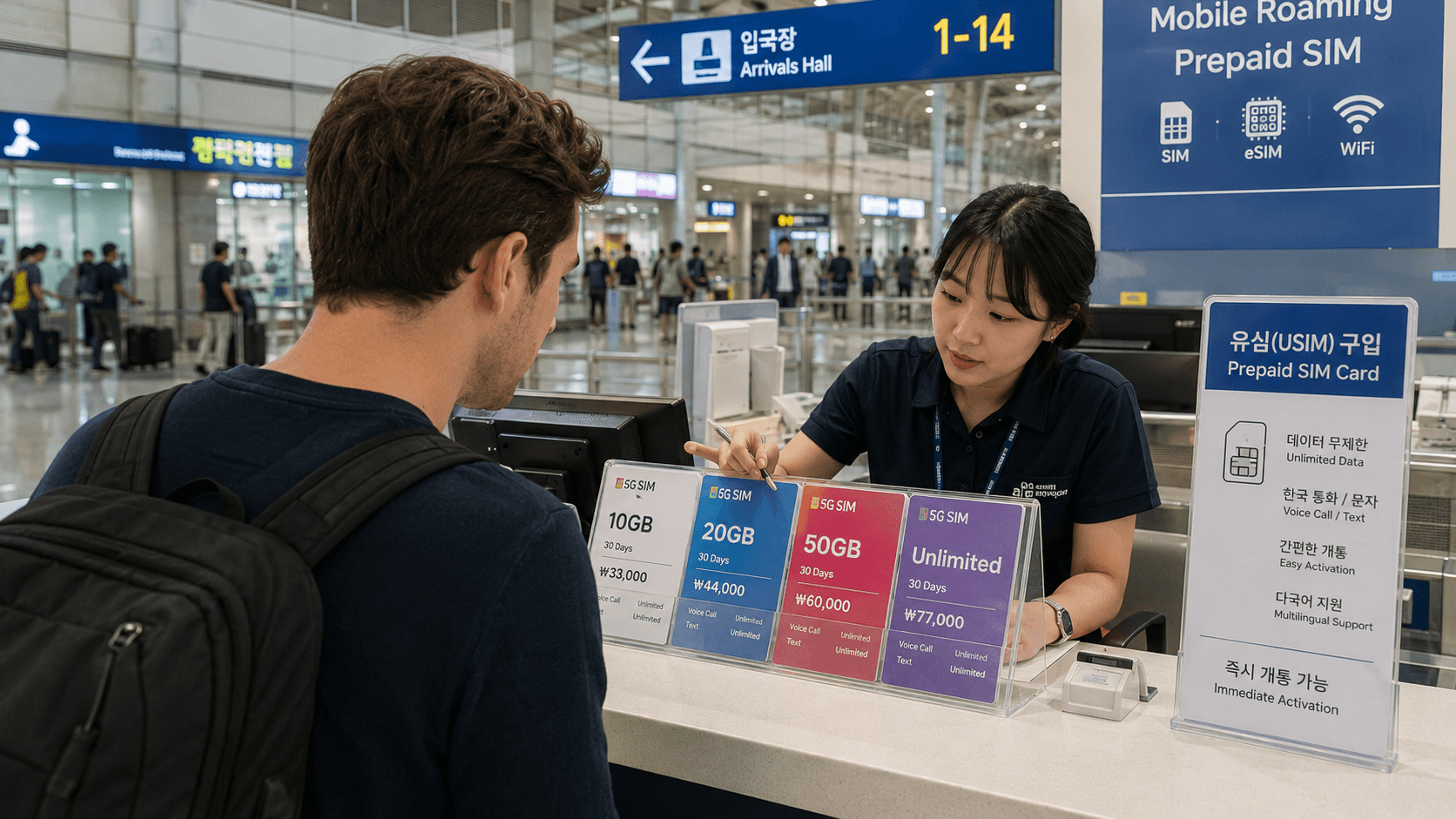
A Korean tourist SIM card is usually the simplest way to stay connected during a short visit. You can reserve one before departure, collect a physical SIM after landing, or install an eSIM on a compatible unlocked phone. Choose a plan with outgoing calls and texts if you need a Korean number for restaurant bookings, local calls, or app verification.
Information, prices, counter locations, and operating hours in this guide were verified on June 10, 2026. Carrier products can change, so confirm the final terms before payment.
Quick answer
- For the easiest arrival: Reserve a physical SIM from a Korean carrier and collect it at the airport.
- For immediate setup: Buy an eSIM before departure, but confirm that your phone is unlocked and supports the provider's eSIM.
- For maps and messaging only: A data-only plan is normally sufficient.
- For a usable Korean phone number: Select a plan that explicitly includes outgoing voice calls and SMS.
- What to bring: Your passport, unlocked phone, reservation confirmation if applicable, and a payment card.
- Where to buy: Official carrier counters at major airports are the most straightforward option for first-time visitors.
Your main options
Physical tourist SIM card
A physical SIM replaces, or sits alongside, the SIM already in your phone. Airport staff can usually install and activate it for you.
This is a practical choice when:
- Your phone does not support eSIM.
- You want staff to test the connection before you leave the counter.
- You need help choosing between data-only and voice-enabled service.
- You are uncomfortable changing mobile-network settings yourself.
Keep your home SIM in a safe place. It is small and easy to lose, so bring a SIM case or place it in a sealed compartment of your wallet.
Tourist eSIM
An eSIM is a downloadable mobile profile rather than a plastic card. You normally receive a QR code or installation instructions after purchase.
An eSIM is convenient when:
- Your phone supports eSIM and is carrier-unlocked.
- You want to retain your physical home SIM.
- You want to arrange service before arriving.
- You have access to Wi-Fi during installation.
Compatibility is provider-specific. For example, the LG U+ eSIM instructions say that users can dial *#06# and check for an EID, the identification number associated with an eSIM-capable device. LG U+ also warns that its tourist eSIM may not work with some devices purchased outside Korea and currently excludes Google Pixel and OPPO devices. Do not assume that general eSIM support guarantees compatibility with every Korean product.
A provider may prohibit reinstalling or reissuing an eSIM after it has been downloaded. Keep the QR code private, follow the installation sequence carefully, and do not delete the Korean mobile plan while it is still needed.
International travel eSIM
International eSIM companies also sell Korean data packages. These can be useful for basic internet access, but the service may route through a foreign network and may not include a Korean phone number.
Before buying, check:
- Whether the plan includes a Korean
010number - Whether incoming and outgoing SMS are supported
- Whether tethering is allowed
- Whether advertised unlimited data has a daily high-speed limit
- Which Korean carrier supplies the underlying network
- Where customer support is based
The lowest advertised price is not necessarily the lowest usable price if the plan is heavily speed-limited or does not include the functions you need.
Data-only or data plus voice?
Product names can be misleading. Some plans described as data SIMs provide a Korean number and permit incoming calls or messages, while still blocking outgoing calls and texts. Read the function table rather than relying on the product title.
| Feature | Data-only plan | Data plus voice plan |
|---|---|---|
| Maps, web browsing, messaging apps | Usually included | Included |
| Korean phone number | Sometimes | Usually |
| Incoming calls or SMS | Provider-dependent | Usually included |
| Outgoing Korean calls or SMS | Usually unavailable | Available or prepaid |
| Banking or government identity verification | Generally unavailable | Not guaranteed |
As one current example, LG U+ distinguishes between data-only and data-plus-voice SIMs. Its data-only tourist SIM permits incoming calls and texts but not outgoing calls or texts. Its voice-enabled product supports outgoing service, with charges deducted from a voice balance.
A tourist SIM should not be treated as a substitute for a resident mobile account. LG U+ specifically states that its tourist products can receive some verification messages for services such as restaurant or taxi reservations, but cannot perform the formal identity verification used by Korean banks and government services. If you are moving to Korea, ask an official carrier store which resident plan and identification documents apply to your immigration status.
How much does a Korean SIM card cost?
Prices depend on duration, network speed, data limits, voice credit, promotions, and where you buy the product.
As a verified price reference on June 10, 2026, the official LG U+ physical tourist SIM page listed its unlimited LTE data-only SIM at:
| Validity | Listed price |
|---|---|
| 1 day | KRW 6,500 |
| 2 days | KRW 12,000 |
| 3 days | KRW 18,000 |
| 4 days | KRW 23,000 |
| 5 days | KRW 27,500 |
The equivalent LG U+ data-only eSIM showed the same listed prices for these durations. These figures are examples from one carrier, not a universal market rate. Longer plans, 5G options, voice credit, and online discounts may produce different totals.
Check how validity is calculated. Some products run for exact 24-hour periods from first use rather than ending at midnight. LG U+, for example, states that the usage period begins when data is first used.
Also examine what unlimited means. A carrier may manage speeds during congestion, and some third-party plans reduce speed after a daily allowance. Look for the high-speed data amount and post-limit speed in the product conditions.
Where to buy a SIM card
Incheon International Airport
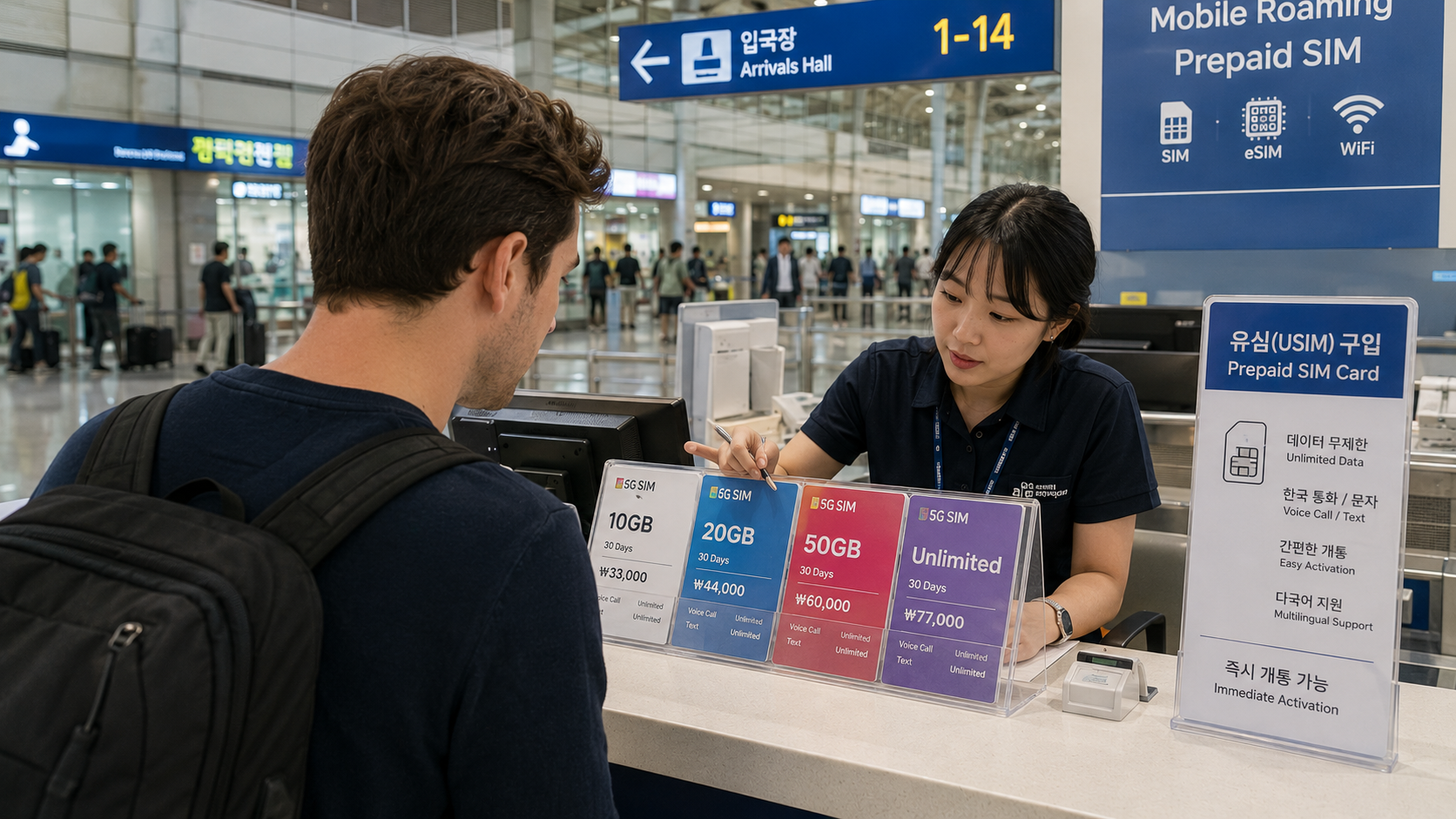
Incheon Airport has official KT, LG U+, and SK Telecom roaming centers in both passenger terminals. The Incheon International Airport service directory listed 24-hour carrier counters in the arrival areas on June 10, 2026:
- Terminal 1: KT, LG U+, and SK Telecom counters near Arrival Hall F on Level 1
- Terminal 2: KT and LG U+ counters near Exit 4 on Level 1; SK Telecom near Exit 7 on Level 1
The airport also lists additional carrier counters with more limited hours. Locations and hours may change, so search the airport directory for the carrier name shortly before travel.
If you reserved online, check the voucher carefully. A reservation may be tied to a specific carrier, terminal, counter, date, or opening period. Confirm your arrival terminal from your airline rather than assuming all international flights use Terminal 1.
Gimpo and Gimhae airports
Some carriers operate pickup counters at Gimpo International Airport in Seoul and Gimhae International Airport near Busan. Availability is less uniform than at Incheon.
For example, the LG U+ product page listed physical-SIM pickup at Incheon Terminals 1 and 2, Gimpo, and Gimhae on June 10, 2026. Its published counter hours included 24-hour service at selected Incheon counters, while Gimpo and Gimhae locations had limited hours linked to flight operations. Confirm the exact airport and counter before ordering.
Carrier shops in the city
Official KT, SK Telecom, and LG U+ stores can sell mobile products, but not every neighborhood branch handles short-term visitor plans or provides service in English. Airport counters are generally easier when you need passport registration, activation, and immediate troubleshooting.
If buying in the city, use the carrier's official store locator and contact the branch first. Ask specifically for a prepaid tourist SIM, called a 선불 유심 in Korean, and confirm that the store can register a foreign passport.
Convenience stores and online marketplaces
SIM packages may appear in convenience stores, travel platforms, or vending machines. The package may still require online passport registration before it works.
Before paying, identify:
- The actual network operator
- The company responsible for activation and refunds
- Whether airport collection is required
- Whether the package includes voice and SMS
- The activation deadline
- The support channel if registration fails
Avoid an unsealed SIM or any seller asking you to use another person's registered account.
How to buy and activate a physical SIM
Step 1: Unlock your phone
Contact your home carrier before departure and confirm that the handset is network-unlocked. Paying off a device does not always unlock it automatically.
LG U+'s official tourist-SIM guidance says its card works with most unlocked phones and directs users with a country-locked device to request unlocking from their home carrier before arriving in Korea.
Step 2: Choose the required functions
Decide whether you need:
- Data only
- Incoming calls and SMS
- Outgoing local calls
- Outgoing SMS
- Tethering or hotspot use
- A specific validity period
- LTE or 5G service
Ask how much voice credit is included and whether it can be topped up online.
Step 3: Reserve or buy at the counter
For advance reservations, enter your name exactly as shown on your passport. Save the confirmation where it can be opened without mobile data.
Walk-in purchases may be available, but a reservation reduces the risk that your preferred duration or SIM type is unavailable. LG U+ states that walk-in purchases are accepted at its customer centers, subject to current availability and counter operations.
Step 4: Present your passport
Korean tourist SIM products are registered to the purchaser's identity. Bring the physical passport used for the booking. Some online products require a passport image to be uploaded during registration.
Do not send a passport scan through an unofficial messaging account. Use the carrier or authorized seller's secured registration page and read its privacy notice.
Step 5: Install and test the SIM
Ask the staff member to activate the card and test it before you leave. Confirm that:
- Mobile data loads a webpage with Wi-Fi switched off.
- Your Korean number appears on the receipt or activation screen.
- Incoming SMS works if included.
- An outgoing call works if you paid for voice service.
- Personal hotspot works if you need it.
Keep the SIM package, receipt, contract number, and support details until the plan expires.
How to install a Korean eSIM
- Connect to reliable Wi-Fi.
- Open the carrier's QR code on a second screen or printed page.
- On an iPhone, open Settings > Cellular or Mobile Service > Add eSIM.
- On a compatible Android phone, open the SIM manager and choose the option to add an eSIM.
- Scan the carrier QR code and label the plan Korea.
- Set the Korean plan as the mobile-data line.
- Turn off cellular-data switching unless you intentionally want your home SIM to take over.
- Disable data roaming on your home line to prevent unexpected charges.
- Follow the Korean provider's instructions on whether data roaming must be enabled for the new eSIM.
- Test data after arrival with Wi-Fi switched off.
Do not activate too early until you understand when the validity clock begins. Some plans start at installation, some at network connection, and others at first data use.
Common problems
The phone shows no service
Restart the phone, confirm that the Korean line is enabled, and set network selection to automatic. If you have a dual-SIM phone, verify that the Korean line is selected for mobile data.
Calls work but data does not
The Access Point Name, or APN, may not have loaded correctly. Use only the APN supplied by the provider. Do not copy settings from an unrelated travel blog or another carrier.
Data works but SMS verification fails
First confirm that your plan actually includes incoming SMS. If it does, the service itself may reject prepaid or tourist numbers. A working Korean number does not guarantee formal Korean identity verification.
Your home carrier charges you
Your home SIM may still be using data or receiving chargeable roaming calls. Disable data roaming on that line and select the Korean SIM manually for cellular data. Removing the home SIM entirely prevents accidental data use but also stops messages sent to your usual number.
The eSIM QR code will not install
Check that the phone is unlocked, connected to Wi-Fi, and compatible with that exact provider. A QR code may be single-use. Do not delete a partly installed profile unless carrier support instructs you to do so.
What to check before you go
- Confirm that your phone is carrier-unlocked.
- Check physical SIM size or provider-specific eSIM compatibility.
- Decide whether you need outgoing calls and SMS.
- Compare high-speed data, not only the word unlimited.
- Check when the validity period begins.
- Confirm the pickup airport, terminal, counter, and operating hours.
- Bring the passport used for the reservation.
- Save your voucher and QR code for offline access.
- Check cancellation, refund, and eSIM reissue rules.
- Turn off data roaming on your home line before landing.
- Test data, calls, SMS, and hotspot service before leaving the counter.
FAQ
Do I need a Korean phone number?
Not for basic navigation or internet messaging. A Korean number is useful for accommodation contacts, restaurant waiting lists, delivery services, and local calls. However, tourist numbers may not work for banking, government services, or other systems requiring verified resident identity.
Can I buy a SIM after midnight at Incheon Airport?
Yes, selected KT, LG U+, and SK Telecom arrival counters were listed as operating 24 hours on June 10, 2026. Verify your terminal and the latest location through the official airport directory before travel.
Can I keep WhatsApp or another messaging account on my usual number?
Usually, inserting a Korean SIM does not automatically change an existing messaging account. Do not accept an in-app request to change the registered number unless that is what you intend to do.
Should I choose LTE or 5G?
LTE is adequate for navigation, translation, messaging, video calls, and ordinary streaming. Pay extra for 5G only if your phone supports the provider's network and you expect to benefit from the additional speed.
Is a SIM better than pocket Wi-Fi?
A SIM is easier for one traveler because there is no separate device to charge or return. Pocket Wi-Fi can make sense for a group sharing data, but the group must remain near the router and someone must manage its battery and return.
Sources
- Incheon International Airport information and service directory
- LG U+ official Korean tourist SIM card information
- LG U+ official Korean tourist eSIM information
- KT Roaming official English website
Before departure, compare the current products on the official carrier websites and reserve a plan that explicitly includes every function you need.