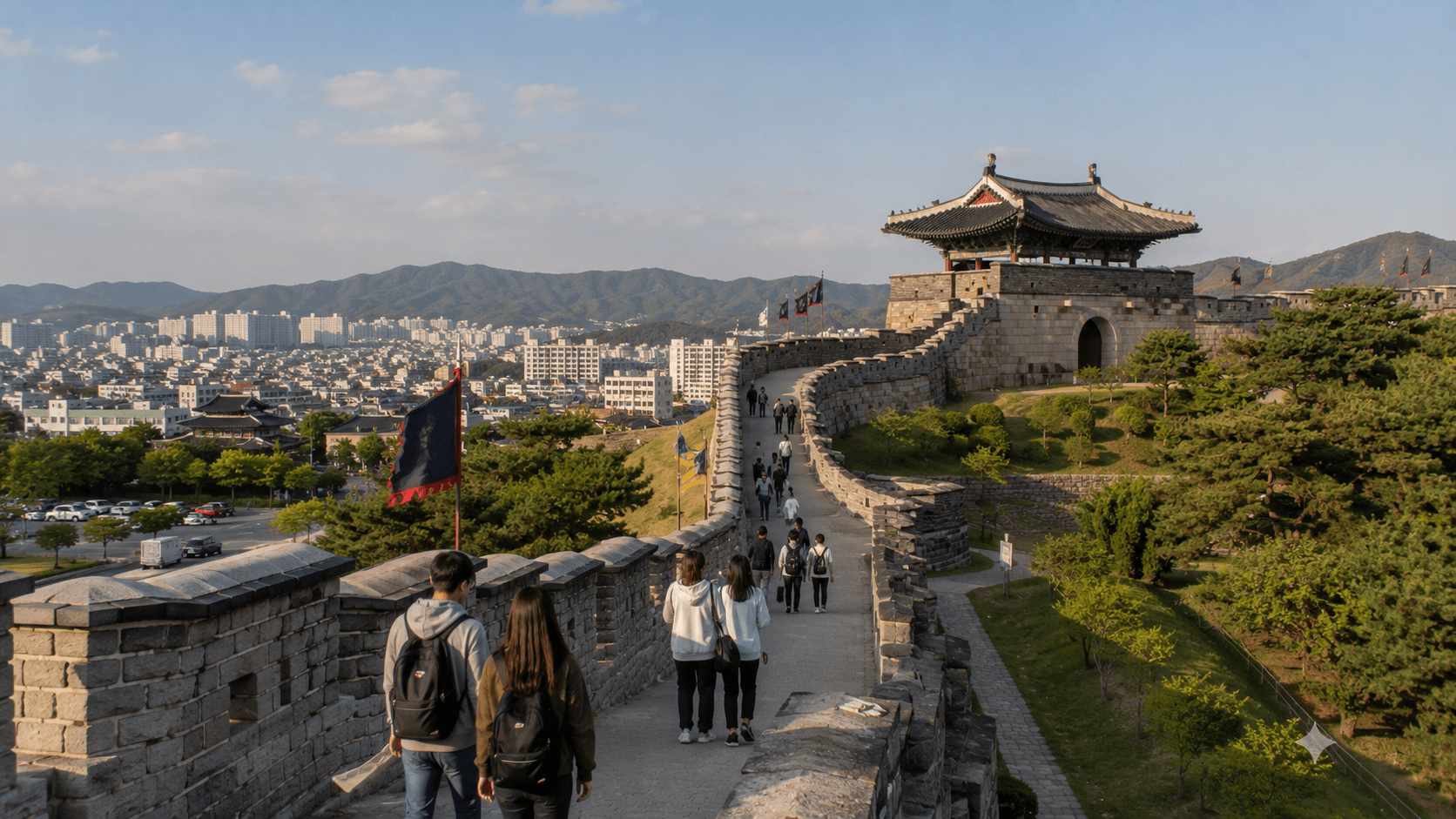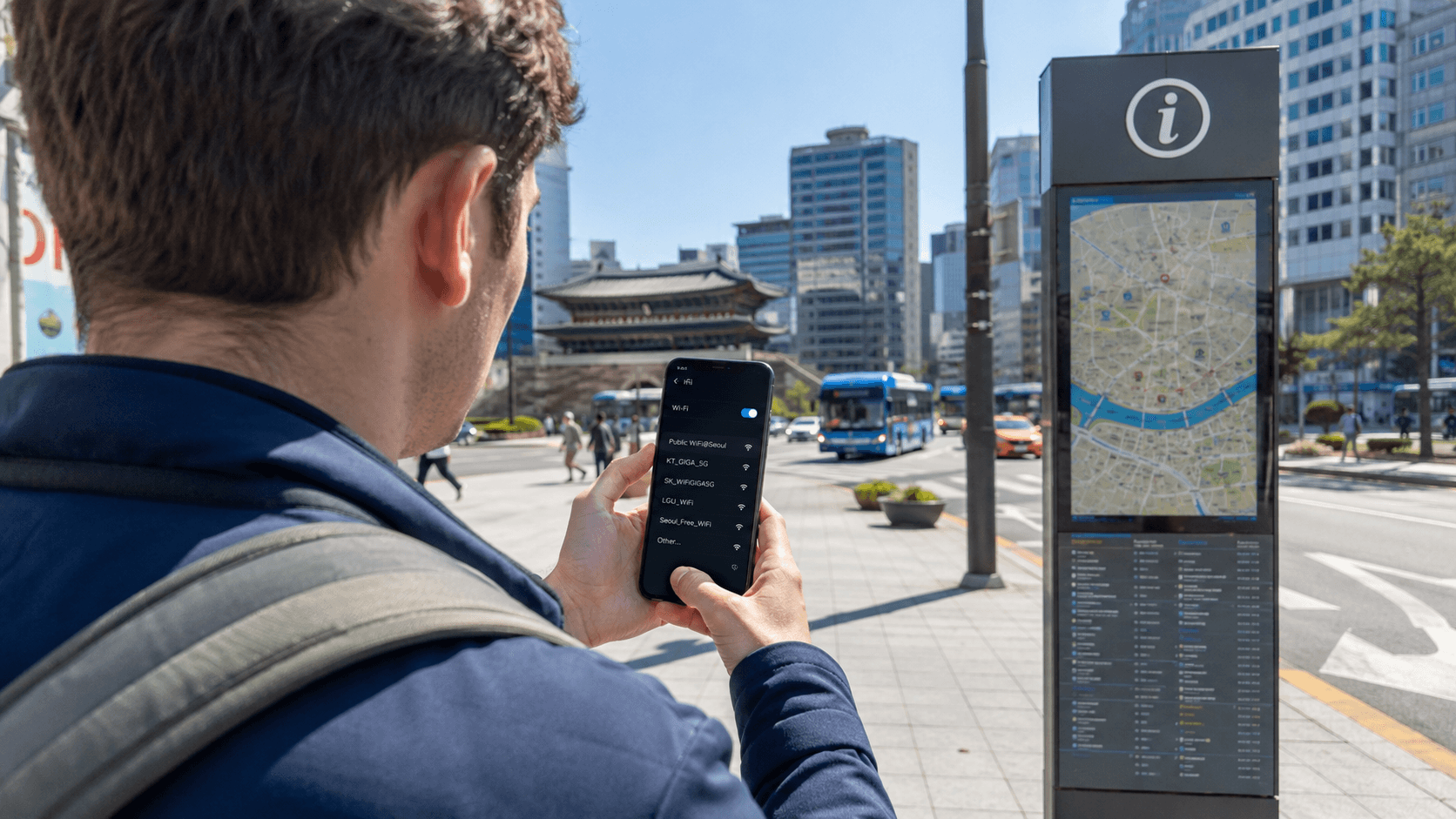
Yes. Free WiFi is common in South Korea, especially in major cities and places used by travelers. You can often connect at airports, hotels, cafés, shopping centers, public buildings, tourist attractions, and selected buses. Government-supported public networks are also available nationwide.
However, free WiFi is not continuous or universal. A network may require a password, display a Korean-language login page, become slow when crowded, or disappear once you leave a building or bus. For navigation, translation, transport information, and urgent communication, a Korean SIM, eSIM, or portable WiFi device remains the more dependable option.
Information in this guide was verified on June 9, 2026.
Quick answer
| Question | Practical answer |
|---|---|
| Is free WiFi easy to find? | Usually yes in cities, airports, cafés, hotels, and public facilities. |
| Is it available everywhere? | No. Coverage becomes less predictable outdoors, between destinations, and in rural areas. |
| Do I need a Korean phone number? | Usually not for official public WiFi, although individual businesses may use different login systems. |
| Is café WiFi free? | Often, but it may be intended for paying customers and require a password from the receipt or counter. |
| Can I rely on WiFi for an entire trip? | Not recommended. Keep mobile data available for maps, translation, reservations, and emergencies. |
| Is public WiFi secure? | A secured official network is preferable, but sensitive transactions are still better handled through mobile data or another trusted connection. |
Where free WiFi is commonly available
Airports
Incheon International Airport provides free WiFi in its passenger terminals. The airport describes the service as unlimited, and charging points are also available throughout the airport. See the Incheon International Airport WiFi information.
This makes the airport a convenient place to download offline maps, contact your accommodation, check an airport transfer, or activate an eSIM. Do these tasks before leaving the terminal if you do not yet have mobile data.
Other Korean airports may also offer passenger WiFi, but network names and coverage differ. Check signs or ask an information desk instead of selecting an unfamiliar network simply because its name contains the word airport.
Cafés and restaurants
WiFi is widely offered at cafés, including large chains and many independent shops. Access may be open, printed on the receipt, displayed near the counter, or provided when you ask a staff member.
A purchase is normally expected when using a café’s seats and internet connection. Some busy cafés also limit seating time or restrict laptop use in certain areas. These are individual business policies rather than nationwide rules.
Useful Korean words include:
- WiFi: 와이파이
- WiFi password: 와이파이 비밀번호
- What is the WiFi password?: 와이파이 비밀번호가 뭐예요? (Waipai bimilbeonhoga mwoyeyo?)
If the password is printed on a receipt, look for English letters and numbers beside terms such as WiFi, ID, PW, or 비밀번호, meaning password.
Hotels, hostels, and guesthouses
Most urban accommodation provides guest WiFi, but the arrangement varies. There may be one network for the entire property, a separate network on each floor, or an individual password for each room.
Confirm the following when checking in:
- The exact network name
- Whether the password is case-sensitive
- Whether the lobby and rooms use different networks
- Whether there is a limit on connected devices
- Whether your room has weak reception
If you need reliable internet for remote work or an online class, ask the property directly about in-room performance before booking. The presence of WiFi in a listing does not guarantee a particular speed or a stable video-call connection.
Shopping centers, museums, and tourist attractions
Large malls, department stores, museums, visitor centers, and major attractions frequently provide free WiFi. Some networks open immediately, while others redirect you to a page where you must accept terms of use.
The Korea Tourism Organization describes free WiFi as commonly available in places such as cafés, shopping centers, subways, and major attractions. See its visitor information about WiFi in Korea.
Availability at a particular attraction should still be treated as a convenience rather than a guarantee. Historic sites, mountain paths, beaches, islands, and large parks can have uneven coverage even when WiFi is available near an entrance or information center.
How Korea’s official public WiFi works
The national public WiFi program is supported by the Ministry of Science and ICT, the National Information Society Agency, local governments, and telecommunications companies. It provides free access in places such as community centers, welfare facilities, traditional markets, and participating city buses.
The official portal is the Public WiFi service website. Its location-search tools can help identify registered access points, although actual signal quality depends on your distance from the equipment, local interference, and the number of people connected.
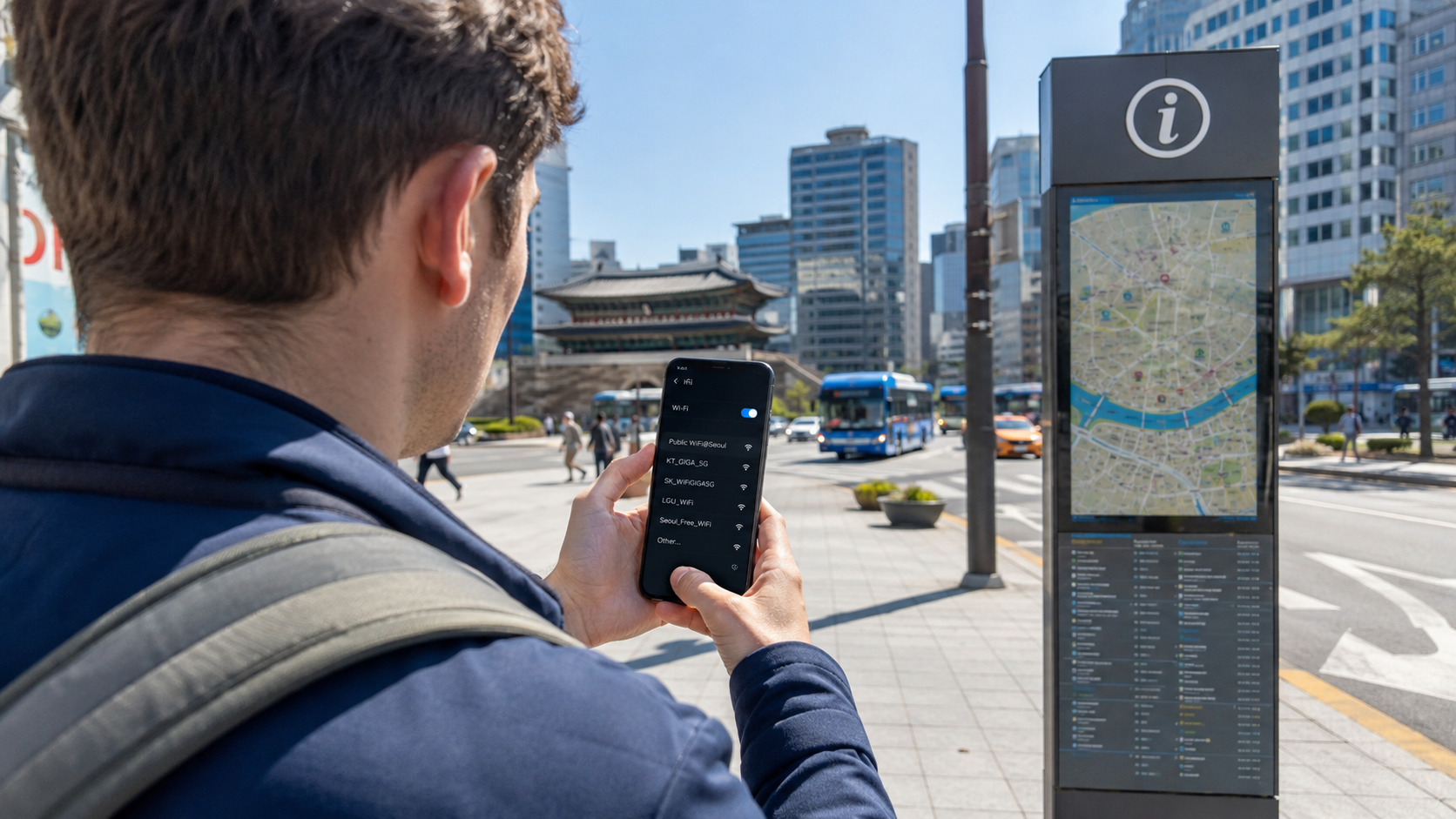
Connecting to Public WiFi Free
The official instructions for the open public network are:
- Open your phone’s WiFi settings.
- Select
Public WiFi Free. - Open a web browser if the login page does not appear automatically.
- On the public WiFi page, select the button to use the service.
These steps are confirmed on the government-supported Public WiFi connection guide.
An open network is convenient, but traffic between your device and the access point may not receive the same protection as traffic on a secured network.
Connecting to Public WiFi Secure
Where available, the secured official network appears as Public WiFi Secure. The official credentials verified on June 9, 2026, are:
- Username or identity:
wifi - Password:
wifi - EAP method on Android:
PEAP
Some devices ask you to approve a certificate or specify additional settings. Follow the current instructions in the official secure public WiFi guide, as menus differ by operating system and software version.
The secured option encrypts communication between your device and the WiFi access point. It does not protect you from phishing pages, fraudulent apps, or every other method of stealing personal information.
Public WiFi on buses
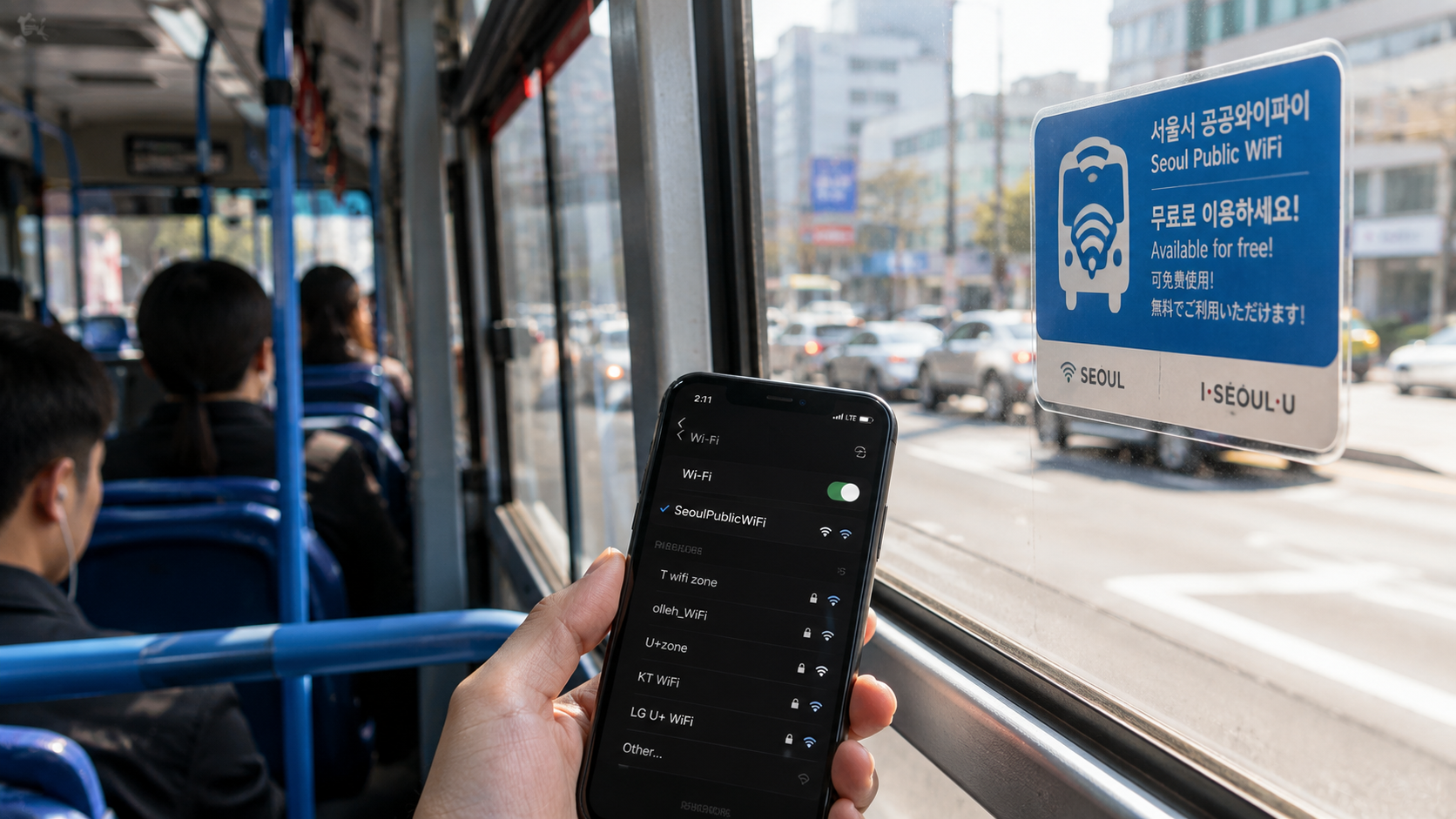
Participating buses display public WiFi notices. The open network may include the route number, such as Public WiFi Free_123, while the secured service may appear as Public WiFi Secure.
Bus WiFi uses a mobile connection while the vehicle is moving, so performance can change along the route. Tunnels, congestion, weak mobile coverage, and many simultaneous users may cause interruptions. The official bus WiFi instructions explain both open and secured connections.
Do not assume every bus has working WiFi. Check for a sticker or notice inside the vehicle and keep any essential route information available offline.
Free public WiFi in Seoul
Seoul operates its own public WiFi system, commonly associated with the name Kkachi On. Coverage includes selected streets, parks, trails, traditional markets, tourist areas, bus stops, public offices, community facilities, and buses.
Seoul’s secured network is SEOUL_Secure. The city’s published connection details use seoul as both the username and password. Android devices may require PEAP, while Apple devices may ask the user to trust a certificate. The instructions are available from the Seoul Metropolitan Government’s Kkachi On guide.
Seoul has continued expanding coverage and replacing older equipment. Its official 2022–2026 strategy includes additional installations in high-traffic areas and upgrades to WiFi 6 equipment. Details are provided in the city’s public WiFi accessibility and quality policy.
Even in Seoul, public WiFi should not be understood as one uninterrupted citywide connection. Signals come from individual access points, so your phone may disconnect as you walk or travel between coverage areas.
What about subway WiFi?
WiFi may appear in subway stations and trains, but access is less straightforward than the general idea of free WiFi everywhere suggests. Some networks belong to Korean mobile carriers and are intended for their subscribers. Others may be public, station-specific, or available only in particular parts of the system.
A network being visible does not mean an overseas visitor can use it. You may encounter a carrier login, a weak signal, or repeated disconnections while the train moves. Do not depend on subway WiFi for changing trains, displaying a reservation, or finding the correct station exit.
Before entering the subway, load your route in a navigation app or take a screenshot showing:
- The destination station’s English and Korean names
- The line number and color
- The transfer station
- The final train direction
- The destination exit number
Mobile data is much more useful when a delay or wrong transfer requires you to recalculate the route underground.
Why free WiFi sometimes does not work
The official Public WiFi FAQ notes that performance is affected by coverage range, traffic, interference, and the number of connected users. Heavy video streaming or gaming by a few users can also reduce quality for everyone else. See the Public WiFi FAQ.
Common problems include:
- The login page does not open: Open your regular browser and visit a simple webpage to trigger the captive portal.
- The signal is visible but weak: Move closer to the counter, information desk, bus sticker, or other likely access-point location.
- The connection repeatedly drops: Forget the network and reconnect, or switch off automatic connection to weaker nearby networks.
- The secure network rejects the settings: Check capitalization and confirm that both the identity and password match the official instructions.
- The network works but apps do not: Complete the browser login page first.
- The café password fails: Ask staff whether the password has changed; older signs and online reviews may be outdated.
Staying safe on public WiFi
Korea’s official guidance advises users to avoid unidentified networks and not to perform sensitive activities over unsecured WiFi. This applies even when a network name resembles that of a nearby café, hotel, or public facility.
Use these precautions:
- Confirm the network name on an official sign, receipt, or information desk.
- Prefer
Public WiFi Secureor another password-protected network when available. - Avoid online banking, large financial transactions, confidential work systems, and entering highly sensitive personal information on an open network.
- Keep your device’s operating system and browser updated.
- Disable automatic connection to open networks when you no longer need it.
- Use mobile data for urgent payments or account recovery.
- Check the web address carefully before entering a password.
A VPN can add protection for traffic leaving your device, but it does not make a fraudulent website trustworthy. Travelers using an employer’s systems should follow their organization’s security requirements.
Should you buy mobile data anyway?
For most international visitors, yes. Free WiFi can reduce data use, but it is not a complete replacement for mobile service.
A SIM or eSIM is particularly useful for:
- Live walking and public transport directions
- Translation outside buildings
- Taxi and transport apps
- Reservation confirmations
- Contacting accommodation after hours
- Receiving authentication messages, where supported
- Emergencies and unexpected itinerary changes
- Travel outside major urban centers
A portable WiFi router can suit groups with several devices, although someone must carry and charge it. An eSIM is usually simpler for a compatible unlocked phone, while a physical SIM may be preferable when you need a Korean phone number. Check the provider’s current terms carefully because data-only products and products with local calling or text capability are not the same.
What to check before you go
- Confirm that your phone is unlocked if you plan to use a Korean SIM or eSIM.
- Download an offline translation language pack.
- Save your accommodation’s address in both English and Korean.
- Download offline map areas where your chosen app supports them.
- Screenshot airport transfer and first-day transport instructions.
- Record essential booking numbers somewhere accessible without internet.
- Bring a charging cable and portable battery.
- Turn off data roaming unless it is included in your home plan.
- Verify the official SSID before joining a public network.
- Do not plan a time-sensitive task around café or transport WiFi.
FAQ
Can tourists use Korea’s official public WiFi?
Yes. The national public service is described as available to anyone at participating locations. Its open network does not normally require a Korean mobile subscription.
Does free WiFi require a password?
It depends. Public WiFi Free uses a browser access page, while Public WiFi Secure uses the official username and password. Cafés, hotels, and other businesses set their own access rules.
Is free WiFi available outside Seoul?
Yes. The national public WiFi program covers participating public places and buses around Korea, not only Seoul. Density and reliability vary by city, county, and location.
Can I make internet calls over free WiFi?
Usually, if the connection is fast and stable enough. Crowded public networks and moving buses may not support a reliable voice or video call.
Can I travel without a SIM or eSIM?
It is possible if you prepare carefully and remain near reliable WiFi, but it makes navigation and communication between access points harder. At minimum, download essential information before leaving the airport or accommodation.
Sources
- Korea Public WiFi official portal
- Official Public WiFi connection guide
- Official secure Public WiFi safety guide
- Official public bus WiFi guide
- Seoul Metropolitan Government Kkachi On guide
- Seoul public WiFi accessibility and quality policy
- Incheon International Airport passenger WiFi information
- Korea Tourism Organization visitor information
Before arriving, choose your mobile-data backup and download the Korean address of your first destination. Then use verified public or business WiFi to conserve data rather than depending on it for every part of the journey.