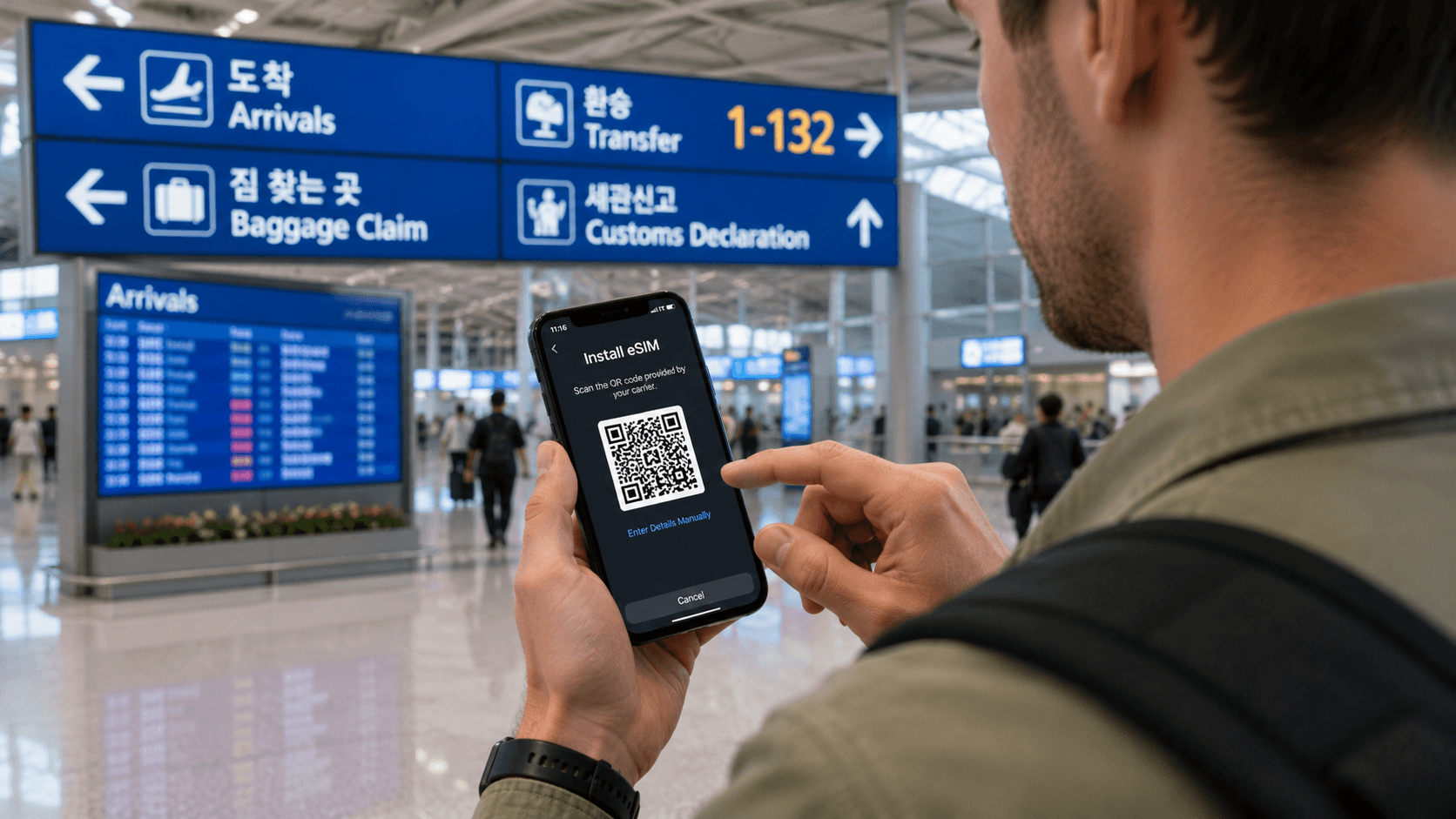
For most solo travelers, an eSIM is the more convenient way to get mobile data in South Korea: it requires no airport pickup, adds no extra device to carry, and cannot be forgotten at a rental counter before departure. Pocket WiFi is often more practical for families or groups sharing one connection, especially when some phones do not support eSIM.
The important exception is independence. Everyone using pocket WiFi must remain near the router. If your group separates, only the person carrying it stays connected.
Prices, product conditions, counter hours, and technical details in this guide were verified on June 9, 2026. Carrier terms can change, so confirm them before paying.
Quick answer
| Your situation | Usually the better choice |
|---|---|
| One traveler with an unlocked, eSIM-compatible phone | eSIM |
| Two or more people who will stay together | Pocket WiFi may cost less per person |
| Group members will explore separately | One eSIM per person |
| Phone does not support eSIM | Pocket WiFi or a physical SIM |
| You need internet on a phone, laptop, and tablet | Pocket WiFi, or an eSIM that permits hotspot use |
| You do not want airport pickup or return tasks | eSIM |
| You need a Korean number for calls or SMS | A suitable voice-enabled eSIM or physical SIM, not pocket WiFi |
| You need Korean online identity verification | A tourist product may not be sufficient; check with the service concerned |
What is the difference?
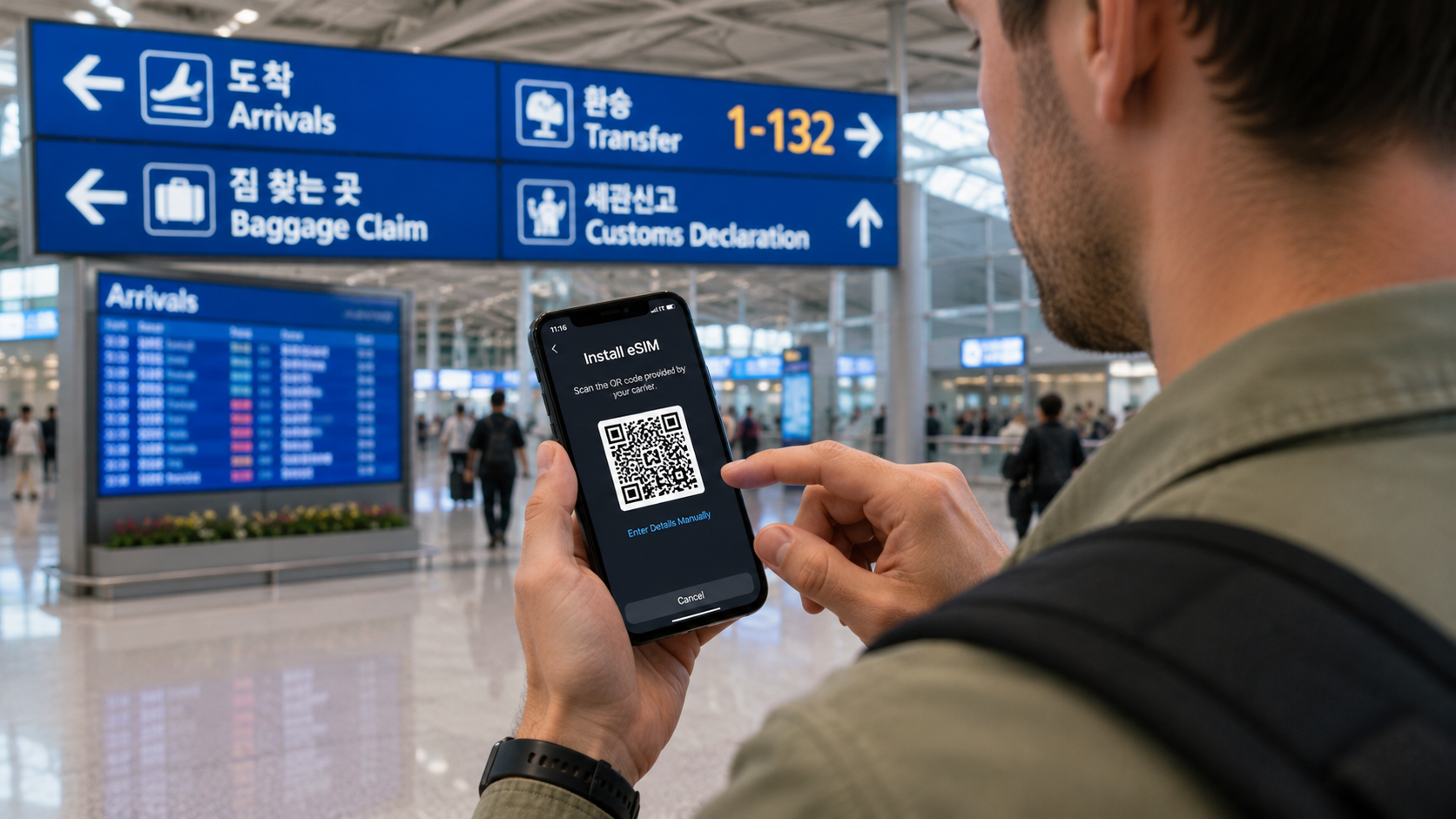
An eSIM, or embedded SIM, is a digital mobile plan installed directly on a compatible phone. The provider normally sends a QR code or installation instructions by email. Your phone then connects to a Korean mobile network without replacing your home SIM card.
A pocket WiFi router, sometimes called a WiFi egg in Korea, is a small rental device containing its own mobile connection. It creates a private WiFi network for your phone, tablet, or laptop. You collect the router after arriving, charge it during the trip, and return it before leaving Korea.
Both options use Korean mobile networks. The practical differences are equipment, sharing, setup, and whether you need a phone number.
eSIM: advantages and disadvantages
Why an eSIM is easier for most solo travelers
An eSIM has no separate battery, charger, or rental equipment. Once activated, your phone can connect while you walk, take public transport, or make a day trip without keeping another device nearby.
It can also preserve access to your home SIM if your phone supports dual-SIM operation. This may allow you to receive messages sent to your usual number while using the Korean eSIM for mobile data. Receiving messages can still trigger charges under your home carrier's roaming terms, so confirm those terms and disable data roaming on the home line.
Korean carriers sell both data-only and voice-enabled tourist eSIMs. For example, the official LG U+ Korea eSIM page lists data-only and data-plus-voice options. Product details matter: a data-only plan cannot make ordinary outgoing calls or send SMS simply because an assigned number appears in the phone settings.
Compatibility is the main risk
Your phone must meet two separate conditions:
- It must support eSIM.
- It must be unlocked for use with another carrier.
Dialling *#06# may display an EID, the identification number associated with eSIM hardware. LG U+ uses this as a preliminary compatibility check, but an EID alone does not guarantee that every Korean tourist eSIM will work with every model or regional variant. Check the provider's supported-device guidance and ask your home carrier whether the phone is network-unlocked.
Do this before purchasing because refund policies can be strict. LG U+ states that its data eSIM is non-refundable after payment and cannot be reissued after installation. KT similarly warns on its official tourist eSIM service that QR codes and installed profiles have restrictions on reuse and deletion.
You need internet during installation
The phone usually needs an existing internet connection to download the eSIM profile. Install it over reliable home, hotel, or airport WiFi rather than waiting until you are outside the terminal.
Do not delete the profile while troubleshooting unless the provider instructs you to do so. Some tourist eSIM profiles cannot be downloaded again.
Pocket WiFi: advantages and disadvantages
One router can serve several devices
Pocket WiFi is useful when several travelers stay together or when one person needs to connect a phone, tablet, and laptop. LG U+ says its current rental router can connect up to 10 devices, although speed may decline when several users stream or transfer large files simultaneously. See the carrier's official pocket WiFi information.
Sharing one rental can reduce the per-person cost. However, compare the full trip price rather than the advertised daily rate. Longer eSIM packages may have lower average daily costs, while router promotions and deposits vary by company.
The group must stay close to the router
Pocket WiFi does not give every traveler an independent mobile connection. If one person takes the router into a museum while another walks to a nearby café, the second person loses access once outside its WiFi range.
This can be inconvenient when plans change, someone misses a subway stop, or group members return to their accommodation at different times. Separate eSIMs are usually worth the additional cost when travelers expect to split up.
It adds another battery and return obligation
The router needs charging in addition to your phone. Actual battery life depends on the device, signal conditions, connected devices, and data use. Carry the supplied cable and a power bank on long days.
You must also return the complete rental set. Daily charges may continue until the device is returned, and loss or damage can produce additional fees. LG U+ requires a passport and a credit or debit card for router rental. As verified on June 9, 2026, its listed debit-card deposit was KRW 70,000, refundable after the equipment is returned in good condition. Credit-card handling follows different authorization rules.
How much do they cost?
There is no universal winner because carriers apply different daily rates, package discounts, data policies, and promotions.
As a current official example, verified June 9, 2026:
- LG U+ listed its data-only eSIM from KRW 6,500 for one day, with multi-day prices such as KRW 27,500 for five days.
- LG U+ listed pocket WiFi at KRW 4,400 per 24 hours.
- The router included 4 GB of high-speed data per day, followed by service at up to 5 Mbps under the listed fair-use policy.
- LG U+ described the selected eSIM product as unlimited data without routine throttling, although network management may occur during congestion.
These figures are examples, not a complete comparison of every Korean provider. SK Telecom, KT, and LG U+ all operate visitor connectivity services, and online discounts can change the result. Compare the exact number of 24-hour periods, not just calendar dates or a headline price.
For a couple on a five-day trip, one KRW 4,400-per-day router could be cheaper than purchasing two separate eSIMs. For two people who often separate, the inconvenience of sharing may outweigh that saving.
Data limits and the meaning of unlimited
Read the fair-use policy whenever a plan says unlimited. It may mean one of the following:
- Full-speed data throughout the validity period
- A daily high-speed allowance followed by reduced speed
- Unlimited data with a stated maximum speed
- Speed management during congestion or unusually heavy use
Reduced service around 5 Mbps is generally enough for maps, messaging, web browsing, and ordinary video calls, but it may be restrictive for high-resolution streaming, cloud backups, or large laptop downloads.
Also check whether tethering or personal hotspot use is permitted. Pocket WiFi is designed for sharing, while eSIM hotspot rules can depend on the plan and device.
Will you receive a Korean phone number?
Pocket WiFi provides internet access, not normal mobile calling or SMS on your phone. Calls through WhatsApp, FaceTime, LINE, KakaoTalk, or another internet service can work, but you do not receive an ordinary Korean mobile line from the router.
An eSIM may be data-only or may include a Korean 010 mobile number and voice/SMS functions. Confirm all three separately:
- Can the line receive calls and SMS?
- Can it make outgoing calls or send SMS?
- Is prepaid credit included, or must it be added?
A number can be helpful when a hotel, restaurant, tour operator, or delivery service needs to contact you. However, a tourist SIM with SMS does not necessarily support Korea's formal mobile identity-verification system. LG U+ specifically states that its voice/SMS tourist products may support verification messages from services such as restaurant or taxi apps but not identity verification for banking or government services.
Exchange students and new residents who need a number for banking, government websites, or a long stay should investigate a resident mobile plan after completing the relevant immigration and identification procedures. Ask the mobile carrier and the service requiring verification rather than assuming a tourist eSIM will work.
How to set up an eSIM
Before departure
- Confirm that the exact phone model supports eSIM.
- Ask your home carrier whether the phone is unlocked.
- Check whether the Korean plan is data-only or includes voice and SMS.
- Read the activation deadline, validity calculation, refund policy, and profile-reissue rules.
- Keep the QR code available on a second screen or as a printed copy. You cannot scan a QR code displayed only on the same phone unless the device supports importing it another way.
After installation
- Give the new line a clear label such as
Korea eSIM. - Select it as the mobile-data line.
- Keep your home line's data roaming disabled.
- Follow the Korean provider's instructions about data roaming on the eSIM itself; some travel eSIMs require it.
- Test maps and messaging before leaving the airport.
- Do not delete the eSIM profile during the trip.
Activation timing differs by product. Some plans begin with first data use, while others begin when installed or connected to a supported network. Check the exact rule before scanning the code.
How to rent pocket WiFi
- Reserve through the carrier's official website when possible.
- Select the correct arrival terminal and pickup counter.
- Check whether the return airport can differ from the pickup airport.
- Bring your passport and a suitable payment card in the passport holder's name.
- At collection, verify that the router, charging cable, adapter, battery, and case are present.
- Connect every traveler's device and test the connection at the counter.
- Photograph or note the return location and opening hours.
- Return the complete set before check-in or security on departure day.
LG U+ currently allows its equipment to be returned at participating counters at Incheon, Gimpo, or Gimhae airports even when the pickup airport was different. Counter coverage and rules differ by provider.
At Incheon Airport, some carrier counters operate 24 hours while others close overnight. For example, LG U+ listed a 24-hour counter near Gate F in Terminal 1 and another near Gate 3 in Terminal 2 as of June 9, 2026. Confirm current details through the LG U+ airport customer-center page, especially if your flight arrives late or departs early.
Which option should different travelers choose?
Solo visitor
Choose an eSIM if your phone is compatible and unlocked. It removes pickup, charging, and return tasks and keeps the connection with you throughout the trip.
Couple
Choose one pocket WiFi router if you will spend nearly all your time together and want to minimize cost. Choose separate eSIMs if either person may take independent day trips, shop separately, or return to the hotel at a different time.
Family with children
Pocket WiFi can connect several devices and simplify payment. The adult carrying it should remain close to everyone who needs internet. Consider an additional eSIM on one adult's phone as a backup if the family may separate.
Business traveler or remote worker
An eSIM reduces the number of devices to manage, but confirm tethering rules and data speeds before relying on it for a laptop. Pocket WiFi may be useful for multiple work devices, though its battery and shared bandwidth introduce additional points of failure. Accommodation WiFi should remain the primary connection for large uploads or important video meetings.
Exchange student or newcomer
A short-term eSIM is convenient on arrival, but it may not meet longer-term needs such as Korean identity verification, banking, or a stable local number. Use it as temporary connectivity while comparing resident plans directly with Korean carriers.
Common mistakes
- Purchasing an eSIM before checking whether the phone is unlocked
- Deleting an installed eSIM and expecting to scan the same QR code again
- Activating a plan too early because its validity starts immediately
- Assuming every eSIM includes a Korean number
- Leaving data roaming enabled on the home SIM and receiving unexpected charges
- Sharing one router when the group plans to separate
- Forgetting to charge the router overnight
- Packing the router in checked luggage before returning it
- Arriving at a closed airport rental counter
- Assuming public WiFi will provide continuous coverage
Korea offers public WiFi in airports, stations, cafés, and other locations, but it should be treated as a supplement rather than your only connection. The Korea Tourism Organization's communications guide notes that SIM cards and WiFi rentals are available at major airports and that public WiFi is available in numerous public places.
What to check before you go
- Exact phone model supports the provider's eSIM
- Phone is network-unlocked
- Plan includes enough high-speed data
- Hotspot or tethering is allowed if needed
- Voice and SMS functions are included if required
- Activation date and time calculation match your itinerary
- Refund and eSIM reissue conditions are acceptable
- Pocket WiFi pickup and return counters serve your airports
- Counters are open when your flights arrive and depart
- Deposit and payment card requirements are understood
- Router loss and damage fees have been checked
- Home SIM data roaming will be disabled
The practical next step is to check your phone's EID and carrier-lock status. If both are suitable, compare official eSIM packages for your exact trip length. If not, reserve pocket WiFi at your arrival airport and record the return counter before flying.