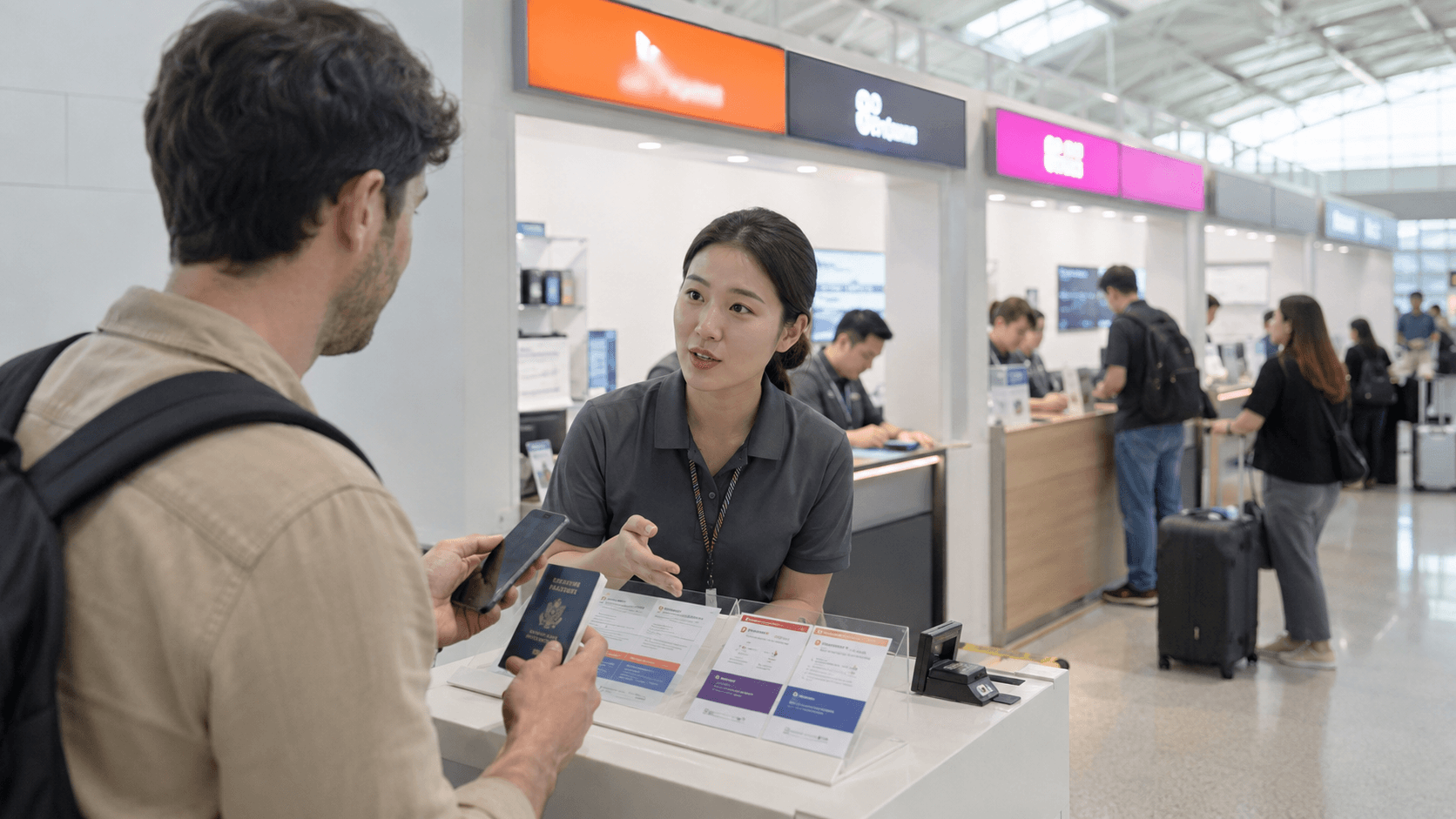
An unlimited-data SIM is usually the simplest way to stay connected while traveling in South Korea. Tourist plans are available from SK Telecom, KT, and LG U+, generally for periods from 1 to 90 days. However, “unlimited” does not always mean unrestricted full-speed data: some plans have a maximum speed or reduce your speed after a daily allowance.
Prices, plan conditions, and airport counter information in this guide were verified on June 9, 2026. Check the linked carrier pages again before purchasing.
Quick answer
For most short-term visitors:
- Choose an eSIM if your unlocked phone supports it and you want to arrange service before arrival.
- Choose a physical SIM if you want airport staff to install and test it, or your phone does not support eSIM.
- Choose a plan with voice and SMS if hotels, restaurants, tour operators, or delivery services may need to call you.
- Do not assume a tourist SIM can complete Korean legal identity verification. In most cases, it cannot be used for banking, government services, or other services requiring a verified resident account.
- Read the speed policy carefully. A low-priced “unlimited” reseller plan may slow to a very low speed after its daily allowance.
Current tourist SIM prices from the major carriers
The three major Korean carriers offer broadly similar short-term prices. The following examples were confirmed on their official websites on June 9, 2026.
| Period | SK Telecom tourist SIM/eSIM | KT tourist eSIM | LG U+ tourist SIM |
|---|---|---|---|
| 1 day | KRW 6,500 | KRW 6,500 | KRW 6,500 |
| 3 days | KRW 18,000 | KRW 18,000 | KRW 18,000 |
| 5 days | KRW 27,500 | KRW 27,500 | KRW 27,500 |
| 7 days | KRW 35,000 | KRW 35,000 | Check selected product |
| 10 days | KRW 38,500 | KRW 38,500 | Check selected product |
| 30 days | KRW 71,500 | KRW 71,500 | Check selected product |
| 90 days | KRW 143,000 | KRW 143,000 | Check selected product |
These are standard listed prices, including VAT where stated by the carrier. Online promotions, bundled transportation cards, and reseller discounts can change the amount you actually pay.
The important difference is not necessarily the price. Compare the data-speed policy, voice and SMS functions, activation clock, pickup location, and refund conditions.
What “unlimited data” means
SK Telecom
SK Telecom’s current tourist data SIM and eSIM pages advertise unlimited LTE data with service at speeds of up to 100 Mbps. SK also states that mobile internet calling services, such as KakaoTalk voice calls and FaceTime, can use the data allowance.
The official short-term plans run in 24-hour blocks. For example, a five-day plan is listed as 120 hours. The exact activation action depends on the product, so confirm whether the clock starts when the eSIM is installed, when it first connects, or when staff activate a physical SIM.
See the SK Telecom tourist eSIM plans and physical data SIM plans.
KT
KT’s tourist eSIM provides 3 GB of high-speed data per day. After using that daily amount, data remains unlimited at up to 5 Mbps until the allowance resets at midnight. Five Mbps is generally adequate for maps, messaging, browsing, music, and standard video, but large downloads and high-resolution streaming will take longer.
KT states that its short-term tourist products are for foreign visitors staying for no more than 90 days. Its eSIM usage period is calculated in 24-hour blocks from installation, according to the current product notice.
See the KT tourist SIM and eSIM website. The English landing page links to the current product and purchase screens.
LG U+
LG U+ currently advertises its physical tourist Data SIM as providing unlimited data without a routine speed cap or throttling. It also notes that speeds may be managed during excessive network congestion. The product is available in LTE and 5G variants, so check which option is selected before payment.
The current LG U+ page says the usage period begins with the first data use. It also distinguishes between data-only and data-plus-voice products.
See the LG U+ Korea SIM product page.
Data-only versus data, voice, and SMS
A data-only plan is sufficient for navigation, translation, messaging apps, email, and internet calls. It may even display a Korean 010 mobile number, but that does not necessarily mean outgoing calls or SMS are enabled.
A voice-enabled plan is more useful when you need to:
- Receive calls from a hotel, hospital, restaurant, or tour operator.
- Give a Korean contact number to a luggage delivery service.
- Make domestic calls without relying on an app.
- Receive ordinary verification messages from services that accept tourist numbers.
Outgoing calls and texts may require a separate balance. For example, SK Telecom’s voice-capable eSIM requires a top-up for outgoing calls and messages. LG U+ lists domestic outgoing calls at KRW 4.4 per second and SMS at KRW 55 per message for the relevant tourist product as of June 9, 2026.
A Korean number is not the same as Korean identity verification
This distinction causes frequent problems. A tourist SIM may receive an ordinary SMS code while still being unable to complete 본인인증, meaning formal identity verification linked to a Korean resident record.
LG U+ explicitly states that its tourist voice and SMS service may receive codes for some restaurant or taxi applications, but cannot perform identity verification for banking or government services. SK Telecom likewise says its tourist data products cannot be used for personal authentication or payment-related messages.
Exchange students and new residents who need banking, government apps, online shopping, or long-term contracts should investigate a resident prepaid or postpaid plan after receiving their residence card. Do not buy a tourist SIM on the assumption that it will unlock every Korean online service.
eSIM or physical SIM?
Choose an eSIM when
- Your phone has an
Add eSIMoption and is carrier-unlocked. - You want to keep your home SIM installed for calls or messages.
- You can access the QR code on a second screen or printout during setup.
- You are comfortable changing mobile-data and roaming settings yourself.
Do not delete an active eSIM profile. Both SK Telecom and KT warn that a deleted profile may not be recoverable or reissued, requiring a new purchase.
Choose a physical SIM when
- Your phone does not support eSIM.
- You want airport staff to help with installation and testing.
- You prefer to resolve compatibility problems before leaving the airport.
- Your phone has an available physical SIM slot.
Store your home SIM safely. A SIM card is small and easy to lose, and replacing it while abroad may be difficult.
Check these two compatibility points
First, the phone must be carrier-unlocked. Paying off a phone does not always unlock it automatically; confirm its status with your home carrier before departure.
Second, confirm the exact model supports Korean LTE or 5G bands and, for an eSIM, that eSIM has not been disabled for its country of sale. A model name alone may be insufficient because regional versions can differ.
On many phones, dialing *#06# displays identification information. SK Telecom advises checking for an EID or eSIM IMEI as one indication that eSIM installation is supported. The phone manufacturer remains the more reliable source for model compatibility.
Where to buy a tourist SIM
Before arrival
Buying directly from the carrier gives you the clearest access to official plan conditions and support. An eSIM can usually be delivered by email, while a reserved physical SIM is collected at a specified airport counter.
Before paying, save or screenshot:
- The product name and validity period.
- The data-speed policy.
- The airport and terminal selected for pickup.
- Counter opening hours.
- The QR code or reservation voucher.
- The cancellation and refund rules.
Be careful with marketplace listings that use “unlimited” prominently but place the post-allowance speed in small print. A connection reduced to 128 Kbps is technically continuous but can be impractical for image-heavy maps, video, and app updates.
At the airport
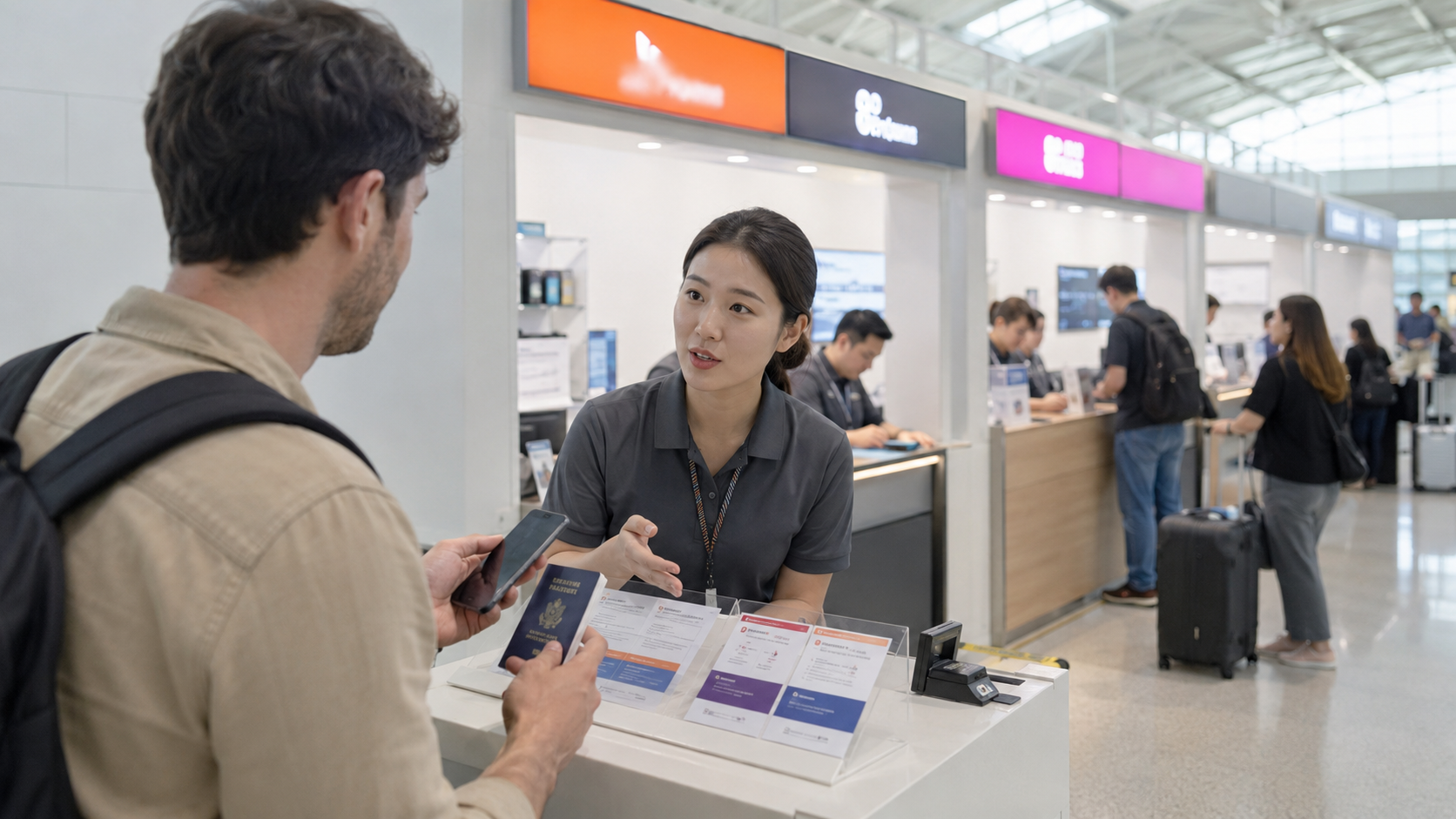
The Korea Tourism Organization confirms that major airports, including Incheon, Gimpo, Gimhae, and Jeju, have carrier roaming centers offering SIM cards and related services. Availability varies by carrier and airport, so verify your exact pickup point rather than assuming every product is sold everywhere. See VISITKOREA’s communications guide.
At Incheon International Airport, official airport listings show SK Telecom, KT, and LG U+ roaming counters in the arrival areas. Some counters operate 24 hours, but locations and hours can change. Check the Incheon Airport service directory shortly before your flight.
Bring your passport. Tourist SIM registration and voice or SMS activation may require passport verification. The name used for an online reservation should match the passport presented at pickup.
How to set up your SIM without roaming charges
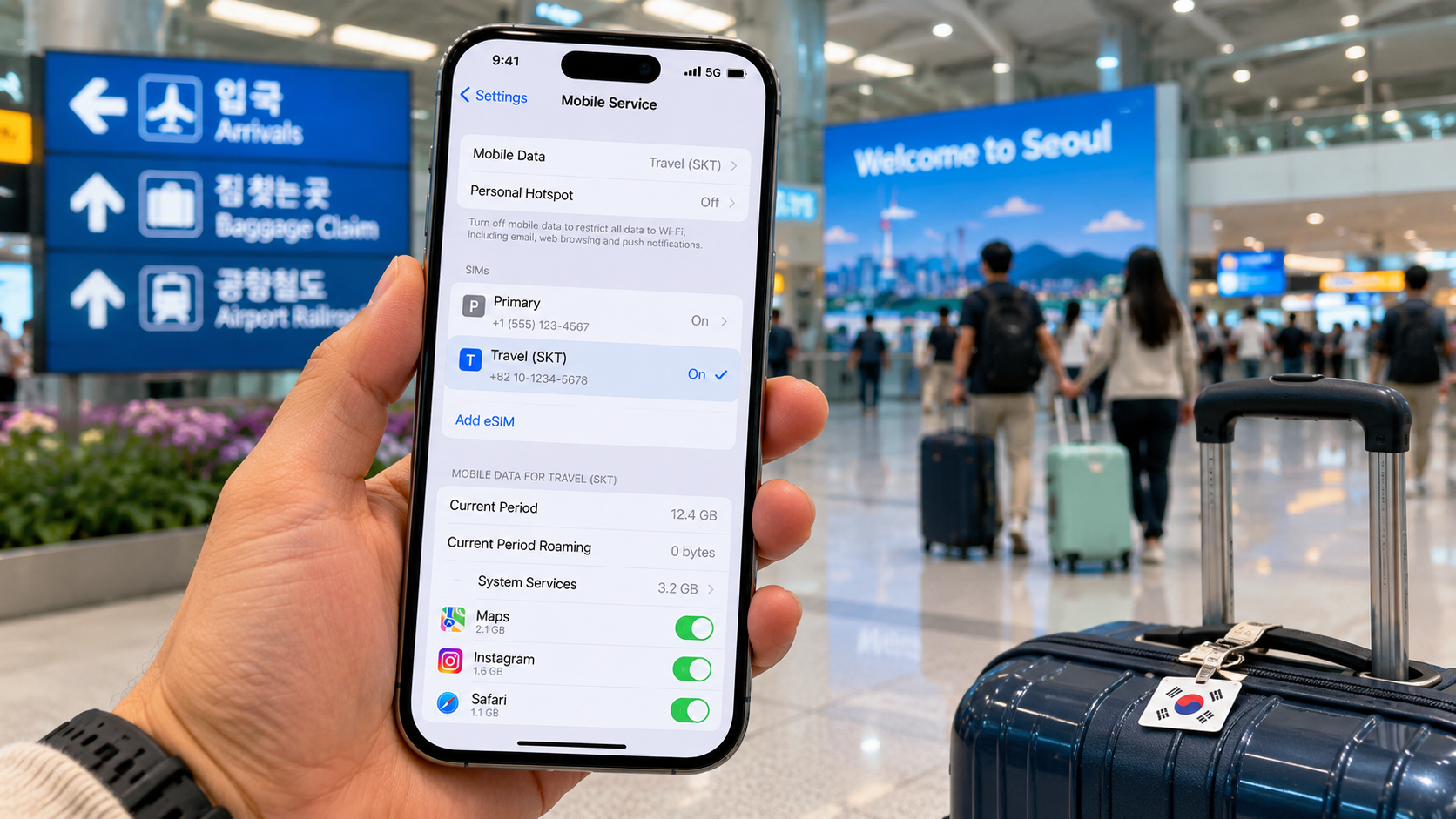
Menu names vary by phone, but this sequence works for most recent devices:
- Connect to reliable Wi-Fi before installing an eSIM.
- Add the eSIM using the carrier’s QR code, or turn off the phone and insert the physical SIM.
- Label the lines clearly, such as
HomeandKorea. - Select the Korean line for mobile data.
- Disable mobile-data switching so the phone does not silently return to your home line.
- Turn off data roaming on your home SIM.
- Follow the Korean carrier’s instructions about data roaming on the travel SIM. Some travel products require it even though they use a Korean network.
- Restart the phone and check that the expected carrier name appears.
- Test a map search, webpage, incoming message, and call if included.
- Do not leave the airport until the connection works.
Keeping your home SIM active can be useful for bank messages, but your home carrier may charge for incoming calls, outgoing messages, or roaming data. Check its policy separately.
Common problems
The phone shows no service
Restart it once or twice, confirm the Korean line is enabled, and check that airplane mode is off. With a physical SIM, reseat the card while the phone is powered down.
The carrier appears, but data does not work
Confirm that the Korean SIM is selected for mobile data. Check the carrier’s APN instructions and its required data-roaming setting. Avoid guessing APN values from old forum posts.
The eSIM QR code will not scan
Make sure the phone is online through Wi-Fi and that the QR code is displayed on another device. Check whether the code has already been used. Do not repeatedly delete and reinstall profiles unless the carrier explicitly instructs you to do so.
The plan expires earlier than expected
Some plans run for consecutive 24-hour periods, while others count calendar days or start during installation. Read the activation rule before setting up the SIM. Installing an eSIM before departure can start the clock early on some products.
Hotspot or tethering does not work
Do not assume unlimited phone data includes unrestricted tethering. Carrier fair-use rules may limit commercial use, servers, unusually heavy traffic, or connections to multiple devices. Confirm hotspot support on the exact product page if you plan to work remotely or connect a laptop regularly.
What to check before you go
- Is the phone carrier-unlocked?
- Does the exact phone model support eSIM and Korean network bands?
- Is the plan truly unrestricted, speed-capped, or reduced after a daily allowance?
- Does validity begin at installation, activation, or first data use?
- Do you need outgoing calls and SMS, or only data?
- Will you need a Korean number for bookings?
- Are passport verification and airport pickup required?
- Is the counter open when your flight arrives?
- Can the plan be extended if your itinerary changes?
- Does it permit hotspot use for your expected workload?
- Have you saved the voucher, QR code, support number, and purchase receipt offline?
For a straightforward trip, purchase the plan from an official carrier before departure, verify the activation rule, and test every included function at the airport. Travelers staying longer than 90 days should compare resident prepaid and postpaid plans after completing the appropriate immigration and residence-registration procedures.